

Manuals of product BradyPrinter S3000

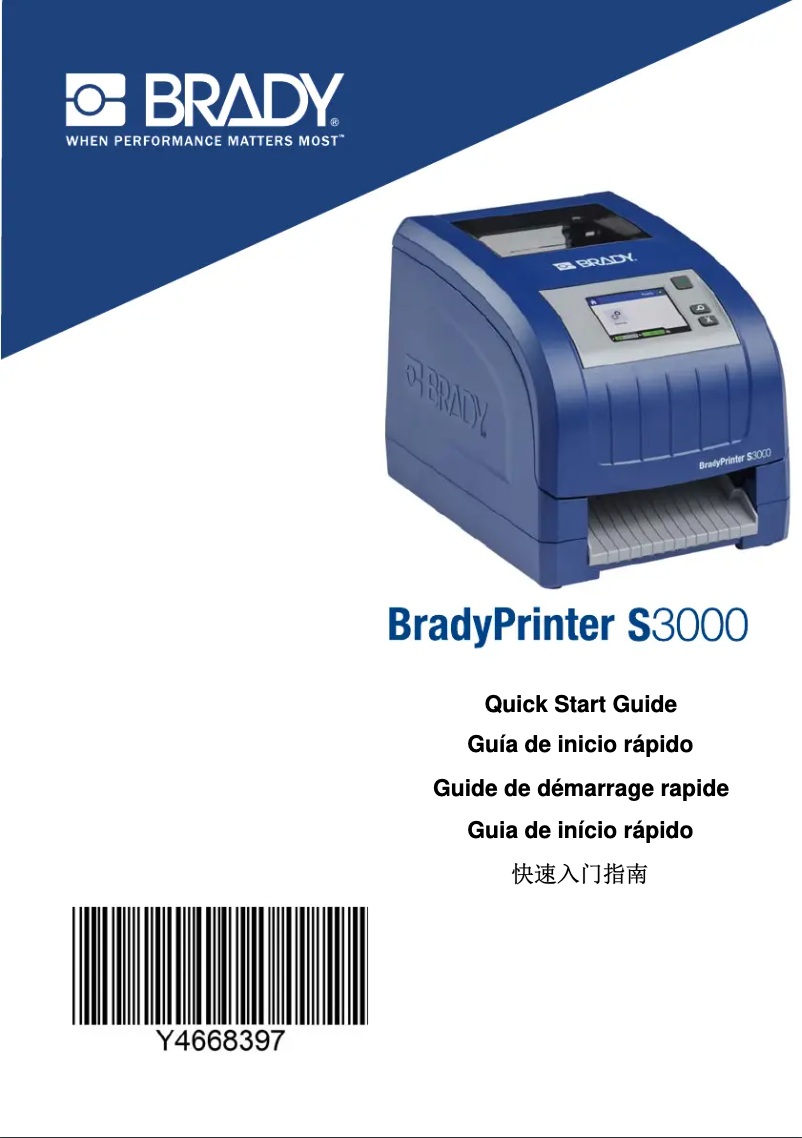
Editorial note
The Brady BradyPrinter S3000 positions itself as a high-quality printer, offering optimal performance for high-quality printing on various types of documents. With a performance score of 85, this printer is a major asset for professionals seeking reliability and precision in their prints. The ergonomic design also contributes to its integration into different work environments, although its size, which can be cumbersome in small spaces, must be taken into account. Ease of use is enhanced by the quick start guide and the user manual, although less tech-savvy users may encounter a learning curve. This factor is reflected in the usability score of 78. However, the price of the BradyPrinter S3000, while reflecting its quality, is a notable drawback, with a value for money score of 65. This could deter some potential users, especially in comparison to other printers on the market. In terms of features, the model offers appreciable versatility, capable of meeting various professional needs, as evidenced by its score of 75. The Brady brand is also recognized for its after-sales service, ensuring good support, although the potential costs of specific ink cartridges may increase long-term expenses. With a robustness score of 72, it is important to consider these aspects when evaluating operating costs. In summary, the Brady BradyPrinter S3000 is a high-performing and reliable printer, ideal for demanding professionals, but its cost and installation complexity may limit accessibility for some users.Score details
Performance
The optimal performance of the BradyPrinter S3000 ensures high-quality printing for various types of documents, which is a major asset.
Usability
Ease of use is enhanced by the quick start guide and user manual, although there may be a learning curve for users less familiar with technology.
Value for money
The price of the BradyPrinter S3000 is high compared to other printers, which may deter some potential users, despite the quality.
Design
The ergonomic design of the printer facilitates its integration into different work environments, although its size may be cumbersome.
Features
The BradyPrinter S3000 offers versatility in the types of documents that can be printed, thus meeting various professional needs.
Support
The Brady brand is recognized for its innovation and reliability, ensuring good after-sales service, but the costs of cartridges can be a drawback.
Robustness
Although the printer is durable, the specific ink cartridges required can be expensive and hard to find, increasing long-term operating costs.
Advantages
High-quality printing.
Quick handling.
Reliable and innovative brand.
Ergonomic design.
Versatile printing for various documents.
Disadvantages
High price compared to other models
Complex installation for novice users
Bulky size for small workspaces
Expensive and hard-to-find cartridges
Insufficient printing speed for large volumes
Technical Specifications BradyPrinter S3000
General Information
-
ModelBRADYPRINTER S3000
-
Brand
-
Category
-
Type
-
SKU1766642
-
MPN1766642
Frequently Asked Questions
What is the recommended method for removing jammed paper from the printer?
Why is my printer not recognizing the original cartridges?
What could be the reasons for poor print quality?
How is a laser printer different from an inkjet printer?
Why is my inkjet printer leaving black streaks on my prints?
What does the acronym DPI mean?
Is the user manual for the Brady BradyPrinter S3000 available in French?
Similar products


More product categories from brand Brady


Presentation of product BradyPrinter S3000 specifications from brand Brady
General Information
The Brady BradyPrinter S3000 is a flagship model from the Brady brand, known for its commitment to quality and innovation in the printing device sector. This model is designed to deliver exceptional performance, ensuring an enhanced user experience through advanced features.
The BradyPrinter S3000 stands out for its ability to produce high-quality prints suitable for a variety of documents, making it a versatile tool for professionals. Its use is facilitated by a quick start guide and a user manual, allowing for a swift and effective setup.
Advantages
- Optimal performance: Ensures superior quality prints for different types of documents.
- Ease of use: Includes a quick start guide for simple installation.
- Reliability: The Brady brand is renowned for its innovation and excellent after-sales service.
- Ergonomic design: Easily integrates into various work environments.
- Versatility: Capable of printing different types of documents, meeting various professional needs.
Disadvantages
- Cost: The price may be higher than that of other models available on the market.
- Complex installation: May require special attention for users less familiar with technology.
- Bulky size: May not be suitable for small workspaces, limiting its flexibility of use.
- Operating costs: Specific ink or ribbon cartridges can be expensive and sometimes difficult to obtain.
- Print speed: May not meet high printing needs, leading to delays in certain tasks.


