

Manuals of product WorkCentre PE220
Editorial note
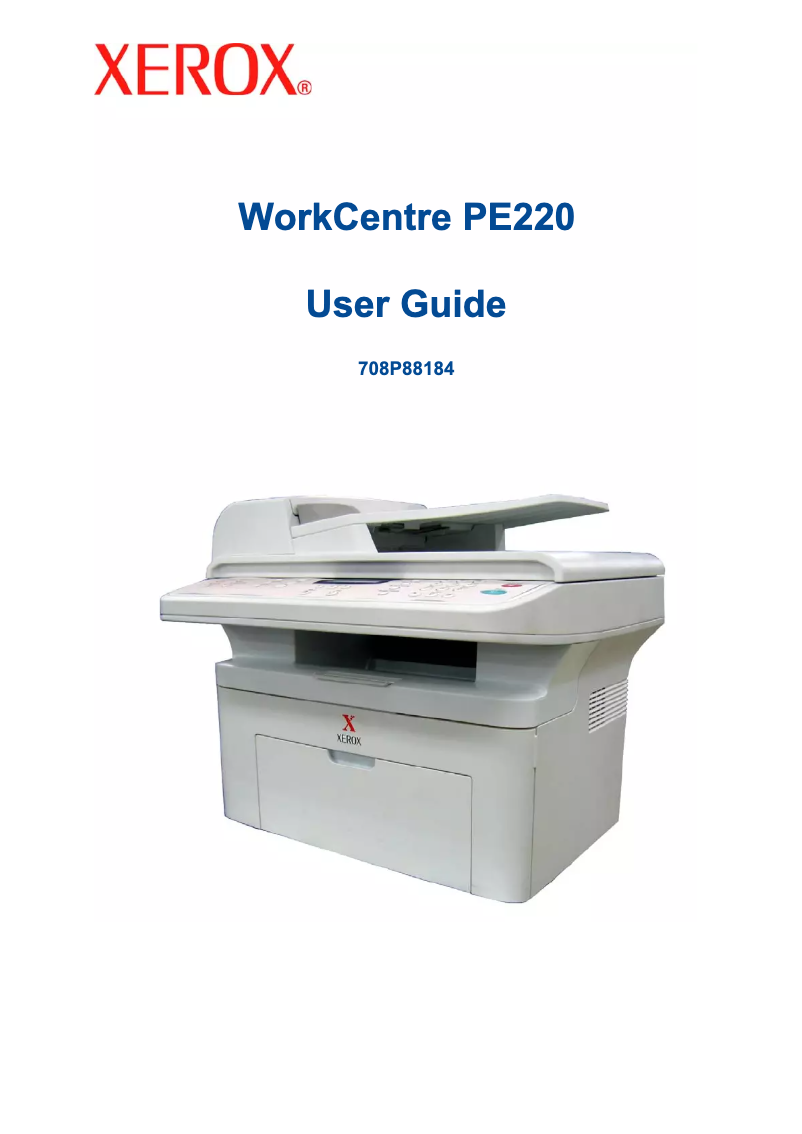
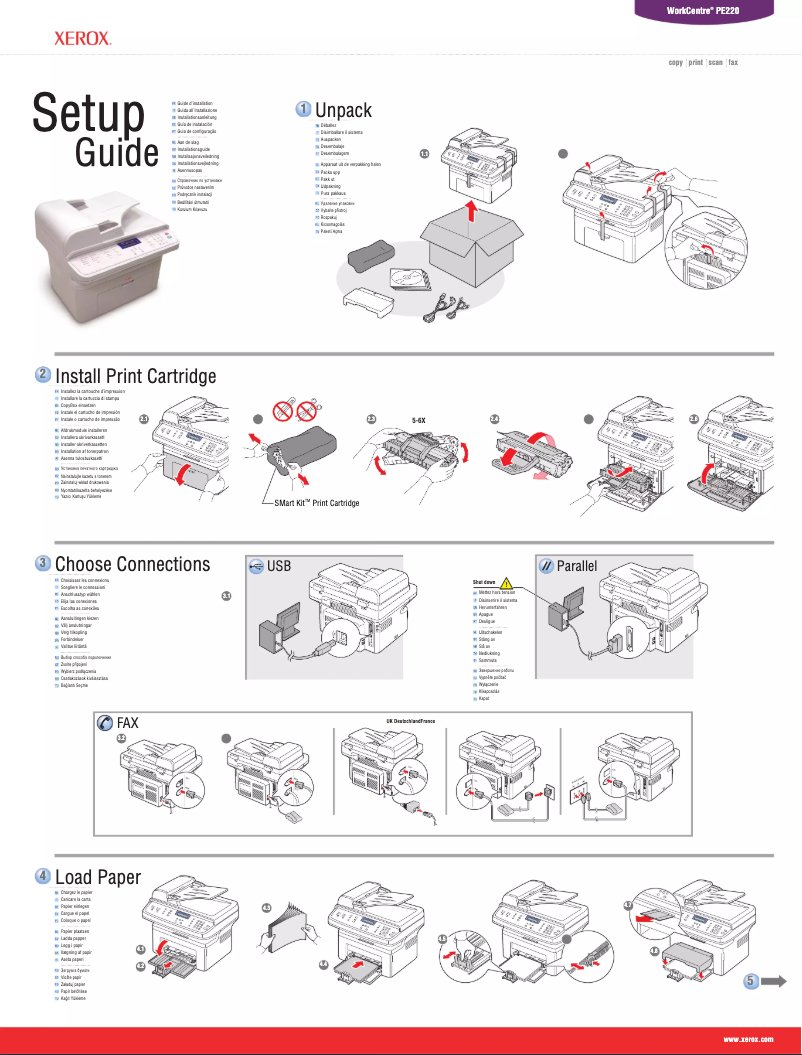
The Xerox WorkCentre PE220 positions itself as a reliable and high-performing printer, recognized for the quality of the Xerox brand. With optimal performance suited for daily use, it offers fast and quality printing, making it an interesting choice for demanding work environments. Additionally, it comes with useful documents, such as the user manual and installation guide, thus facilitating its integration into various workspaces. However, some points deserve to be highlighted. The printing speed may be lower than that of some competing models, which could slow down operations in a highly demanding office. Furthermore, the cost of ink cartridges and maintenance can quickly become high for regular users. The user interface, while simple, may seem somewhat unintuitive for some, complicating the initial setup a bit. Finally, the limitations in connectivity, particularly the lack of compatibility with the latest wireless standards, could restrict its use in modern environments. In summary, the Xerox WorkCentre PE220 is a robust printer, offering good versatility and ease of use thanks to its documented support. However, potential users should consider its limitations in terms of printing speed, operating costs, and connectivity before making their choice.Score details
User experience
The user experience is generally positive due to the ease of use, although some users may find the interface not very intuitive.
Performance
The performance is optimal for normal use, but the printing speed may be lower than that of some competing models.
Value for money
The cost of ink cartridges and maintenance can be high, which may increase long-term expenses for regular users.
Features
The PE220 model offers appreciated versatility, adapting to various printing needs, although it has limitations in connectivity.
Support
The provided documents, such as the user manual and installation guide, facilitate setup and integration into the workspace.
Robustness
The Xerox brand is recognized for its quality and innovation, thus ensuring increased reliability and durability of the WorkCentre PE220 printer.
Advantages
Recognized Xerox quality and reliability."
Fast and efficient printing."
Easy to set up and use."
Simple identification with the EAN code."
Versatile for various printing needs.
Disadvantages
Print speed lower than competitors.
High cost of cartridges and maintenance.
Non-intuitive user interface.
Limitations of wireless connectivity.
Limited recommended monthly print volume.
Technical Specifications WorkCentre PE220
General Information
-
ModelWORKCENTRE PE220
-
Brand
-
Category
-
Type
-
SKU978291
-
MPN978291
Frequently Asked Questions
What is the recommended method for removing jammed paper from the printer?
Why is my printer not recognizing the original cartridges?
What could be the reasons for poor print quality?
How does a laser printer differ from an inkjet printer?
Why is my inkjet printer producing black streaks on my prints?
What does the abbreviation DPI mean?
Is the manual for the Xerox WorkCentre PE220 available in French?
Similar products


More product categories from brand Xerox
Other Xerox
More product types from brand Xerox


Presentation of product WorkCentre PE220 specifications from brand Xerox
General Information
The Xerox WorkCentre PE220 is a printer model designed by the renowned brand Xerox, known for its commitment to quality and innovation in the field of printing technologies. This model, the WorkCentre PE220, is designed to deliver efficient performance, thus ensuring an enhanced user experience and high-quality printing results.
Product identification: the EAN code associated with the Xerox WorkCentre PE220 is 0095205221152, allowing for unique identification in distribution systems.
Advantages
This model has several notable advantages:
- Recognized quality: Xerox is synonymous with reliability and durability, ensuring that the PE220 printer will meet user expectations.
- Optimal performance: Designed for fast and quality printing, this printer is ideal for demanding work environments.
- Ease of use: Supplied with a user manual and installation guide, its integration into a workspace is simplified.
- Unique identification: The EAN code facilitates effective tracking and inventory management.
- Versatility: Although primarily a printer, the PE220 model adapts to various printing needs, making it a flexible choice for different types of users.
Disadvantages
It is also important to consider some disadvantages:
- Printing speed: This may be lower than that of some competing models, which could slow down printing tasks in a dynamic office environment.
- Consumable costs: Ink cartridges and maintenance costs can be high, thus increasing long-term expenses for regular users.
- User interface: For some, the interface may seem non-intuitive, making the setup and use of the printer a bit more complex.
- Connectivity limitations: The printer does not support the latest wireless standards, which may restrict its integration into modern environments.
- Monthly printing volume: Recommended at a limited level, which may not be suitable for businesses with high printing needs.


