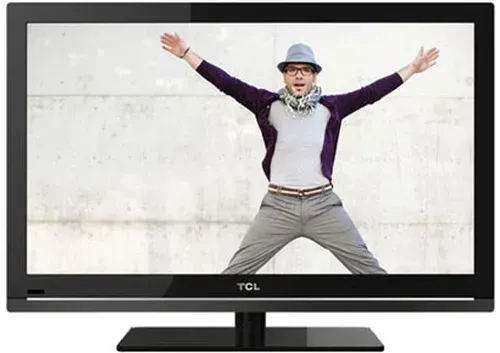
Thumbnail of product 55C644 from brand TCL
Logo of brand TCL

Television TCL 55C644

The TCL 55C644 is a modern television that combines performance and innovation. With a screen size of 55 inches, it offers an immersive viewing experience, ideal for watching movies, series, and video games.

This model is designed to ensure optimal performance and an enhanced user experience. Known for its quality, TCL is a trusted brand in the multimedia device field. The EAN code 5901292520830 uniquely identifies this product in the distribution system.

The TCL 55C644 also comes with a user manual, making its installation and use easier. With this television, enjoy advanced technology that enriches your home entertainment moments.

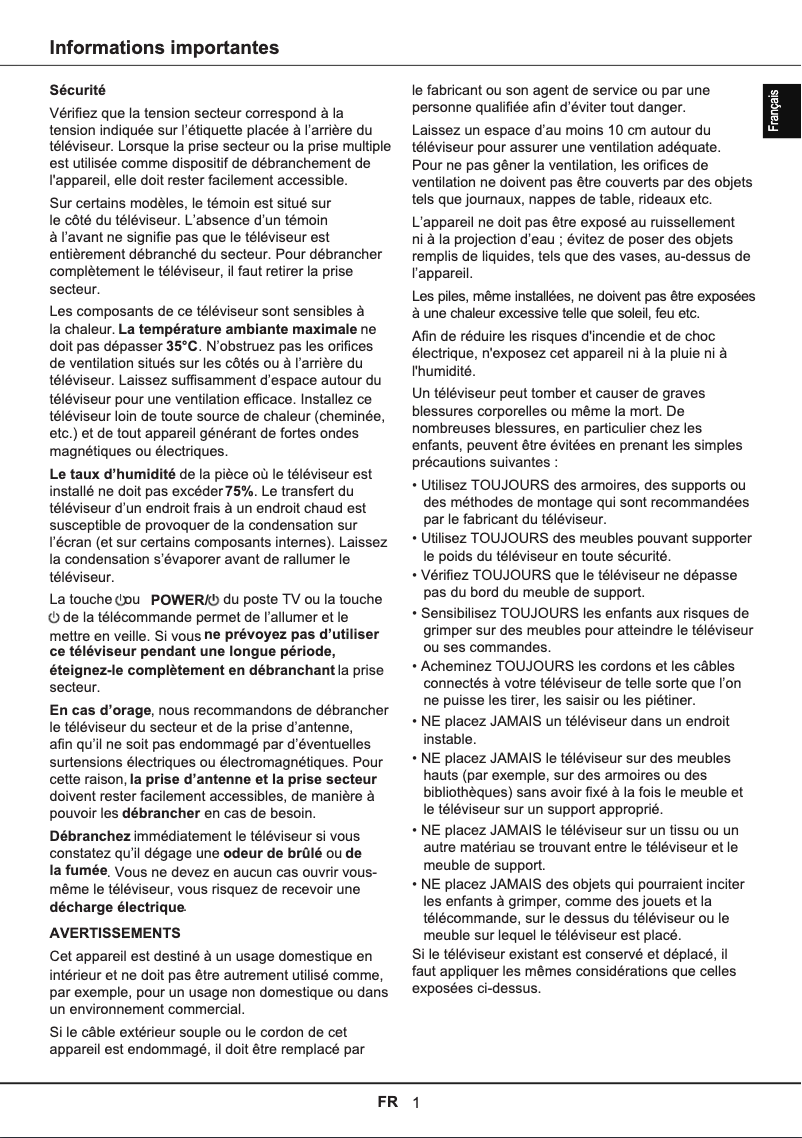
Manual of product 55C644
8 10

Editorial note

The TCL 55C644 is a television that stands out for its exceptional picture quality, offering a high resolution that makes every viewing captivating. Its innovative technology ensures a modern and smooth user experience, although some users may find the interface a bit less responsive. Its contemporary and elegant design allows for a harmonious integration into various interiors, adding an aesthetic touch to your living space. Additionally, the included user manual makes installation and use easy, even for those who are not very familiar with electronic devices. However, the TCL 55C644 has some drawbacks. The sound quality may be insufficient for audiophiles, making it necessary to add a soundbar or an external audio system. Furthermore, connectivity is limited with a restricted number of HDMI and USB ports, which can be problematic for users wanting to connect multiple devices. Finally, the limited viewing angles and slight blooming due to the LED backlighting can affect picture quality in certain situations. Overall, the TCL 55C644 is a solid choice for those seeking a quality visual experience, provided they are aware of its limitations in terms of sound and connectivity.

Score details

User experience

The user experience is generally positive thanks to the exceptional image quality and innovative technology, but the interface may lack fluidity.

Performance

The performance is good with high resolution, but the sound quality may require an external audio system for an optimal experience.

Design

The sleek and contemporary design of the TCL 55C644 fits perfectly into any interior, adding a pleasing aesthetic touch.

Usability

The included user manual makes installation and use easy, even for less experienced users.

Features

The features are interesting, but the limited connectivity and restricted viewing angles may be drawbacks for some users.


Advantages

Sharp and detailed image quality

Modern and smooth technology

Contemporary and elegant design

User manual included

Reliable and durable brand

Disadvantages

Insufficient sound, needs a soundbar

Slow and unresponsive interface

Limited viewing angles

Restricted connectivity, few ports

Slight blooming issues with backlighting

Technical Specifications 55C644

General Information

Frequently Asked Questions

What is the recommended viewing distance for my TCL TV?
The optimal viewing distance for your TCL TV depends on the screen size. Generally, it is advised to sit about 2.4 times the diagonal of the screen.
What should I do if my TV is no longer receiving a signal?
If your TV is not receiving a signal, check the following: - Make sure your TV is on the correct source. - Ensure that your TV is properly connected via HDMI or SCART inputs.
What are the dimensions of my TV screen?
The size of your TV is usually indicated in inches, where 1 inch equals 2.54 centimeters. The dimension refers to the diagonal of the screen, measured from the bottom left to the top right.
What does the acronym HDMI stand for?
HDMI stands for High-Definition Multimedia Interface. An HDMI cable allows for the transmission of audio and video signals between different devices.
Is it possible to connect devices from different brands via Bluetooth?
Yes, thanks to Bluetooth technology, it is possible to connect different devices to each other.
How do I use the remote control of the TCL 55C644 to navigate menus and configure settings?
To navigate menus and adjust settings with the TCL 55C644 remote control, follow these steps: 1. Press the 'Menu' button to display the dashboard. 2. Use the directional arrows to choose options. 3. Press 'OK' to select an option. 4. In sub-menus, continue navigating with the arrows and use 'OK' to enable or disable settings. 5. Press 'Back' to return to the previous menu. 6. To access the User Center, use the dedicated button. 7. For specific functions like volume or channel change, use the appropriate buttons on the remote. Note that these steps may vary slightly depending on the model or software version.
How do I select different input sources on the TCL 55C644 with the remote control?
To select input sources on the TCL 55C644 with the remote control, follow these steps: 1. Press 'Menu' to access the dashboard. 2. Select 'Settings' with the arrows and press 'OK'. 3. Go to 'Channels and Inputs' and press 'OK'. 4. Choose 'Inputs' and confirm with 'OK'. 5. Scroll through the available sources with the arrows. 6. Press 'OK' to select the desired source. 7. If necessary, choose a specific HDMI port or channel. 8. Confirm with 'OK'. 9. To change the source, repeat steps 5 to 8. These steps may vary slightly depending on the model or software version.
How do I access the User Center on the TCL 55C644 with the remote control?
To access the User Center on the TCL 55C644, follow these instructions: 1. Press 'Menu' to display the dashboard. 2. Select 'Settings' with the arrows and press 'OK'. 3. Go to 'User Center' and confirm with 'OK'. 4. If necessary, enter the password or PIN. 5. Select 'OK' to validate. 6. The User Center interface will appear, giving access to various settings and features. These steps may vary slightly depending on the model or software version.
How do I activate Google Assistant on the TCL 55C644?
To use Google Assistant on the TCL 55C644, follow these steps: 1. Ensure your TV is connected to the Internet. 2. Activate the built-in MIC switch (refer to the Quick Start Guide for its location). 3. In Google TV mode, press the Google Assistant button on the remote. 4. Accept the terms by selecting 'Yes, I accept'. 5. Say 'OK Google' or 'Hey Google' to activate the assistant. 6. Formulate your command or question. 7. Google Assistant will respond or perform actions based on your request. Note that availability may vary by region and software version.
How do I access streaming apps like Netflix and Prime Video on the TCL 55C644 with the remote control?
To access Netflix and Prime Video on the TCL 55C644, follow these steps: 1. Ensure your TV is connected to the Internet. 2. Press 'Home' to open the home screen. 3. Select 'Apps'. 4. Find the 'Netflix' or 'Prime Video' app and press 'OK' to open it. 5. If you are not logged in, follow the instructions to log in or create an account. 6. Once logged in, browse the content with the arrows and select with 'OK'. 7. To exit, press 'Home'. Availability may vary by region and software version.
How do I use the TCL channel and home page features on the TCL 55C644 with the remote control?
To use the TCL channel and home page features on the TCL 55C644, follow these steps: 1. Press 'Home' to open the home screen. 2. Select 'TCL Channel' or 'TCL Home' with the arrows. 3. Press 'OK' to access the chosen feature. 4. Browse the content in the TCL Channel and select what you want to watch. 5. In TCL Home, customize your experience by adding your favorite apps and content. Note that features may vary depending on the software version.
What legal information should I know about the software of the TCL 55C644 TV?
Regarding the software of the TCL 55C644, here are some important details: 1. The TV uses CyberLink C software, which is distributed as Open Source. 2. Other software like opensl and xerces are under Apache license. 3. Various components are also under GPL, LGPL, BSD, and GNU. 4. TCL specifies that some functions may not be available on all devices or in all regions. 5. Accessible content is protected by copyright and intended for personal use. 6. TCL does not guarantee the quality or performance of the TV and its software.
How do I enjoy the Google TV experience on the TCL 55C644?
To use the Google TV experience on the TCL 55C644, do the following: 1. Press 'Home' to access the home screen. 2. Select 'Google TV' with the arrows. 3. Press 'OK' to launch Google TV. 4. The interface will appear, giving you access to various apps and content. 5. Use the arrows to navigate and select the desired app or content. 6. Press 'OK' to open the app or start playback. Note that features may vary depending on the software version.
How do I use the FreeviewPlay feature on the TCL 55C644?
To use FreeviewPlay on the TCL 55C644, follow these steps: 1. Press 'Home' to open the home screen. 2. Select 'FreeviewPlay' with the arrows. 3. Press 'OK' to access FreeviewPlay. 4. The interface will display, allowing you to access live channels and on-demand content. 5. Navigate with the arrows to choose a channel or content, then press 'OK' to start watching. Availability may vary by region.
How do I access the electronic program guide (EPG) on the TCL 55C644?
To access the EPG on the TCL 55C644, follow these steps: 1. Press 'Home' to open the home screen. 2. Select 'Settings' and press 'OK'. 3. Go to 'Channels and Inputs' and press 'OK'. 4. Choose 'Channel' and press 'OK'. 5. Select 'EPG' to enter the program guide. 6. Navigate with the arrows to explore available programs. 7. For more information about a program, select it and press 'OK'. Note that the steps may vary slightly depending on the model or software version.
Is the manual for the TCL 55C644 available in French?
Yes, the manual for the TCL 55C644 is available in French.

Similar products


Discover the technical sheet of 55LED1600 from Salora and its manuals...
Available manuals:
Discover the technical sheet of 28LED1600 from Salora and its manuals...
Available manuals:
Discover the technical sheet of L39F3390FC from TCL and its manuals...
Available manuals:
Discover the technical sheet of 43LED1600 from Salora and its manuals...
Available manuals:
Discover the technical sheet of 50DP660 from TCL and its manuals...
Available manuals:
Discover the technical sheet of L32D3300C from TCL and its manuals...
Available manuals:
Discover the technical sheet of 20LED1600 from Salora and its manuals...
Available manuals:
Discover the technical sheet of U60P6026 from TCL and its manuals...
Available manuals:
Discover the technical sheet of 22LED1600 from Salora and its manuals...
Available manuals:
Discover the technical sheet of 65DP660 from TCL and its manuals...
Available manuals:
Discover the technical sheet of 43DP640 from TCL and its manuals...
Available manuals:
Discover the technical sheet of 32LED1600 from Salora and its manuals...
Available manuals:

Presentation of product 55C644 specifications from brand TCL

General Information

The TCL 55C644 is a television that embodies the brand's commitment to quality and innovation in the consumer electronics sector. This model, designated as 55C644, is designed to deliver exceptional performance and enhance the viewing experience. With its EAN code 5901292520830, this product is easily identifiable in distribution systems.

Advantages

Impressive image quality: The TCL 55C644 stands out with its high resolution, providing sharp and detailed images that immerse the viewer in the action.

Advanced technology: Equipped with the latest innovations from TCL, this television ensures a smooth and modern user experience, facilitating access to various content.

Modern design: With its sleek and contemporary aesthetic, the TCL 55C644 fits perfectly into any type of interior, adding a touch of elegance to your living space.

User manual included: The product comes with a detailed manual, making its installation and use accessible, even for those who are not familiar with technology.

Brand reliability: TCL is known for the durability and quality of its devices, providing peace of mind to users.

Disadvantages

Sound quality: Some users may find the audio quality insufficient, which could require the addition of a soundbar or external audio system for an optimal sound experience.

User interface: The interface may sometimes lack fluidity, which could affect navigation between different applications and channels.

Viewing angles: Limited viewing angles can lead to a degradation of image quality when watching the television from off-center positions.

Limited connectivity: The restricted number of HDMI or USB ports may pose difficulties for users wishing to connect multiple devices simultaneously.

LED backlighting: The backlighting may cause slight blooming, where bright areas bleed into dark areas, thus affecting the overall image quality.