

Manuals of product MX-M6051
Editorial note
The Sharp MX-M6051 is a high-performance printer that stands out for its exceptional print quality, ideal for professional results. Thanks to Sharp's technological innovation, this device offers a modern and intuitive user experience, making it easy to handle. However, it is important to note that the purchase price of the printer can be a barrier for small businesses or individual users. Additionally, its weight and dimensions can make it difficult to move, thus limiting its flexibility of use in different work environments. The high energy consumption and toner costs can also represent significant long-term expenses. Despite these drawbacks, the MX-M6051 has a solid reputation for durability and reliability, making it a wise choice for professional use. The availability of manuals and user guides facilitates understanding of the features, although technical skills may be required for initial setup and regular maintenance. In summary, the Sharp MX-M6051 is an investment that may be worthwhile for businesses looking to combine performance and quality, while keeping in mind the costs associated with its use.Score details
User experience
The user experience is very satisfactory thanks to Sharp's technological innovation, offering a modern interface that facilitates use.
Performance
The printing performance is exceptional, ensuring professional results suitable for various needs.
Value for money
Although the Sharp MX-M6051 is a significant investment, its quality and reliability can justify the cost for businesses.
Usability
The accessibility of the documentation makes it easier to get started with the product, although the initial setup may require technical skills.
Robustness
Sharp's reputation for durability ensures that the MX-M6051 is a reliable choice for professional use.
Support
The availability of manuals and user guides helps in understanding the features, although technical support may be necessary for maintenance.
Advantages
Guaranteed professional print quality.
Modern and efficient printing technology.
Easily accessible user documentation.
Recognized reliability of the Sharp brand.
Versatile for printing, copying, and scanning.
Disadvantages
High purchase cost for small businesses.
Weight and size limit mobility.
High energy consumption.
Setup and maintenance require skills.
High costs of toners and spare parts.
Technical Specifications MX-M6051
General Information
-
ModelMX-M6051
-
Brand
-
Category
-
Type
-
SKU1570548
-
MPN1570548
Frequently Asked Questions
What is the best method to remove a jammed paper from the printer?
Why is my printer not accepting original cartridges?
What could be the reasons for poor print quality?
What is the difference between a laser printer and an inkjet printer?
Why is my inkjet printer printing black streaks?
What does the acronym DPI mean?
Is the manual for the Sharp MX-M6051 available in French?
Similar products


More product categories from brand Sharp
Television and multimedia Sharp
Home appliances Sharp
Household appliances Sharp
Audio Sharp
Phones Sharp
Other Sharp
Interior Sharp
More product types from brand Sharp


Presentation of product MX-M6051 specifications from brand Sharp
General Information
The Sharp MX-M6051 printer, manufactured by the renowned brand Sharp, stands out for its commitment to quality and innovation in the home appliance sector. This model, the MX-M6051, is designed to deliver top-notch printing performance, ensuring professional results with every use.
Advantages
The Sharp MX-M6051 is characterized by several strengths:
- Optimal performance: Designed to provide exceptional print quality, it perfectly meets professional requirements.
- Technological innovation: Thanks to the latest advancements in printing, this device ensures a modern and efficient user experience.
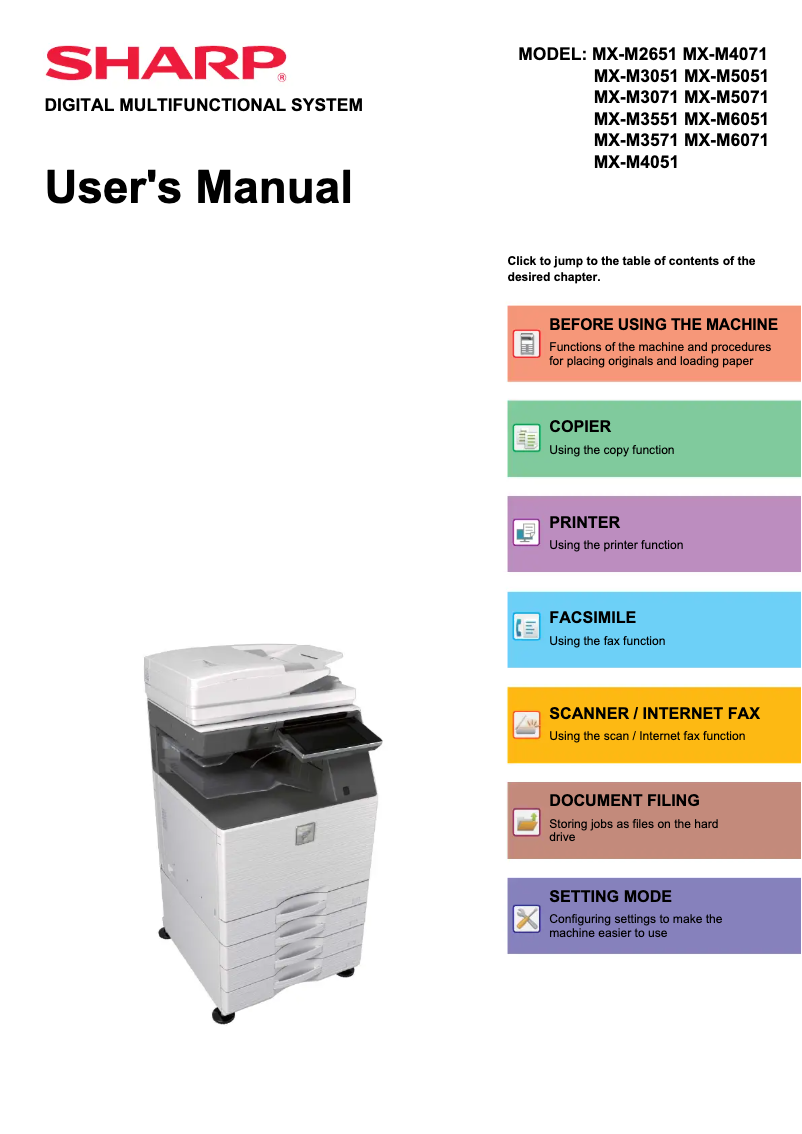
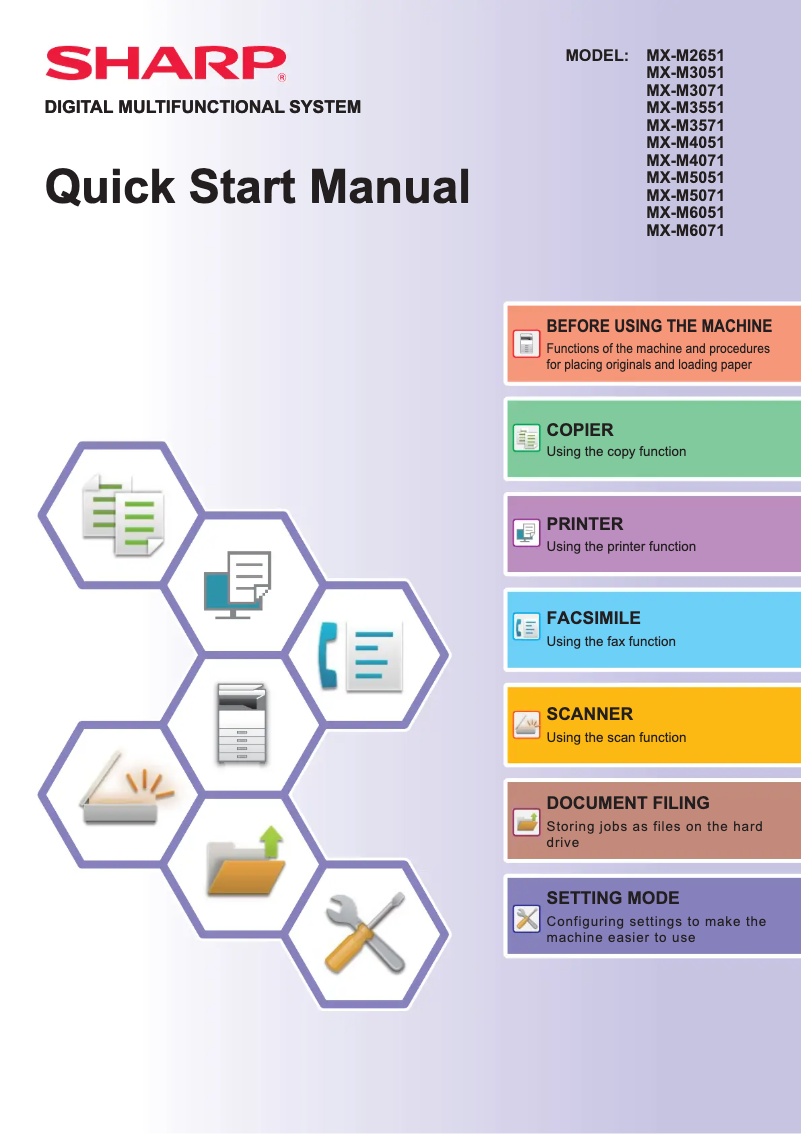
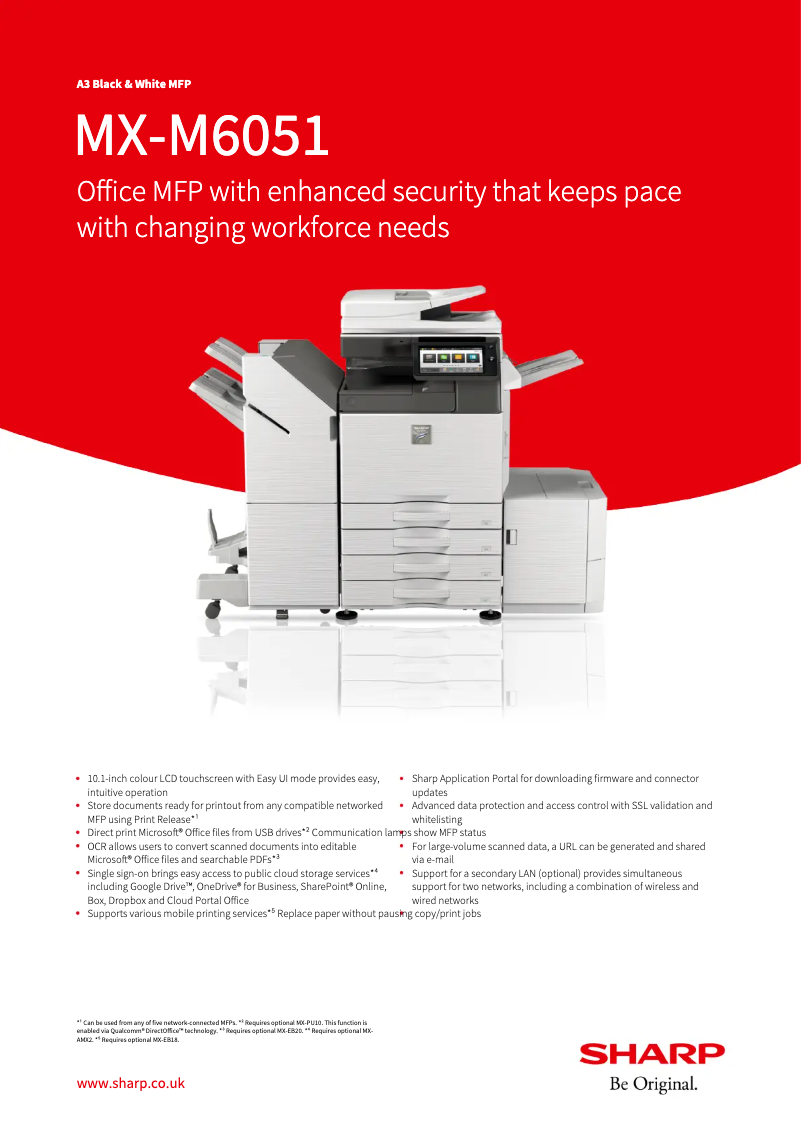
- Accessibility of documentation: A user manual, a quick start guide, and a technical sheet are provided, making it easier to understand the printer's features.
- Reliability: The reputation of the Sharp brand attests to the durability and reliability of the MX-M6051, making it a wise choice for professional environments.
- Versatility: Capable of handling various types of documents, this device adapts to different printing, copying, and scanning needs.
Disadvantages
However, there are also some drawbacks to consider:
- Purchase cost: The Sharp MX-M6051 can represent a significant investment, which may pose a problem for small businesses or individual users.
- Weight and dimensions: Its physical characteristics can make it difficult to move, thus limiting its flexibility of use in different workspaces.
- Energy consumption: The printer may have high energy consumption, leading to additional costs on the electricity bill.
- Setup and maintenance: The initial setup and regular maintenance may require technical skills, which are not always within reach of all users.
- Consumable costs: Although the print quality is high, the costs of toners and replacement parts can be relatively high, thus increasing the total cost of ownership.


