

Manuals of product MX-M3571S
Editorial note
The Sharp MX-M3571S printer stands out for its exceptional print quality, making it a perfect choice for professional environments where clarity and precision of documents are essential. Its versatility is a major asset, as it allows not only printing but also copying and scanning, thus meeting various office needs. Moreover, its use is facilitated by the user manual and the quick start guide provided, although some users may find the interface less intuitive. However, it is worth noting that the acquisition cost of this printer can represent a significant investment for some businesses or individual users. Its weight and dimensions may also pose challenges when installing in tight spaces. Furthermore, energy consumption is relatively high, which could lead to increased operating costs in the long term. Finally, the toner cartridges specific to this model can be expensive and less accessible than generic alternatives. In summary, the Sharp MX-M3571S is a robust and high-performing device, ideal for professional use, but it requires consideration of costs and available space before purchase.Score details
User experience
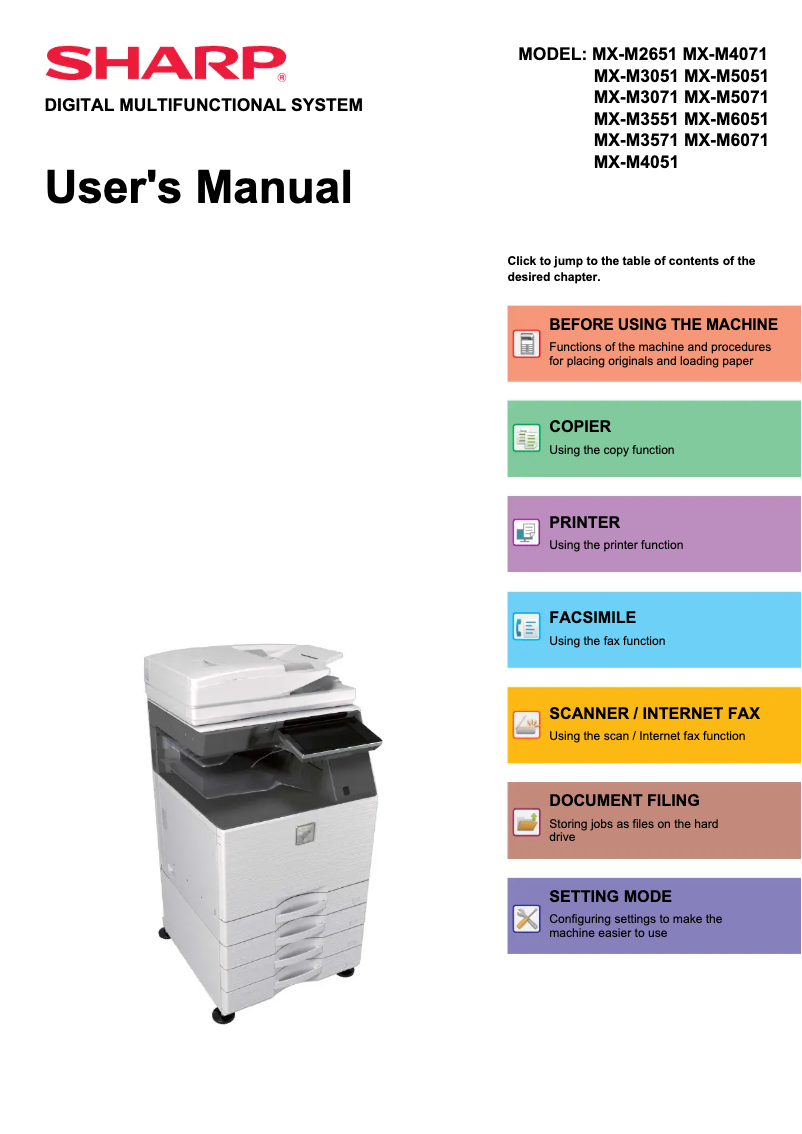
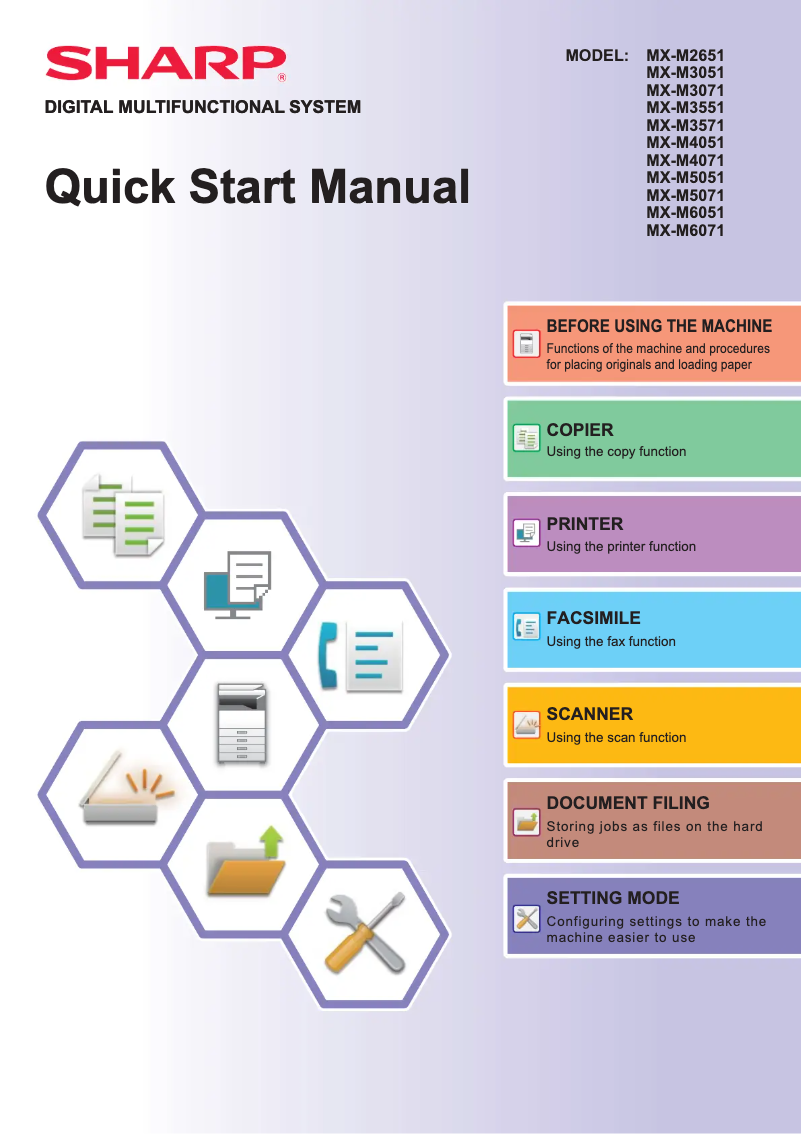
The handling of the printer is simplified thanks to the user manual and the quick start guide, although some users find the interface less intuitive.
Performance
The Sharp MX-M3571S offers excellent print quality and solid performance, ideal for professional environments.
Value for money
The acquisition cost can be high, which may represent a significant investment for some companies.
Features
The printer is multifunctional, allowing for printing, copying, and scanning, with advanced connectivity options.
Robustness
The Sharp brand is known for its durability, ensuring a reliable and high-performing product in the long term.
Battery life
The energy consumption is relatively high, which could lead to long-term operating costs.
Usability
Although the printer is easy to use, its weight and dimensions may pose problems for installation in tight spaces.
Advantages
High-quality prints.
Multifunction: prints, copies, scans.
Easy to use for everyone.
Reliable and durable brand.
Advanced connectivity, wireless printing.
Disadvantages
High acquisition cost for some users.
Difficult installation in tight spaces.
High energy consumption in the long term.
Expensive and less accessible toner cartridges.
User interface not intuitive for some.
Technical Specifications MX-M3571S
General Information
-
ModelMX-M3571S
-
Brand
-
Category
-
Type
-
SKU1570505
-
MPN1570505
Frequently Asked Questions
What is the best method to remove paper jammed in the printer?
Why does my printer not recognize original cartridges?
What are the possible reasons for poor print quality?
How does a laser printer differ from an inkjet printer?
Why is my inkjet printer producing black streaks?
What does the acronym DPI mean?
Is the manual for the Sharp MX-M3571S available in French?
Similar products


More product categories from brand Sharp
Television and multimedia Sharp
Home appliances Sharp
Household appliances Sharp
Audio Sharp
Phones Sharp
Other Sharp
Interior Sharp
More product types from brand Sharp


Presentation of product MX-M3571S specifications from brand Sharp
General Information
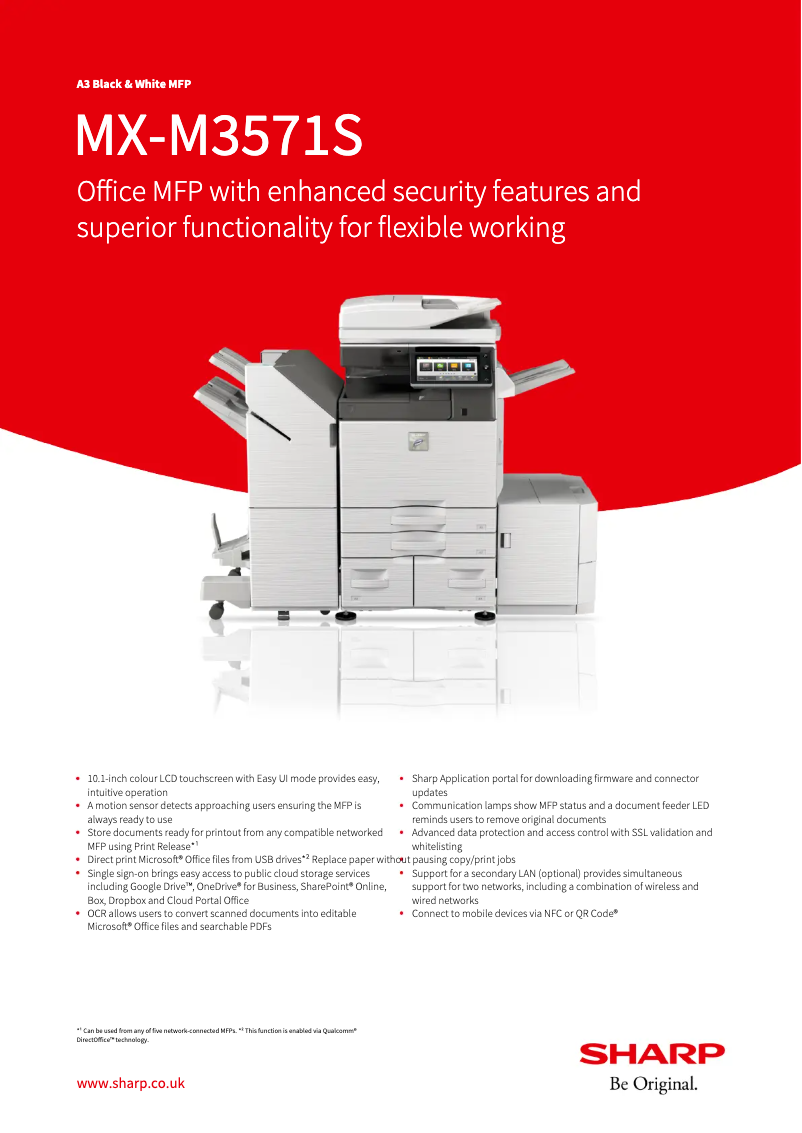
The Sharp MX-M3571S is a multifunction printer from the brand Sharp, known for its commitment to quality and innovation in the electronics sector. This model is designed to ensure exceptional performance and a smooth user experience, thus meeting the varied needs of professional environments.
Advantages
The Sharp MX-M3571S stands out for:
- Excellent print quality: This device produces prints with remarkable clarity, ideal for professional documents.
- Versatility: In addition to printing, it also allows for copying and scanning, making it suitable for various office needs.
- Ease of use: A user manual and a quick start guide are provided, simplifying the onboarding process even for novices.
- Brand reliability: The reputation of Sharp for durability and innovation ensures a high-performing product over the long term.
- Advanced connectivity: The model offers several connectivity options, allowing for easy integration into different work environments and facilitating wireless printing.
Disadvantages
However, some aspects may be considered disadvantages:
- Acquisition cost: The price of the printer can represent a significant investment for some businesses or individual users.
- Weight and dimensions: Its bulkiness may complicate its installation and movement in tight spaces.
- Energy consumption: The printer's power consumption can be relatively high, leading to increased operating costs over the long term.
- Availability of consumables: The ink or toner cartridges specific to the model can be expensive and less easy to find than generic alternatives.
- User interface: Some users may find that the interface is not as intuitive as that of other models on the market, requiring an adjustment period.


