

Manuals of product MX-M3071S
Editorial note
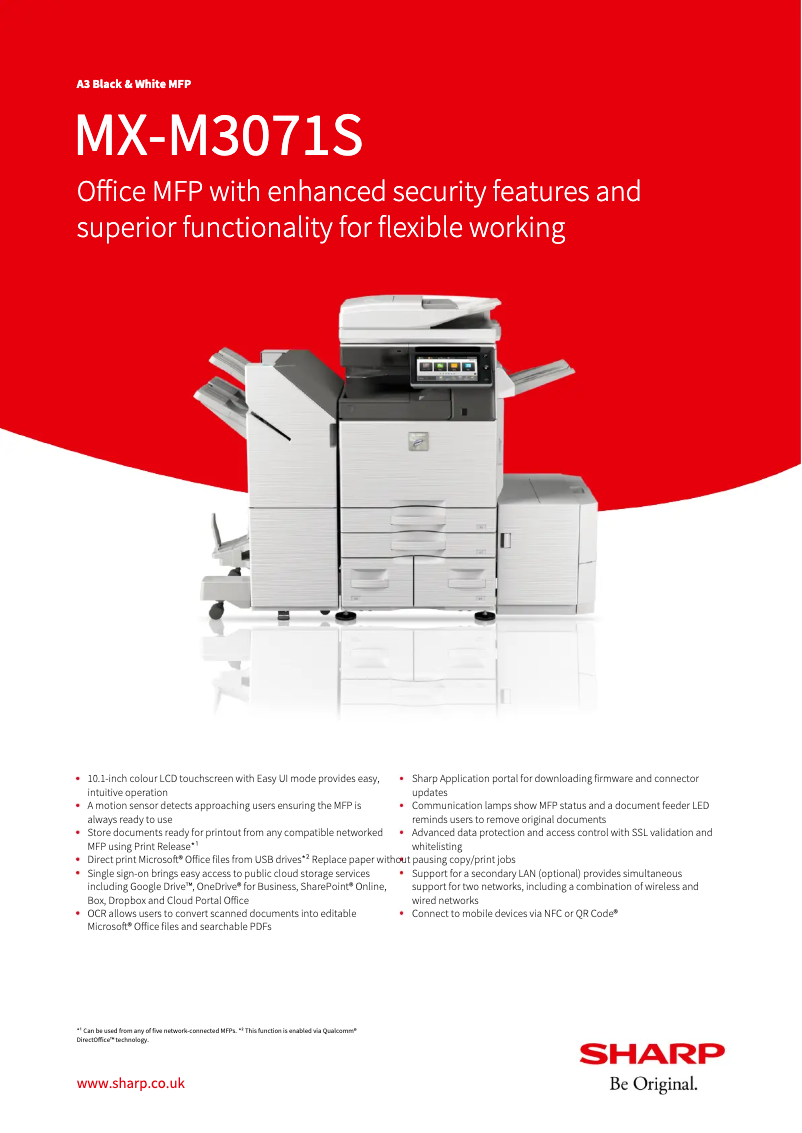
The Sharp MX-M3071S stands out for its exceptional print quality, delivering professional and crisp documents that meet the highest standards. With its optimal performance, this printer is capable of handling a large volume of documents without compromising speed or quality, making it an ideal choice for demanding work environments. Additionally, its intuitive user interface and the provided user guides make it easy to get started, making the user experience particularly enjoyable. However, the MX-M3071S model also has some drawbacks. Its high purchase cost can represent a significant investment for small businesses or individuals, which could limit its accessibility. Furthermore, its size and weight may pose challenges during installation and relocation, especially in tight spaces. The high energy consumption during use can lead to additional costs on the electricity bill, and the ink cartridges specific to this model can be expensive and sometimes hard to find. Finally, the noise generated during printing could be disruptive in a quiet work environment. In summary, the Sharp MX-M3071S is a high-quality printer that offers many advantageous features, but it should be considered with caution due to its cost and dimensions. Users will appreciate its efficiency and ease of use, but they will need to take into account the aspects related to its consumption and noise.Score details
User experience
The handling of the printer is simplified thanks to its intuitive interface and user guides, providing a pleasant user experience.
Performance
The Sharp MX-M3071S ensures optimal performance, capable of processing a large volume of documents without compromising speed or quality.
Design
Although the design is modern, the size and weight of the printer can make its installation and movement difficult in tight spaces.
Value for money
The purchase cost can be high, representing a significant investment for small businesses or individuals.
Battery life
The high energy consumption during use can lead to additional costs on the electricity bill.
Support
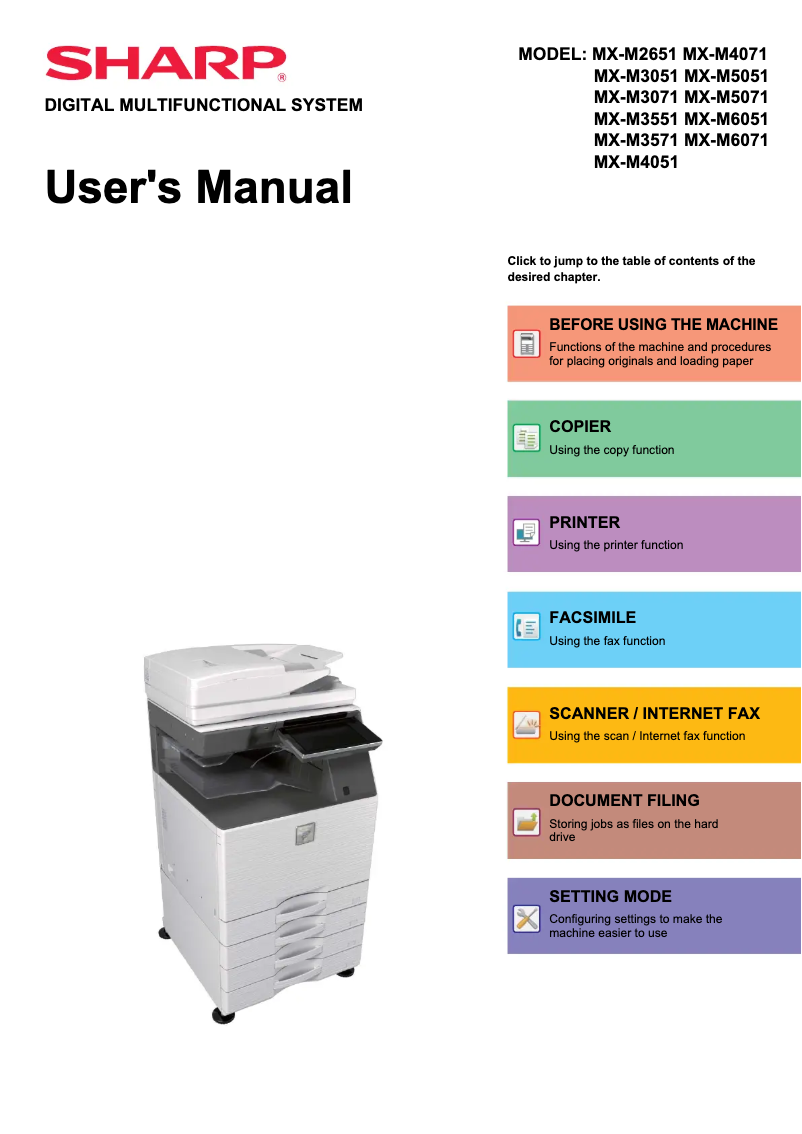
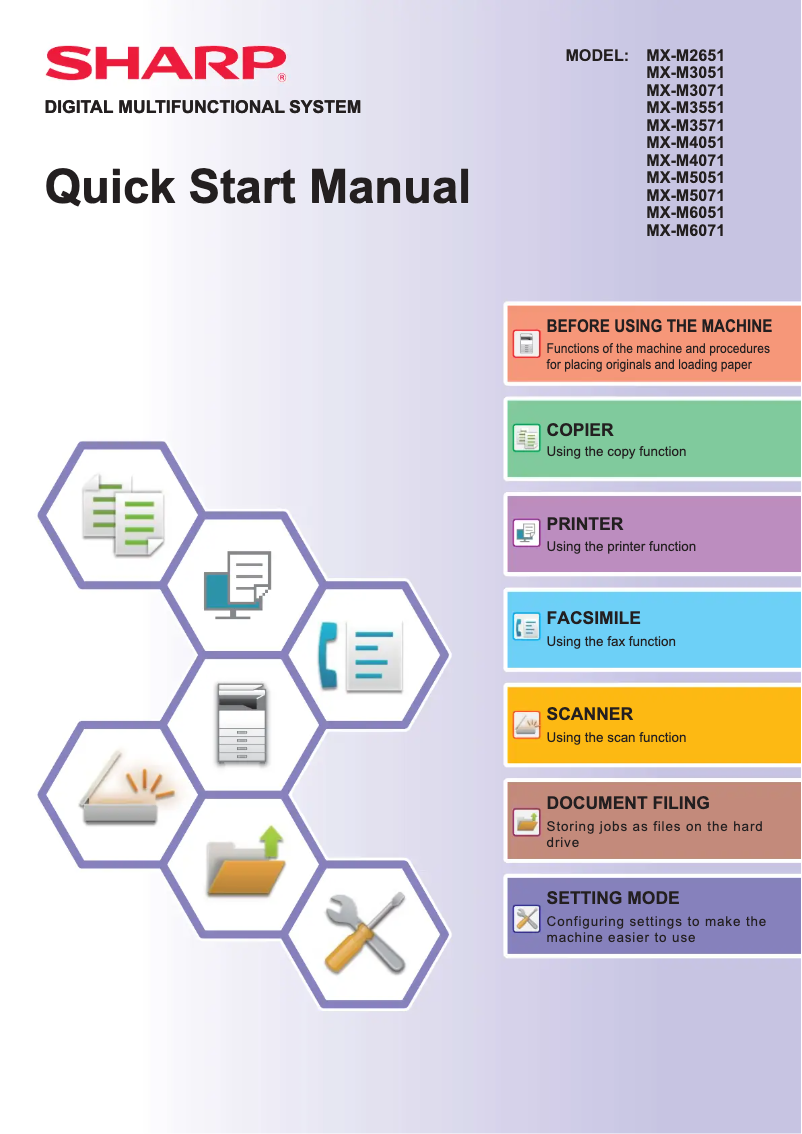
The printer comes with several useful documents, such as the user manual and quick start guide, making it easier to use.
Usability
Despite the ease of use, the noise generated during printing can be disruptive in a quiet work environment.
Advantages
High-quality prints.
Efficiency for large volumes.
Intuitive user interface.
Innovative advanced features.
Documentation and support included.
Disadvantages
High purchase cost for small businesses.
Size and weight complicating movement.
Energy consumption leading to additional costs.
Expensive and sometimes rare toner cartridges.
Disturbing printing noise in a quiet environment.
Technical Specifications MX-M3071S
General Information
-
ModelMX-M3071S
-
Brand
-
Category
-
Type
-
SKU1570553
-
MPN1570553
Frequently Asked Questions
What is the best method to remove paper jammed in the printer?
Why does my printer refuse to accept original cartridges?
Why is the quality of my prints poor?
What are the differences between a laser printer and an inkjet printer?
Why does my inkjet printer leave black streaks on prints?
What does the acronym DPI mean?
Is the manual for the Sharp MX-M3071S available in French?
Similar products


More product categories from brand Sharp
Television and multimedia Sharp
Home appliances Sharp
Household appliances Sharp
Audio Sharp
Phones Sharp
Other Sharp
Interior Sharp
More product types from brand Sharp


Presentation of product MX-M3071S specifications from brand Sharp
General Information
The Sharp MX-M3071S printer is a flagship model from the Sharp brand, known for its commitment to quality and innovation in the office equipment sector. This model is designed to deliver reliable performance and a smooth user experience, making it a popular choice in professional environments.
Advantages
Exceptional print quality: The Sharp MX-M3071S produces high-quality prints, ensuring clear and professional documents.
Optimal performance: This model is capable of handling a large volume of documents quickly, without compromising print clarity.
Ease of use: With its user-friendly interface and clear usage guides, operating the printer is accessible to everyone, even novice users.
Technological innovations: Equipped with advanced features, the MX-M3071S enhances productivity and efficiency in modern offices.
Support and documentation: The printer comes with a user manual and a quick start guide, making its installation and use straightforward from the outset.
Disadvantages
Purchase cost: The Sharp MX-M3071S represents a significant investment, which could be a concern for small businesses or individual users.
Size and weight: Its bulk can make installation and relocation difficult, especially in tight spaces.
Energy consumption: This printer can consume a high amount of energy during operation, which could impact electricity bills.
Consumable costs: The toner cartridges specific to this model can be expensive and sometimes hard to obtain.
Noise level: The noise generated during printing can be disruptive, particularly in work environments where quiet is essential.


