

Manuals of product MX-B456W
Editorial note
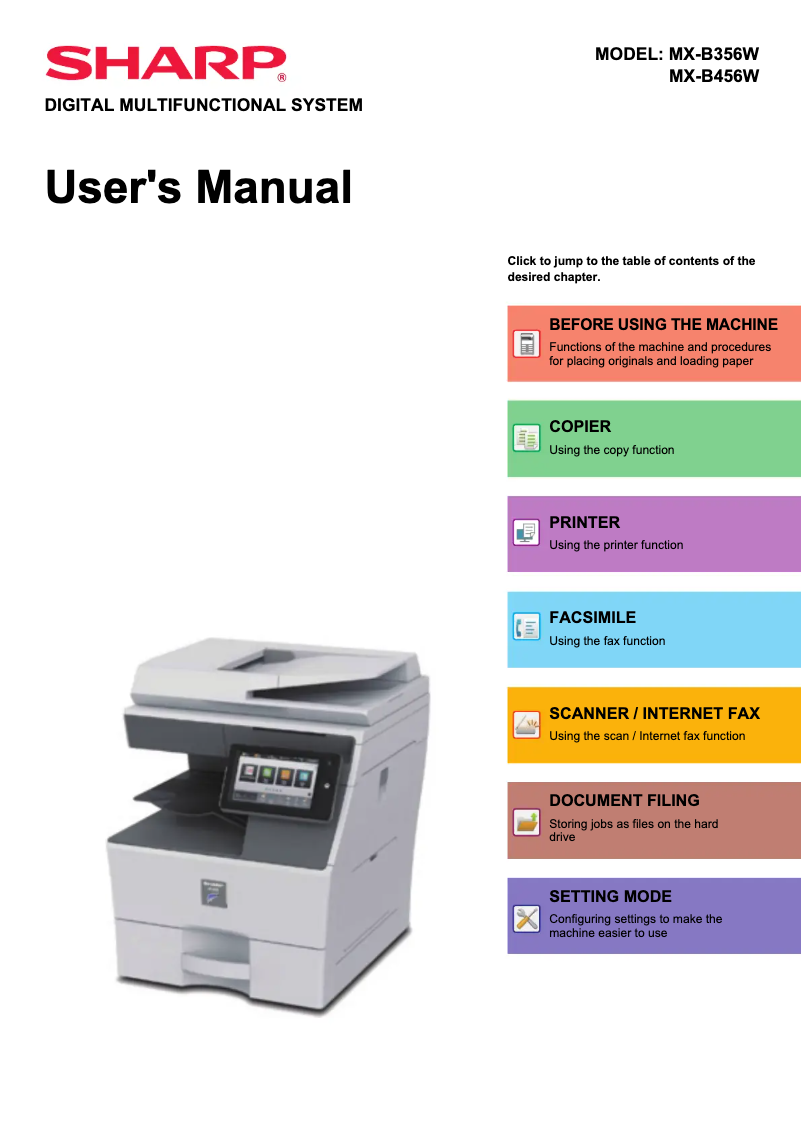
The Sharp MX-B456W positions itself as a printer of choice for work environments requiring high-quality prints. With a performance score of 90, it delivers sharp and professional prints, suitable for various types of documents, whether reports or brochures. Its versatility is also a major asset, allowing printing on multiple types of media, making it ideal for different needs. The user experience is enhanced by the printer's ease of use, as indicated by its score of 85. The quick start guide and user manual allow for a simple setup, even for less experienced users. However, wireless connectivity, while convenient, receives a score of 70 due to its tendency to be unstable, which can lead to printing issues if the signal is weak. Nevertheless, it is important to consider the drawbacks associated with this model. The purchase cost and the cost of ink cartridges can be high, which may be a barrier for some users, resulting in a score of 65 for value for money. Additionally, while its compact design is an advantage for fitting into tight spaces, it can prove cumbersome for some offices. Finally, although the available support documents are helpful, some advanced features may require a learning curve, which could confuse users less familiar with technology. In summary, the Sharp MX-B456W is a high-performing and versatile printer, but its cost and some aspects of its connectivity should be taken into account before purchase.Score details
User experience
The user experience is very satisfactory due to the ease of use and simple setup, even for inexperienced users.
Performance
The print quality is exceptional, providing clear and professional results suitable for various work environments.
connectivity
The wireless connectivity is convenient, but can sometimes be unstable, which may cause printing issues if the signal is weak.
Value for money
The purchase cost and the cost of ink cartridges can be high, which could deter some users from making a purchase decision.
Design
The compact design allows for integration into tight spaces, but the size can still be cumbersome for some offices.
Features
The versatility of the printer is a major asset, allowing printing on various types of media and formats.
Support
The available documents, such as the user manual and the quick start guide, are helpful, but some advanced features may require a learning curve.
Advantages
Clear and professional prints.
Support for various formats and media.
Easy to use, even for beginners.
Wireless printing from multiple devices.
Compact size for limited spaces.
Disadvantages
High purchase cost compared to competitors.
Bulky size for small spaces.
Advanced features requiring a learning curve.
High maintenance costs and cartridges.
Sometimes unstable wireless connectivity.
Technical Specifications MX-B456W
General Information
-
ModelMX-B456W
-
Brand
-
Category
-
Type
-
SKU1570510
-
MPN1570510
Frequently Asked Questions
What is the best method to remove paper jammed in the printer?
Why is my printer not recognizing the original cartridges?
What are the possible reasons for poor print quality?
What is the difference between a laser printer and an inkjet printer?
Why is my inkjet printer producing black streaks?
What does the acronym DPI mean?
Is the manual for the Sharp MX-B456W available in French?
Similar products


More product categories from brand Sharp
Television and multimedia Sharp
Home appliances Sharp
Household appliances Sharp
Audio Sharp
Phones Sharp
Other Sharp
Interior Sharp
More product types from brand Sharp


Presentation of product MX-B456W specifications from brand Sharp
General Information
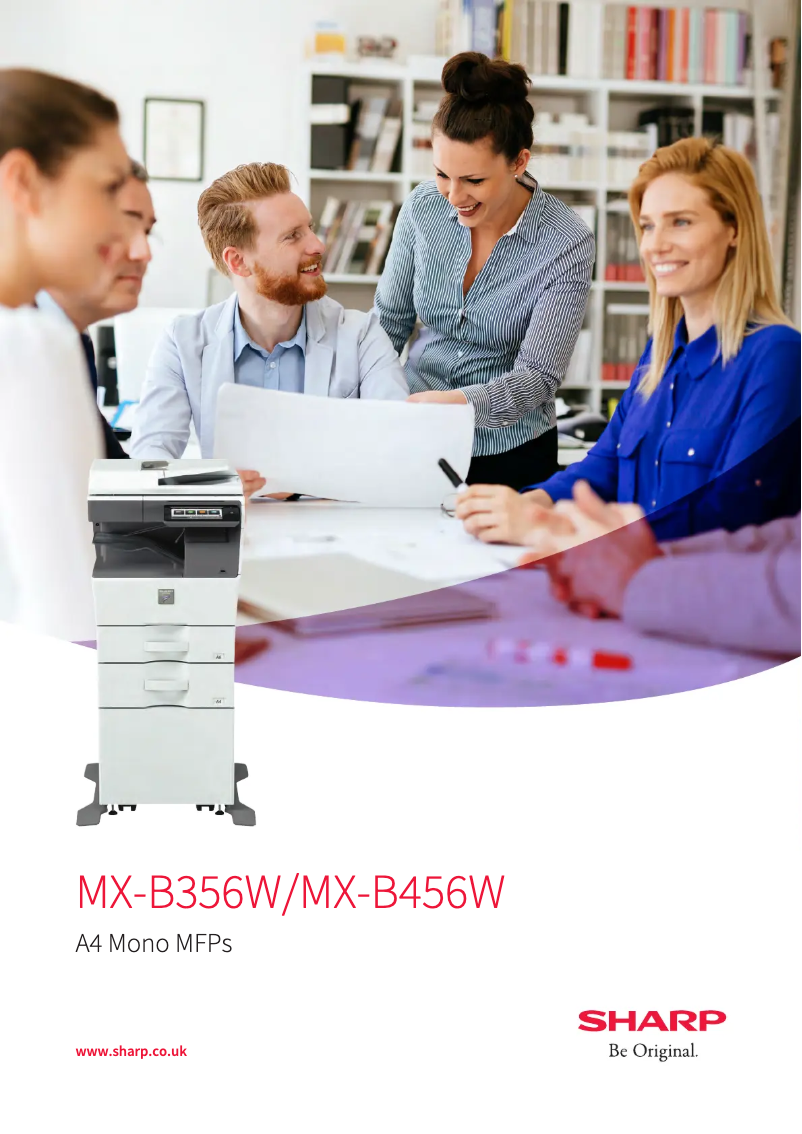
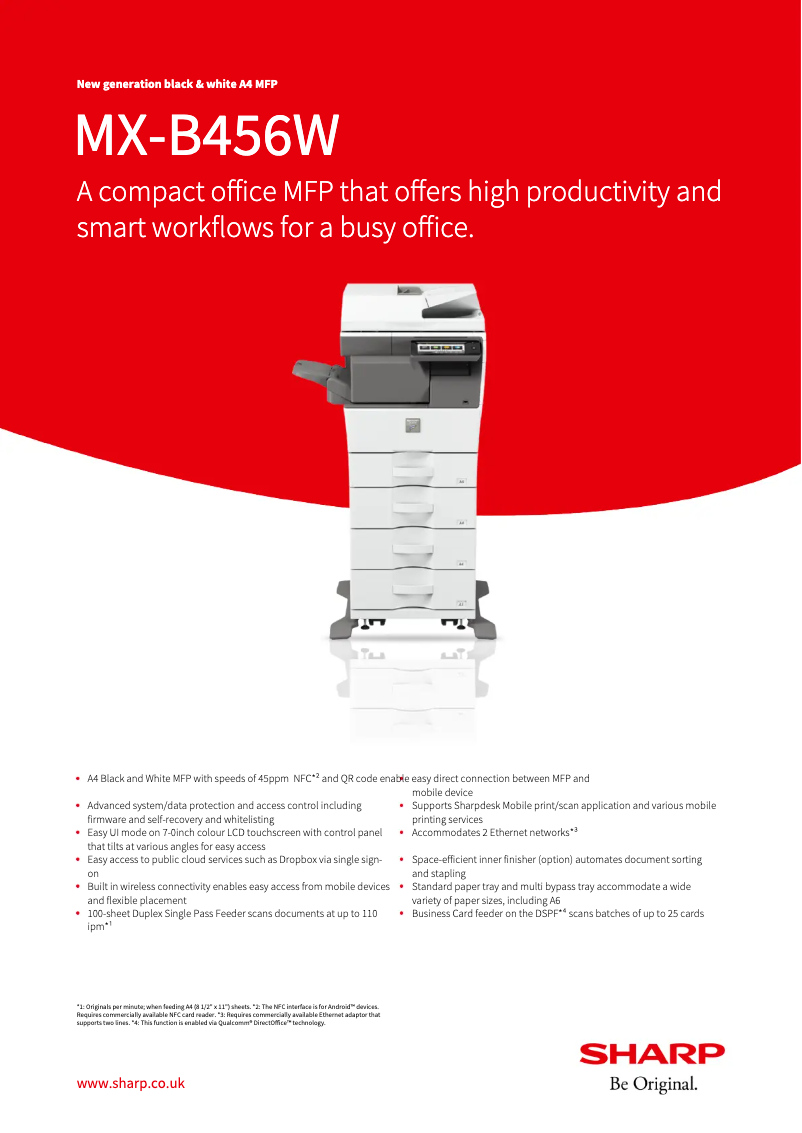
The Sharp MX-B456W printer, produced by the renowned brand Sharp, stands out for its commitment to quality and innovation in the office equipment sector. This model is designed to deliver exceptional performance, ensuring a smooth and efficient user experience.
Advantages
Remarkable print quality: The Sharp MX-B456W ensures precise and professional prints, ideal for various documents, whether reports, presentations, or brochures.
Versatility: This printer supports different types of media and formats, thus meeting various printing needs within work environments.
Ease of use: With its quick start guide and user manual, getting started with the Sharp MX-B456W is simple, even for those unfamiliar with printing technologies.
Wireless connectivity: Equipped with built-in Wi-Fi functionality, it allows for easy printing from various devices, such as computers, tablets, and smartphones, providing great flexibility of use.
Compact design: Its optimized design allows the Sharp MX-B456W to fit into tight workspaces without compromising its performance.
Disadvantages
Initial cost: Purchasing the Sharp MX-B456W printer may represent a higher investment compared to other similar models, which could be a barrier for some users.
Bulkiness: Although compact, its size may be perceived as cumbersome in limited office or workspaces, making installation tricky.
Advanced features: Some options may require a learning curve, which could confuse less experienced users.
Maintenance costs: Expenses related to ink cartridges and maintenance can add up quickly, making long-term use potentially costly.
Unstable connectivity: Wireless connectivity may sometimes encounter issues in case of weak signals or network overload, which can affect the printing experience.


