

Manual of product MX-B380P
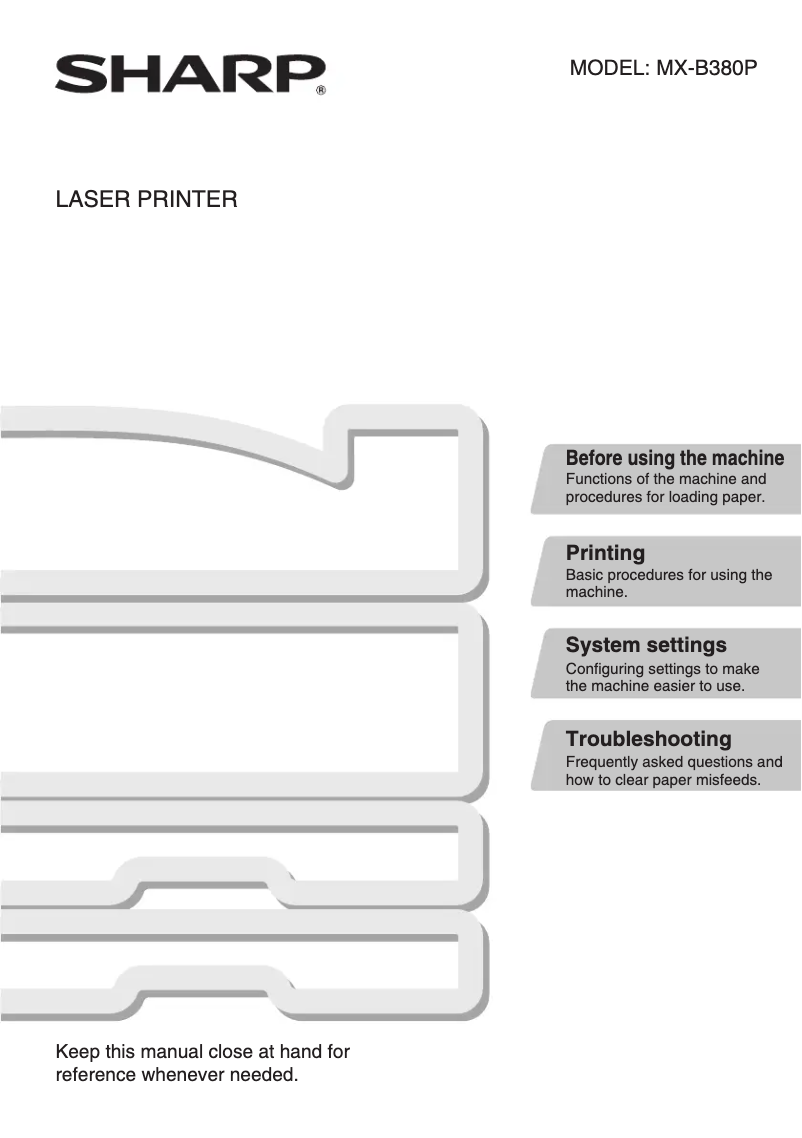
Editorial note
The Sharp MX-B380P printer stands out with its impressive printing speed of 38 pages per minute and a maximum resolution of 1200 x 1200 DPI, ensuring prints of exceptional clarity, ideal for demanding professional environments. Additionally, its built-in duplex printing function helps save paper, which is an advantage for reducing printing costs. However, some drawbacks are worth mentioning. The lack of color printing option limits possibilities for users needing color documents. Furthermore, the 90-second warm-up time can slow down workflow, especially in urgent printing situations. Its weight of 36 kg also makes moving and installation more difficult, and the average power consumption of 1840 W can lead to high energy costs. In terms of value, although the price is justified by its performance and maximum input capacity of 2100 sheets, the need for frequent recharges, with a feeding capacity limited to 600 sheets, can be a disadvantage for users with high printing volumes. Nevertheless, the Ethernet network connectivity facilitates integration into modern office environments. In summary, the Sharp MX-B380P is a high-performing and efficient printer for professional users, but its limitations in color and weight should be taken into account.Score details
User experience
The user experience is enhanced by integrated duplex printing and an LCD screen, although the 90-second warm-up time may slow down workflow.
Performance
With a printing speed of 38 pages per minute and a resolution of 1200 x 1200 DPI, performance is ideal for demanding professional environments.
Design
The design is functional, but the weight of 36 kg makes moving and installation more difficult.
Value for money
The price is justified by performance and input capacity, but the lack of color printing may be a drawback for some users.
Usability
Ethernet network connectivity facilitates integration into modern environments, although the 600-sheet paper capacity requires frequent reloading.
Advantages
Fast printing: 38 pages per minute.
Double-sided printing to save paper.
Resolution 1200 x 1200 DPI for clarity.
Input capacity of 2100 sheets.
Built-in Ethernet network connectivity.
Disadvantages
No color printing available.
Preheating of 90 seconds.
Heavy weight of 36 kg.
High power consumption of 1840 W.
Paper capacity limited to 600 sheets.
Technical Specifications MX-B380P
General Information
-
ModelMX-B380P
-
Brand
-
Category
-
Type
-
SKU74147
-
MPN74147
Print speed
-
ColorNo
-
Maximum resolution1200 x 1200 DPI
-
Double-sided printingYes
-
Printing technologyLaser
-
Print speed (black, normal quality, A4/US Letter)38 ppm
-
Preheating time90 s
Features
-
Service cycle (Maximum)- pages per month
-
Number of print cartridges1
-
Languages of the page descriptionPCL 5th, PCL 6
-
Printing colorsBlack
Input and output capacity
-
Total power capacity600 sheets
-
Maximum input capacity2100 sheets
-
Total output capacity- sheets
Paper management
-
ISO, Format Series A (A0...A9)A4, A5
-
Maximum print format210 x 297 mm
-
Type of paper tray supportOrdinary paper
-
Weight of paper tray support55 - 209 g/m²
-
Maximum ISO A series paper sizeA4
Network
-
Wifi-
-
Ready-to-use networkYes
-
Ready-to-use networkYes
-
Mobile printing technologiesNot supported
Connectivity
-
Standard interfacesEthernet
-
USB 2.0
Representation / realization
-
Internal memory512 MB
-
Maximum internal memory1536 MB
-
Internal storage capacity80 GB
-
Storage mediaHDD
Design
-
Product colorGray
-
Built-in screenYes
-
ScreenLCD
Power
-
AC input frequency50 - 60 Hz
-
Average power consumption in Print mode1840 W
Minimum system requirements
-
Support for the Mac operating systemYes
-
Support for the Mac operating systemYes
Weight and dimensions
-
Width560 mm
-
Depth438 mm
-
Height610 mm
-
Weight36000 g
Frequently Asked Questions
What is the weight of the Sharp MX-B380P?
What is the best method to remove paper jammed in the printer?
Why is my printer not recognizing the original cartridges?
What could be the reasons for poor print quality?
What is the difference between a laser printer and an inkjet printer?
Why does my inkjet printer leave black streaks on prints?
What does the acronym DPI mean?
How many cartridges can be installed in the Sharp MX-B380P?
What is the height of the Sharp MX-B380P?
What is the width of the Sharp MX-B380P?
What is the depth of the Sharp MX-B380P?
What is the storage capacity of the Sharp MX-B380P?
Is the manual for the Sharp MX-B380P available in French?
Similar products


More product categories from brand Sharp
Television and multimedia Sharp
Home appliances Sharp
Household appliances Sharp
Audio Sharp
Phones Sharp
Other Sharp
Interior Sharp
More product types from brand Sharp


Presentation of product MX-B380P specifications from brand Sharp
General Information
The Sharp MX-B380P printer is a model from the renowned Sharp brand, known for its innovation and reliability in the field of electronic devices. This model, designated by the references MX-B380P and MX-B380PSH, is designed to deliver optimal performance and a smooth user experience.
Print Speed
Unfortunately, the Sharp MX-B380P does not offer color printing, which may limit its use for documents requiring colorful graphic elements. However, its maximum resolution of 1200 x 1200 DPI ensures sharp and precise prints, suitable for professional requirements. With its built-in duplex printing feature, this device helps save paper while reducing printing costs. Equipped with laser printing technology, the MX-B380P offers an impressive print speed of 38 pages per minute in black and white, facilitating an efficient workflow. It is worth noting that the warm-up time is 90 seconds, an aspect to consider for urgent prints.
Features
The maximum duty cycle of the Sharp MX-B380P printer is designed to meet the needs of heavy users, although the exact number of pages per month is not specified. It operates with a single print cartridge, ensuring consistent quality. Additionally, support for PCL 5e and PCL 6 page description languages ensures extensive language compatibility. The print output is limited to black, thus guaranteeing high-quality professional prints.
Input and Output Capacity
The printer's paper feed capacity is 600 sheets, which is relatively limited for high-volume printing environments. In contrast, its maximum input capacity of 2100 sheets allows for efficient handling of large volumes of documents without the need for frequent reloading. Specifications regarding output capacity are not provided, but the device is designed to maintain optimal performance.
Paper Management
The Sharp MX-B380P is compatible with standard ISO paper sizes, including A4 and A5, making it easy to use in a professional setting. The maximum print size is 210 x 297 mm, suitable for standard-sized documents. It is designed to print on plain paper, and the recommended media weight ranges from 55 to 209 g/m², ensuring optimal print quality.
Network
This printer is equipped with Ethernet/LAN connectivity, facilitating its integration into modern office networks. Although it does not have Wi-Fi capabilities, its out-of-the-box networking allows for quick and hassle-free connection. Additionally, it supports various mobile printing technologies, offering increased flexibility for users wishing to print from their mobile devices.
Connectivity
The Sharp MX-B380P features standard interfaces that ensure optimal connectivity with various devices, thus facilitating its integration into different work environments.
Representation / Performance
With an internal memory of 512 MB, this printer is capable of handling a considerable amount of data for smooth operation. Its maximum internal memory reaches 1536 MB, and its storage capacity is 80 GB, allowing for the saving of numerous data and applications. It is equipped with an HDD storage support, facilitating access to necessary files.
Design
The Sharp MX-B380P features a modern gray finish, adding a touch of elegance to any office. Its built-in LCD screen allows for intuitive navigation and practical use, thus enhancing the user experience.
Power
The printer's AC input frequency is 50 to 60 Hz, ensuring optimal operation. It consumes an average of 1840 W in print mode, a factor to consider when evaluating its long-term energy efficiency.
Minimum System Requirements
The Sharp MX-B380P is compatible with Windows and Mac operating systems, ensuring seamless integration with the majority of computing environments.
Weight and Dimensions
With dimensions of 560 mm in width, 438 mm in depth, and 610 mm in height, the printer is designed to fit easily into office spaces. Its weight of 36 kg may make installation and relocation more challenging, but it also contributes to its stability and durability during use.


