

Manuals of product MX-B356WH

Editorial note
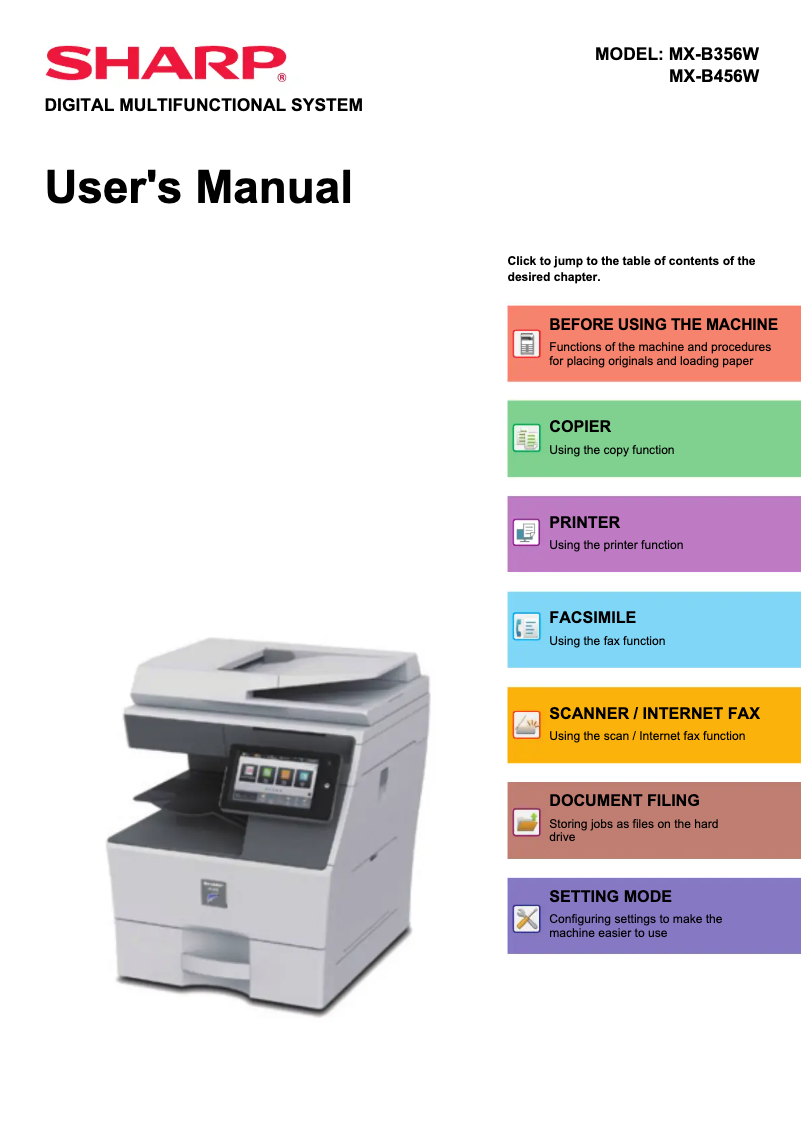
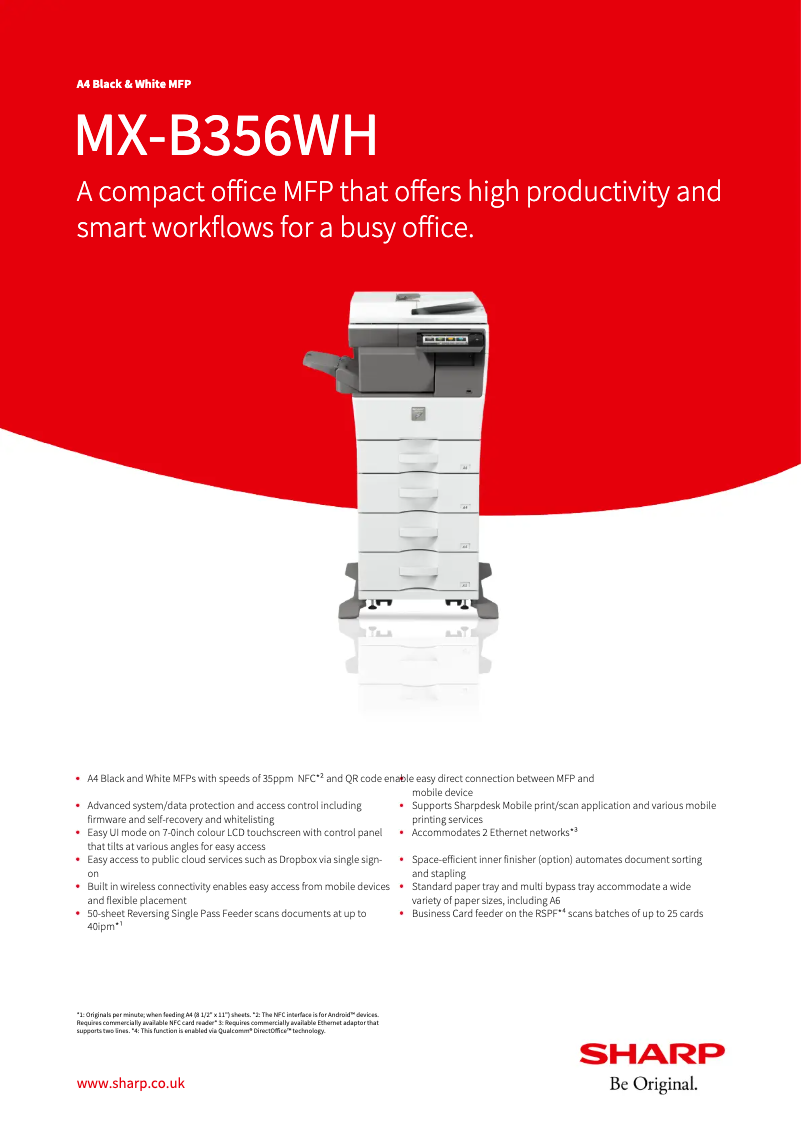
The Sharp MX-B356WH printer stands out for its exceptional print quality, delivering sharp and precise documents, making it an ideal choice for professionals. Its reputation as a reliable brand, combined with innovative features, ensures a satisfying user experience. With a quick start guide and a user manual, getting started with the printer is made easier, even for those unfamiliar with this type of equipment. However, a few drawbacks deserve to be highlighted. The initial purchase cost is relatively high compared to other entry-level models, and maintenance costs, particularly toner replacements, can quickly add up, making long-term use less economical. Additionally, the printer's size may pose space issues in offices or restricted work environments. Some users may also find the interface complex, requiring an adjustment period for optimal use. Finally, the printing speed may not meet the demands of high-demand environments. In summary, the Sharp MX-B356WH is a high-performing printer that excels in print quality and support but presents challenges in terms of cost and bulk. It is a choice to consider for those seeking reliability and performance while being aware of the long-term financial implications.Score details
User experience
The printer is easy to handle thanks to a quick start guide and a user manual, which is ideal for novice users.
Performance
The print quality is exceptional, but the printing speed may not meet expectations in high-demand work environments.
Value for money
The initial purchase cost is relatively high, and maintenance costs can add up, making long-term use less economical.
Design
The size of the printer can be bulky, which poses space issues in offices or restricted work environments.
Support
Support documents, such as a technical sheet, are provided, making it easier to troubleshoot any issues.
Advantages
Clear and professional impressions.
Reliable and durable brand.
Easy handling for everyone.
Versatile printing for various documents.
Accessible and helpful technical support.
Disadvantages
High initial purchase cost
High maintenance and toner costs
Bulky size for small spaces
Complex interface to master
Insufficient printing speed for high demand
Technical Specifications MX-B356WH
General Information
-
ModelMX-B356WH
-
Brand
-
Category
-
Type
-
SKU1570522
-
MPN1570522
Frequently Asked Questions
What is the recommended method for removing paper jammed in the printer?
Why is my printer not recognizing the original cartridges?
What could be the reasons for poor print quality?
What are the differences between a laser printer and an inkjet printer?
Why is my inkjet printer leaving black streaks on prints?
What does the acronym DPI mean?
Is the manual for the Sharp MX-B356WH available in French?
Similar products


More product categories from brand Sharp
Television and multimedia Sharp
Home appliances Sharp
Household appliances Sharp
Audio Sharp
Phones Sharp
Other Sharp
Interior Sharp
More product types from brand Sharp


Presentation of product MX-B356WH specifications from brand Sharp
General Information
The Sharp MX-B356WH printer, from the renowned Sharp brand, is a model designed to meet the demands of professional environments. Known for its commitment to innovation and quality, Sharp has designed this product to ensure high-precision printing results and an optimized user experience.
Advantages
The Sharp MX-B356WH stands out for its exceptional print quality, producing clear and precise documents, ideal for professional requirements.
The brand reliability ensures durability and consistent performance, reinforcing user confidence in this model.
Additionally, its user-friendly design makes it easy to handle with a quick start guide and a user manual, which is an asset for novice users.
Its versatility allows for printing a variety of documents, making the printer suitable for different types of offices. Finally, an accessible technical support is provided, with practical support documents to help resolve any issues.
Disadvantages
However, the Sharp MX-B356WH has some disadvantages to consider. Its initial purchase cost may seem high compared to other entry-level models.
Additionally, the maintenance costs and toner replacement can add up, making its use less economical in the long run.
Its bulky size can pose space challenges in restricted offices.
Some users may also find the interface complex, requiring an adjustment period for optimal use. Finally, the print speed may not meet expectations in high-demand work environments.


