
Manual of product MX-3570N
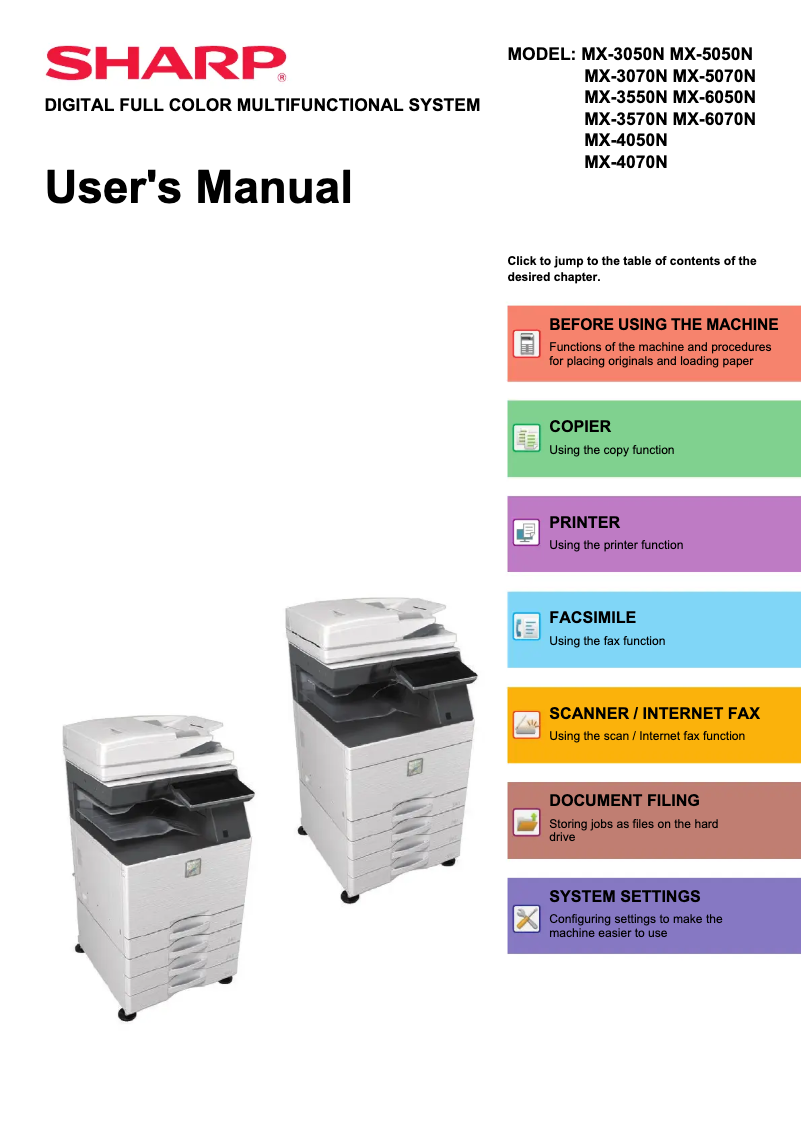
Editorial note
The Sharp MX-3570N printer stands out for its superior print quality, capable of producing sharp documents and vibrant images, making it an ideal choice for professional environments. Additionally, its versatile features, such as printing, scanning, and copying, meet various user needs, all facilitated by a user-friendly interface that does not require extensive training. However, the device has some drawbacks. Its initial purchase cost can be high, which may deter small offices or individuals. Furthermore, operating costs, due to ink cartridges and replacement parts, can be significant in the long run. Its weight and relatively large dimensions can also make installation and movement difficult in tight spaces, while the print speed may be lower than that of some competing models. Despite these challenges, Sharp's reputation for durability ensures that the printer is designed to withstand heavy use over the long term. Finally, although the user manual is comprehensive, the complexity of certain features may require a learning curve for users unfamiliar with multifunction printers. Overall, the Sharp MX-3570N is a solid choice for those seeking a reliable and high-performing printer, provided that its cost and specifications are taken into account.Score details
User experience
The user experience is very positive thanks to an intuitive interface that facilitates navigation and the use of different functions without requiring extensive training.
Performance
The print quality is superior, producing sharp and vibrant documents; however, the printing speed may be lower than that of some competing models.
Design
The design is functional, but its weight and relatively bulky dimensions can make installation and movement difficult in tight spaces.
Value for money
The initial purchase cost is high, and the operating costs related to ink cartridges can also be significant, which may deter some users.
Robustness
Sharp's reputation for quality ensures that the printer is robust and capable of withstanding intensive use over the long term.
Features
The printer's versatile features, such as printing, scanning, and copying, meet the diverse needs of users.
Support
The user manual is comprehensive with 915 pages, although the complexity of some features may require a learning curve for unfamiliar users.
Advantages
High-quality printing
Full multifunction features
Simple user interface
Energy-efficient and cost-effective
Sturdy and durable
Disadvantages
High initial purchase cost.
Expensive cartridges and spare parts.
Bulky weight and dimensions.
Printing speed lower than the competition.
Complex features requiring a learning curve.
Technical Specifications MX-3570N
General Information
-
ModelMX-3570N
-
Brand
-
Category
-
Type
-
SKU860615
-
MPN860615
Frequently Asked Questions
What is the recommended method for removing paper jammed in the printer?
Why does my printer not recognize original cartridges?
Why is the quality of my prints poor?
What are the differences between a laser printer and an inkjet printer?
Why is my inkjet printer producing black lines?
What does the acronym DPI mean?
Is the manual for the Sharp MX-3570N available in French?
Similar products


More product categories from brand Sharp
Television and multimedia Sharp
Home appliances Sharp
Household appliances Sharp
Audio Sharp
Phones Sharp
Other Sharp
Interior Sharp
More product types from brand Sharp


Presentation of product MX-3570N specifications from brand Sharp
General Information
The Sharp MX-3570N printer is a device from the Sharp brand, known for its innovation and quality in the office equipment sector. This model, designed to deliver high performance, meets the diverse needs of professional environments, thus ensuring a smooth and efficient user experience.
Advantages
Superior print quality: The Sharp MX-3570N excels in producing documents, offering sharp prints and vibrant images, making it particularly suitable for offices requiring a high level of quality.
Versatile features: This multifunction device not only allows printing but also scanning and copying, thus addressing a wide range of professional needs.
Intuitive user interface: With its user-friendly interface, users can easily navigate between different features without requiring extensive training.
Energy efficiency: Designed to be environmentally friendly, the MX-3570N helps reduce operating costs while minimizing its ecological footprint.
Reliability and durability: Sharp's reputation for quality ensures that this device is robust and capable of withstanding intensive use over the long term.
Disadvantages
Initial purchase cost: The acquisition price of the printer can be a barrier for small offices or individuals due to its relatively high initial investment.
Consumable costs: Ink cartridges and replacement parts can be expensive, leading to significant operating expenses over the long term.
Weight and dimensions: Its bulky design can complicate installation and movement in tight spaces.
Print speed: Compared to some competing models, the print speed may be less efficient, which could slow down workflows in high-volume environments.
Complexity of features: Some advanced functions may require an adjustment period for users who are not familiar with multifunction printers.


