
Manual of product AL1651CS
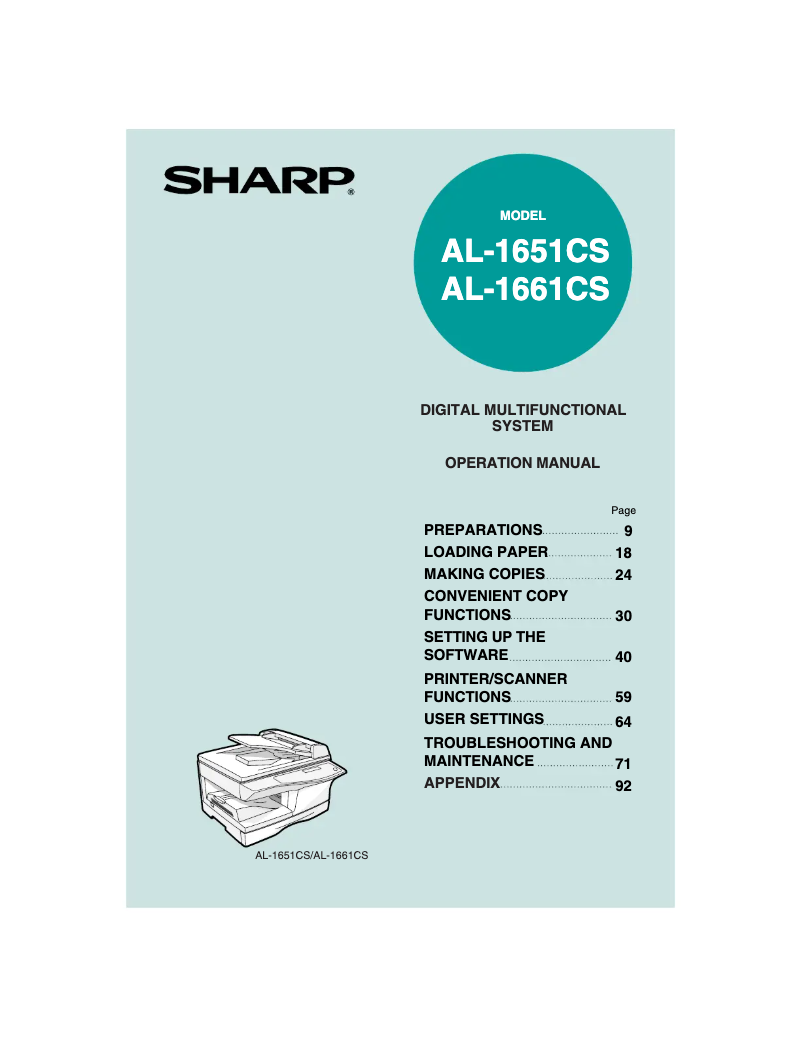
Editorial note
The Sharp AL1651CS printer stands out for its reliability, ergonomic design, and energy efficiency. The Sharp brand is well established in the field of household appliances, and this model is no exception. With solid printing performance and a clear user manual, it is accessible even for novices. Its design integrates seamlessly into a work environment, optimizing space without compromising aesthetics. However, some drawbacks must be taken into account. The size of the printer can be cumbersome for small offices, and the high cost of ink or toner cartridges can represent a significant expense in the long run. Additionally, the printing speed is lower than that of some competitors, which can slow down productivity. Finally, connectivity features are limited, which may restrict its use in modern professional environments. In summary, the Sharp AL1651CS is a solid choice for those looking for a reliable and energy-efficient printer, but it is important to consider operating costs and connectivity limitations before making a purchase.Score details
User experience
The user experience is generally positive thanks to a clear user manual, but the interface may seem less intuitive for some users.
Performance
The printing performance is good, but the speed may be lower compared to other competing models, which can affect productivity.
Design
The ergonomic design of the AL1651CS printer is pleasant and easily fits into a work environment, optimizing space.
Value for money
Although the quality is there, the high cost of ink or toner cartridges can increase long-term expenses.
Battery life
The printer is designed to be energy-efficient, thus helping to reduce operating costs while being environmentally friendly.
Features
The connectivity features are limited, which may restrict its use in modern work environments.
Advantages
Proven reliability of the Sharp brand.
Advanced technologies for fast printing.
Easy installation thanks to a clear manual.
Ergonomic design, optimized space.
Energy-efficient and environmentally friendly.
Disadvantages
Bulky size for small spaces.
High cost of toner cartridges.
Printing speed lower than the competition.
Unintuitive user interface.
Limited connectivity for modern environments.
Technical Specifications AL1651CS
General Information
-
ModelAL1651CS
-
Brand
-
Category
-
Type
-
SKU809749
-
MPN809749
Frequently Asked Questions
What is the recommended method for removing jammed paper from the printer?
Why does my printer not recognize original cartridges?
What could be the reasons for poor print quality?
What is the difference between a laser printer and an inkjet printer?
Why does my inkjet printer leave black streaks on prints?
What does the abbreviation DPI mean?
Is the manual for the Sharp AL1651CS available in French?
Similar products


More product categories from brand Sharp
Television and multimedia Sharp
Home appliances Sharp
Household appliances Sharp
Audio Sharp
Phones Sharp
Other Sharp
Interior Sharp
More product types from brand Sharp


Presentation of product AL1651CS specifications from brand Sharp
General Information
The Sharp AL1651CS printer stands out due to the reputation of the Sharp brand, known for its commitment to quality and innovation in the home appliance sector. This model is designed to provide reliable performance, ensuring the user a satisfying and efficient printing experience.
Advantages
Among the main strengths of the AL1651CS printer, we note:
- Reliability: Sharp's reputation ensures durability and consistency in performance, thus reducing the risk of breakdowns.
- Innovation: Incorporating advanced technologies, this model allows for fast printing while maintaining excellent image quality.
- Ease of use: Accompanied by a clear user manual, the printer is accessible even for novice users, facilitating its installation and handling.
- Ergonomic design: Its design is crafted to harmoniously fit into various work environments, optimizing space while being aesthetically pleasing.
- Energy efficiency: This model has been designed to be energy-efficient, thus helping to reduce operating costs while being environmentally friendly.
Disadvantages
However, the AL1651CS printer also has some drawbacks:
- Its size can be bulky, making it less suitable for small workspaces.
- The cost of ink or toner cartridges can be high, increasing long-term expenses.
- The printing speed is sometimes lower than that of some competing models, which can impact productivity.
- The user interface may seem less intuitive for some, making navigation and setup more complex.
- Connectivity options may be limited, which could restrict its use in modern environments.


