
Manual of product ML-2570G
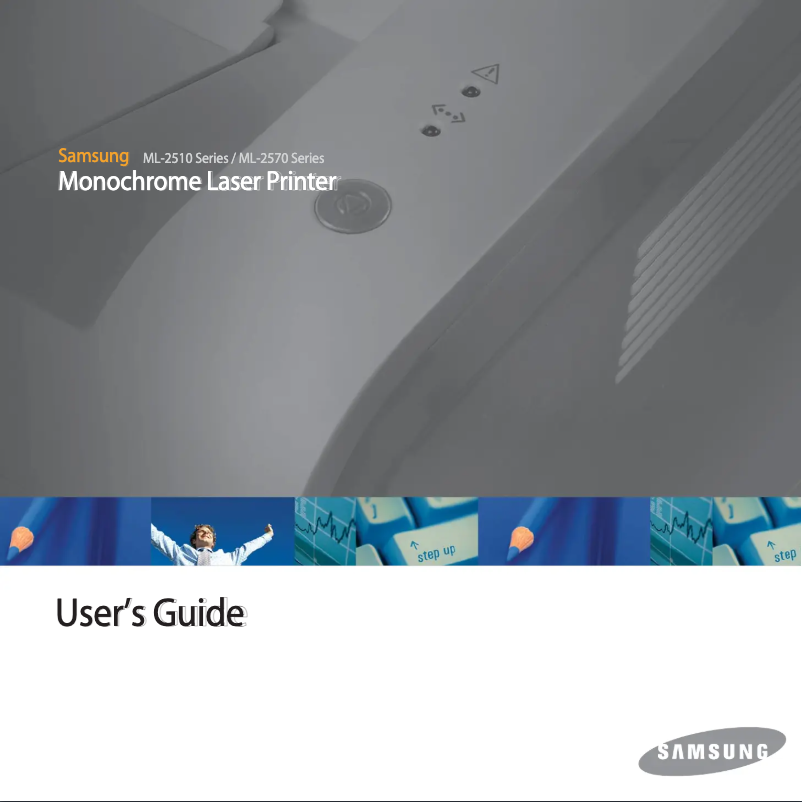
Editorial note
The Samsung ML-2570G printer stands out for its reliability and brand quality, ensuring durability and optimal performance. Its compact design allows for easy integration into various work environments, whether it's a home office or a professional space. The user experience is also enhanced by its intuitive use, making document printing straightforward without complications. However, there are some drawbacks to consider. Although the printing speed is acceptable, it may be lower than that of some competing models, leading to additional delays during high-volume printing. Additionally, the lack of wireless connectivity features limits usage flexibility for those who wish to print from multiple devices. Finally, the cost of toner cartridges can be high, increasing the overall operating cost of the printer. In summary, the Samsung ML-2570G is a solid option for users looking for a reliable and efficient printer, but it may not be suitable for those with more demanding printing needs or seeking advanced features.Score details
User experience
The user experience is enhanced through intuitive use, making document printing straightforward and uncomplicated.
Performance
The printing speed is acceptable, but it may be lower than that of some competing models, which can lead to delays during high-volume printing.
Design
The compact design of the printer allows for easy integration into various work environments.
Value for money
The cost of toner cartridges can be high, increasing the overall operating cost of the printer.
Support
The product comes with a user manual providing clear instructions for hassle-free installation and use.
Features
The lack of wireless connectivity features limits the flexibility of use for users wanting to print from multiple devices.
Robustness
The reliability of the Samsung brand ensures durability and optimal performance of the ML-2570G printer.
Advantages
Brand reliability of Samsung
Intuitive and simple use
Reduced energy consumption
Compact and practical design
User manual included
Disadvantages
Noisy during printing
Printing speed lower than the competition
No wireless connection
High cartridge cost
Insufficient resolution for quality prints
Technical Specifications ML-2570G
General Information
-
ModelML-2570G
-
Brand
-
Category
-
Type
-
SKU1193242
-
MPN1193242
Frequently Asked Questions
What is the recommended method for removing paper jammed in the printer?
Why does my printer not recognize the original cartridges?
What are the possible reasons for poor print quality?
How does a laser printer differ from an inkjet printer?
Why does my inkjet printer leave black streaks on prints?
What does the acronym DPI mean?
Is it possible to obtain the manual for the Samsung ML-2570G in French?
Similar products




More product categories from brand Samsung
Television and multimedia Samsung
Home appliances Samsung
Household appliances Samsung
Phones Samsung
Audio Samsung
Other Samsung
Interior Samsung
Tools Samsung
Software Samsung
More product types from brand Samsung


Presentation of product ML-2570G specifications from brand Samsung
General Information
The Samsung ML-2570G printer is part of the range of devices from the Samsung brand, known for its commitment to quality and innovation in the electronics sector. This model, specifically designed to deliver optimal performance, enhances the user experience with its intuitive interface and ease of use.
Advantages
The Samsung ML-2570G stands out for several strengths:
- Brand reliability: Samsung is synonymous with durability, ensuring consistent performance from the printer.
- Improved user experience: Its ergonomic design allows for hassle-free printing, making the process accessible to everyone.
- Energy efficiency: Designed to consume less energy, this printer helps reduce operating costs.
- Compactness: With its small format, it easily fits into various environments, whether it's a home office or a professional space.
- User support: Supplied with a detailed user manual, it facilitates installation and handling.
Disadvantages
However, some aspects may pose problems:
- Noisy during printing: Its operation can be disruptive in a quiet work environment.
- Printing speed: While adequate, it may be slower than some competing models, leading to delays during bulk printing.
- Lack of wireless connectivity: This limits usage flexibility for users who wish to print from multiple devices.
- Cost of toner cartridges: The cartridges can be expensive, increasing overall operating costs.
- Printing resolution: While adequate for everyday use, it may not satisfy users with photo or professional quality printing requirements.


