
Manual of product ML-2150G
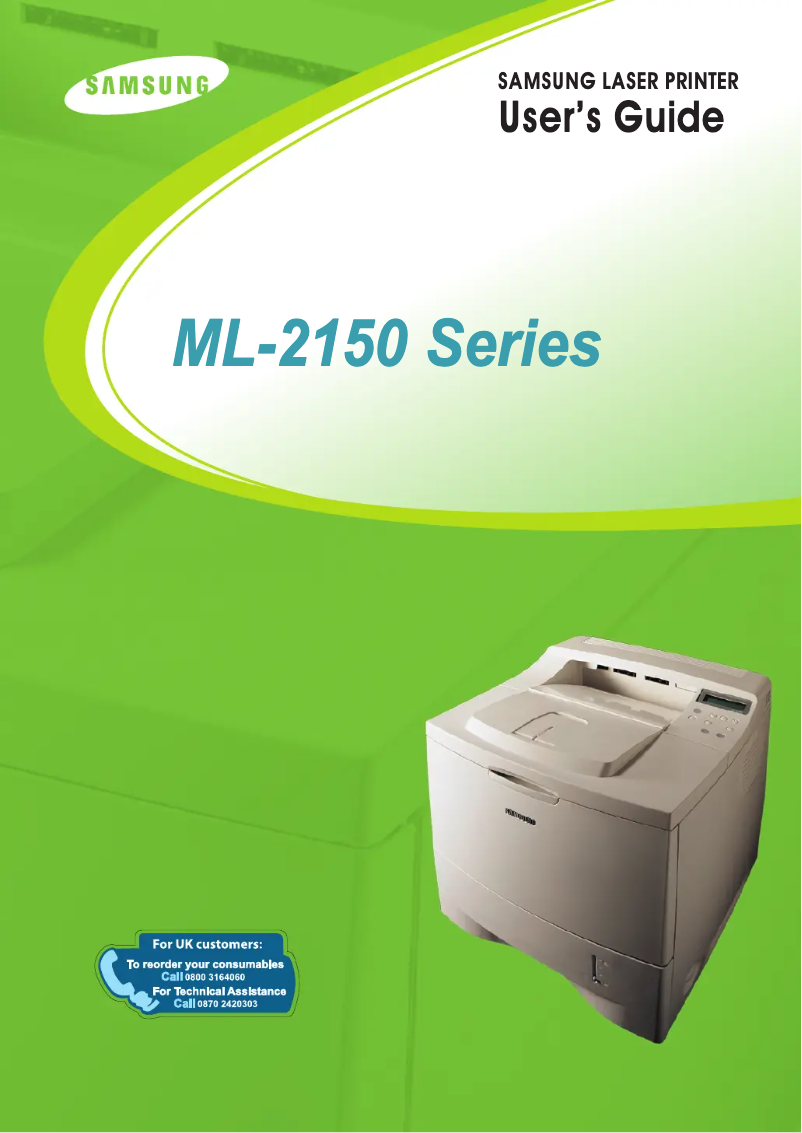
Editorial note
The Samsung ML-2150G printer stands out for its exceptional print quality, delivering sharp and professional documents with every use. The reliability of the Samsung brand is also a strong point, ensuring consistent and durable performance over time. Additionally, its intuitive design, accompanied by a user manual, makes it easy to handle, providing a very satisfying user experience. However, some drawbacks are worth mentioning. The model may seem bulky, which is a disadvantage for small workspaces. Although the print quality is up to par, the printing speed may appear slow compared to newer models. The costs of toner cartridges can also be high, increasing the total cost of use in the long run. Furthermore, the lack of wireless features limits connectivity for those who wish to print from multiple devices. Finally, the design of the printer, while functional, may seem dated to some users. Overall, the Samsung ML-2150G is a reliable and high-performing printer, ideal for professional use, but it has limitations that potential users should consider.Score details
User experience
The user experience is satisfactory, thanks to an intuitive design and a comprehensive user manual that facilitates onboarding.
Performance
The printing performance is good, although the speed may seem slow compared to newer models.
Design
The design of the printer is functional but may appear dated, which might not appeal to all users.
Value for money
Although the print quality is excellent, the high costs of toner cartridges can increase the total cost of use.
Features
The lack of wireless features limits connectivity, which could be a disadvantage for some users.
reliability
The reliability of the Samsung brand is a major asset, ensuring consistent performance over time.
Advantages
Clear and professional prints.
Reliable and durable brand.
Intuitive and easy to use.
Eco-friendly and energy-efficient.
Compatible with various operating systems.
Disadvantages
Bulky for small spaces.
Slow printing speed compared to recent models.
High cost of toner cartridges.
No wireless features.
A bit dated design.
Technical Specifications ML-2150G
General Information
-
ModelML-2150G
-
Brand
-
Category
-
Type
-
SKU1193244
-
MPN1193244
Frequently Asked Questions
What is the recommended method for removing paper jammed in the printer?
Why does my printer not recognize the original cartridges?
What are the causes of poor print quality?
What is the distinction between a laser printer and an inkjet printer?
Why is my inkjet printer printing black lines?
What does the acronym DPI mean?
Is the manual for the Samsung ML-2150G available in French?
Similar products




More product categories from brand Samsung
Television and multimedia Samsung
Home appliances Samsung
Household appliances Samsung
Phones Samsung
Audio Samsung
Other Samsung
Interior Samsung
Tools Samsung
Software Samsung
More product types from brand Samsung


Presentation of product ML-2150G specifications from brand Samsung
General Information
The Samsung ML-2150G printer is a desktop device known for its robustness and reliability. Manufactured by Samsung, a renowned company in the electronics and home appliances sector, this printer is designed to deliver quality performance while effectively integrating into various work environments.
Features and Benefits
The Samsung ML-2150G stands out for its exceptional print quality, producing clear and precise documents that meet professional standards. Thanks to Samsung's proven experience, this device ensures consistent reliability over time, allowing users to benefit from flawless performance.
Designed to be easy to use, this model includes a user manual that guides users in optimizing its features. Additionally, the printer is designed to be energy-efficient, thus contributing to environmentally friendly usage.
Compatibility with different operating systems facilitates its integration into various work environments, making the Samsung ML-2150G adaptable to many configurations.
Disadvantages
However, the Samsung ML-2150G also has some disadvantages. Its relatively bulky format can pose space issues, especially in small offices or homes. Moreover, while its printing speed is acceptable, it may seem slow compared to newer models that offer superior performance.
The cost of toner cartridges can also represent a significant long-term expense, which could deter some users. The lack of wireless features limits connectivity, which can be a drawback for those wishing to print from multiple devices. Finally, the design of the printer may appear somewhat dated, not always meeting the aesthetic expectations of modern users.


