
Manual of product ML-1750G
Editorial note
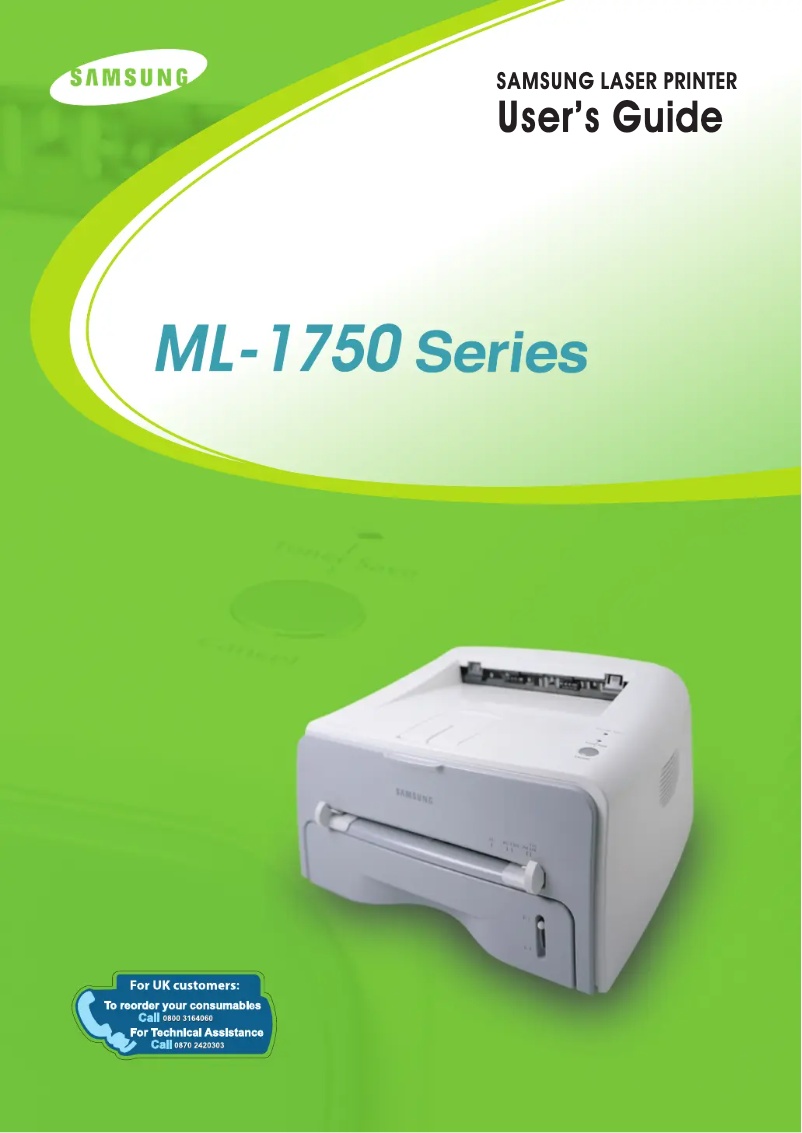
The Samsung ML-1750G printer stands out for its superior print quality, offering excellent resolution that ensures clear and professional documents. Its compact design allows for easy integration into various workspaces, whether at home or in a professional environment. Additionally, the reliability of the Samsung brand ensures long-term use without major issues, thereby reinforcing user confidence. However, this model has some limitations. Being considered aging, it may not be compatible with recent operating systems or certain modern software. Its monochrome printing can also be a drawback for those who need color documents. The cost of toner cartridges is relatively high, which can lead to increased operating expenses for users who print frequently. Furthermore, the lack of advanced features such as Wi-Fi or automatic duplex printing limits its appeal compared to other contemporary models. In summary, the Samsung ML-1750G is a reliable and efficient printer, ideal for basic printing needs. However, users looking for modern features or color printing may be disappointed by its limitations.Score details
User experience
The user experience is overall positive thanks to an included user manual that facilitates setup and use, even for novices.
Performance
The print quality is superior, offering excellent resolution that ensures clear and professional documents.
Value for money
The cost of toner cartridges can be relatively high, which may increase operating expenses for users who print frequently.
Design
The compact design of the printer allows for easy integration into various workspaces, but the model may be considered outdated.
Features
The lack of advanced features such as Wi-Fi or automatic duplex printing limits its appeal compared to other contemporary models.
Robustness
The reliability of the Samsung brand ensures long-term use without major issues.
Usability
Ease of use is a plus, although its monochrome printing may not suit users who need color documents.
Advantages
High-quality printing.
Brand's recognized reliability.
Easy installation and use.
Reduced energy consumption.
Compact design for all spaces.
Disadvantages
Aging model, limited compatibility.
Monochrome printing, no color.
High cost of toner cartridges.
No Wi-Fi or duplex printing.
Disturbing printing noise in silence.
Technical Specifications ML-1750G
General Information
-
ModelML-1750G
-
Brand
-
Category
-
Type
-
SKU1193246
-
MPN1193246
Frequently Asked Questions
What is the best method to remove paper jammed in the printer?
Why is my printer not recognizing the original cartridges?
What could be the reasons for poor print quality?
How does a laser printer differ from an inkjet printer?
Why does my inkjet printer leave black streaks on prints?
What does the acronym DPI mean?
Is the manual for the Samsung ML-1750G available in French?
Similar products




More product categories from brand Samsung
Television and multimedia Samsung
Home appliances Samsung
Household appliances Samsung
Phones Samsung
Audio Samsung
Other Samsung
Interior Samsung
Tools Samsung
Software Samsung
More product types from brand Samsung


Presentation of product ML-1750G specifications from brand Samsung
General Information
The Samsung ML-1750G printer is a flagship model from the Samsung brand, known for its commitment to quality and innovation in the home appliance sector. This model is designed to deliver optimal performance, ensuring a smooth and efficient user experience.
Advantages
Among the strengths of the Samsung ML-1750G, we note:
- Superior print quality: This printer delivers exceptional print resolution, ensuring clear and professional documents.
- Brand reliability: Samsung is renowned for the durability and performance of its products, allowing for prolonged use without major issues.
- Ease of use: Accompanied by a user manual, setting up and using the printer is easy, even for novices.
- Energy efficiency: This model is designed to minimize energy consumption, helping to reduce operating costs while being more environmentally friendly.
- Compactness: Its compact design makes it easy to integrate into various workspaces, whether at home or in a professional setting.
Disadvantages
However, the Samsung ML-1750G also has some drawbacks:
- Aging model: Being an older model, it may not be compatible with some recent operating systems or modern software.
- Monochrome printing: The limitation to black and white printing can be a disadvantage for users needing color prints, especially in creative environments.
- Cost of toner cartridges: The cartridges can be relatively expensive, thus increasing operating costs for those who print frequently.
- Limited features: The lack of advanced features such as Wi-Fi or automatic duplex printing may make this model less attractive compared to more contemporary options.
- Noise level: The noise generated during printing can be disruptive in quiet work environments.


