
Manual of product ML-1210H
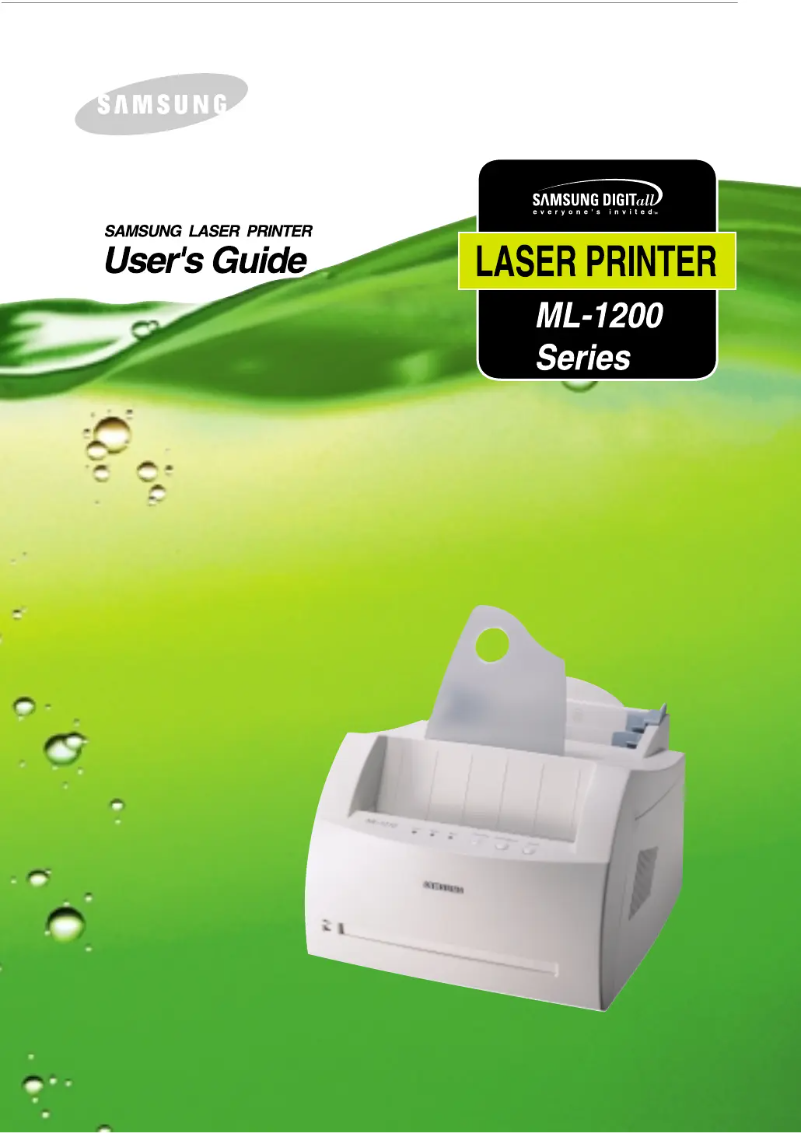
Editorial note
The Samsung ML-1210H printer stands out for its reliability and optimal performance, providing a quality printing experience for users looking for a device for administrative and personal tasks. Its compact design allows it to be easily integrated into various workspaces, contributing to effective organization without excessive clutter. Additionally, its ease of use, accompanied by a detailed user manual, makes it accessible even to novices. However, some drawbacks deserve to be highlighted. As a monochrome printer, the ML-1210H does not allow for color printing, which can be limiting for some users. The printing speed, while suitable for home use, may prove insufficient in high-volume office environments, leading to wait times. Furthermore, the lack of advanced features such as automatic duplex printing and wireless connectivity may reduce its practicality compared to newer models. Finally, the cost of toner cartridges can increase the long-term operating cost, and the printer may be noisy, which could be disruptive in quiet workspaces. Overall, the Samsung ML-1210H is a reliable and efficient option for home use, but it is important to consider its limitations in terms of functionality and cost to determine if it meets the specific needs of each user.Score details
User experience
The user experience is positive due to the ease of use and a detailed user manual, making installation accessible even for novices.
Performance
The printing performance is good for home use, although the speed may be insufficient for high-volume office environments.
Design
The compact design of the printer allows for easy integration into various workspaces, reducing clutter.
Features
The lack of advanced features, such as automatic duplex printing and wireless connectivity, limits its practicality compared to more modern models.
Value for money
Although the printer is reliable, the cost of toner cartridges can increase the long-term operating cost, which can be a drawback.
Robustness
The reliability of the Samsung brand ensures consistent printing, but the printer can be noisy, which may be disruptive in a quiet environment.
Advantages
Recognized reliability for consistent prints.
Optimal performance for increased productivity.
Simple installation for all users.
Compact design for a reduced workspace.
Sharp image quality for attractive documents.
Disadvantages
Monochrome printer, no color printing.
Insufficient speed for high-volume offices.
Lack of modern advanced features.
Expensive toner cartridges to replace.
Noisy in operation, disruptive at work.
Technical Specifications ML-1210H
General Information
-
ModelML-1210H
-
Brand
-
Category
-
Type
-
SKU1193247
-
MPN1193247
Frequently Asked Questions
What is the recommended method for removing jammed paper from the printer?
Why is my printer not recognizing the original cartridges?
What are the possible reasons why my prints are of poor quality?
How does a laser printer differ from an inkjet printer?
Why does my inkjet printer leave black streaks on prints?
What does the acronym DPI mean?
Is the manual for the Samsung ML-1210H available in French?
Similar products




More product categories from brand Samsung
Television and multimedia Samsung
Home appliances Samsung
Household appliances Samsung
Phones Samsung
Audio Samsung
Other Samsung
Interior Samsung
Tools Samsung
Software Samsung
More product types from brand Samsung


Presentation of product ML-1210H specifications from brand Samsung
General Information
The Samsung ML-1210H printer stands out for its efficiency and reliability, hallmark characteristics of the Samsung brand. Renowned for its innovation in the field of household appliances, this printer offers optimal performance, thus ensuring a quality user experience.
Advantages
The Samsung ML-1210H has several notable advantages:
- Reliability: Designed by a trusted brand, it ensures consistent and quality prints for all your needs, whether administrative or personal.
- Performance: This printer is capable of printing quickly, which is particularly suited for work environments where productivity is essential.
- Ease of use: With a clear user manual, installation and setup are simplified, making the device accessible even for less experienced users.
- Compact design: Its small size allows for easy integration into various workspaces while minimizing clutter.
- Advanced technology: Samsung's printing technology ensures sharp image quality, making your documents professional and appealing.
Disadvantages
However, the Samsung ML-1210H also has some limitations:
- Monochrome printing: Due to its monochrome nature, it is not suitable for users requiring color prints.
- Print speed: Although acceptable for home use, its speed may be insufficient in high-volume office environments, leading to wait times.
- Limited features: The lack of advanced features such as automatic duplex printing or wireless connectivity may make it less convenient compared to newer models.
- Cost of cartridges: Toner cartridges can be expensive to replace, thus increasing the long-term cost of use.
- Noise level: The printer can be noisy during operation, which may be disruptive in quiet work environments.


