
Manual of product CF-5800S
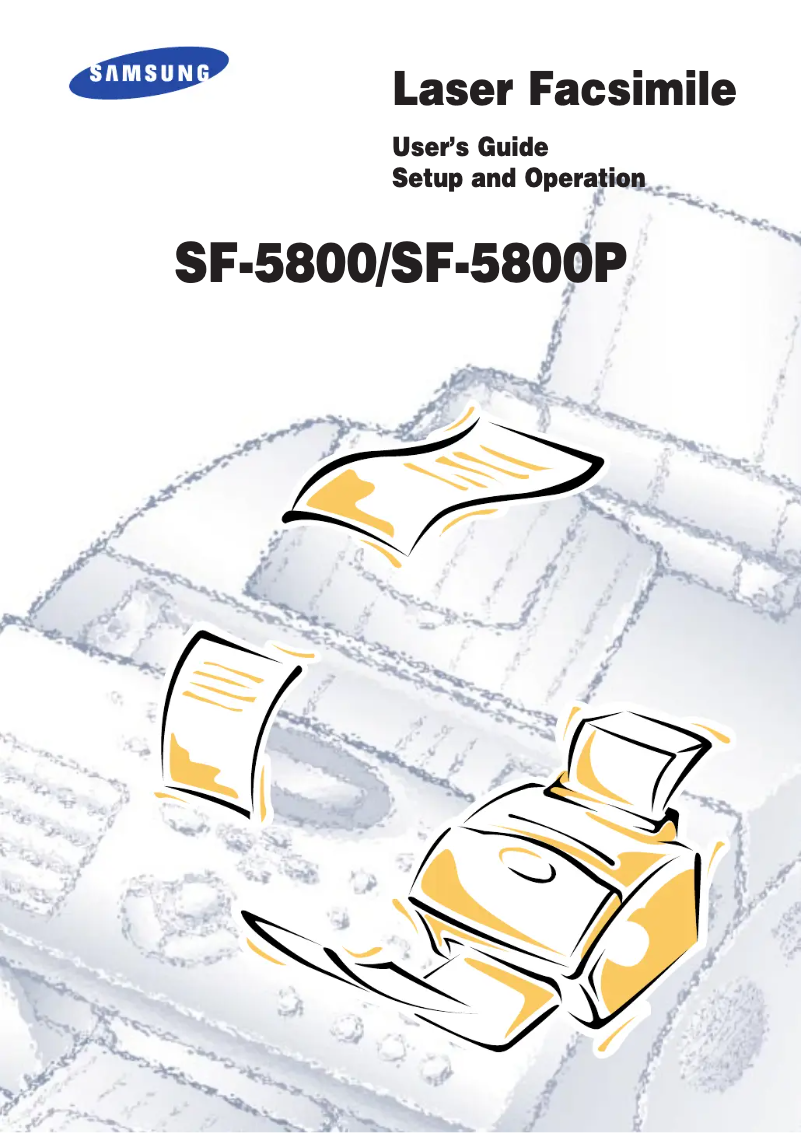
Editorial note
The Samsung CF-5800S printer stands out for its exceptional print quality, delivering clear and precise documents thanks to the brand's advanced technology. Its user-friendly design makes it easy to use, making essential features accessible to all users, which contributes to a pleasant user experience. However, the cost of ink cartridges can be high, thus increasing long-term operating expenses. Additionally, the printer tends to be bulky, which can be an issue in small workspaces. The printing speed may not satisfy users with high demands, and the operating noise could be disruptive in quiet work environments. In terms of support, Samsung provides satisfactory assistance, with a user manual included to help with the device's setup. Overall, the Samsung CF-5800S is a good option for those who prioritize print quality, but it is important to consider its drawbacks in terms of cost and bulkiness.Score details
User experience
The user-friendly design of the printer makes it easy to use and access essential features, providing a pleasant user experience.
Performance
The print quality is exceptional, but the printing speed may not meet the expectations of users with high demands.
Value for money
Although the print quality is high, the cost of ink cartridges can significantly increase long-term usage expenses.
Design
The design is modern, but the printer can be relatively bulky, making it less suitable for small workspaces.
Support
The technical support is satisfactory, with a user manual provided for optimal assistance during use.
noise
The operating noise can be bothersome, especially in quiet work environments.
Advantages
High-quality and precise printing.
Brand reliability and durability.
User-friendly interface for all users.
Energy efficiency reducing costs.
Technical support and documentation included.
Disadvantages
High cost of ink cartridges.
Bulky for small spaces.
Advanced features complex to use.
Noisy in operation.
Insufficient printing speed.
Technical Specifications CF-5800S
General Information
-
ModelCF-5800S
-
Brand
-
Category
-
Type
-
SKU1193838
-
MPN1193838
Frequently Asked Questions
What is the best method to remove a paper jam from the printer?
Why does my printer not recognize the original cartridges?
What could be the reasons for poor print quality?
How does a laser printer differ from an inkjet printer?
Why does my inkjet printer leave black streaks on prints?
What does the acronym DPI mean?
Is the manual for the Samsung CF-5800S available in French?
Similar products




More product categories from brand Samsung
Television and multimedia Samsung
Home appliances Samsung
Household appliances Samsung
Phones Samsung
Audio Samsung
Other Samsung
Interior Samsung
Tools Samsung
Software Samsung
More product types from brand Samsung


Presentation of product CF-5800S specifications from brand Samsung
General Information
The Samsung CF-5800S printer embodies Samsung's commitment to innovation and quality in the electronics sector. Known for its reliable performance, this printer is designed to provide a smooth and efficient printing experience. The CF-5800S model is specifically crafted to ensure optimal printing results, whether for professional documents or visual communication materials.
Advantages
This printer stands out for its exceptional print quality, thanks to Samsung's advanced technology, which ensures clear and precise documents. It also benefits from recognized reliability and durability, providing a consistent, hassle-free user experience. Designed with a user-friendly interface, it makes accessing essential features easy, making it simple for everyone to use. Additionally, its energy efficiency helps reduce operating costs while minimizing its environmental impact. Comprehensive technical support and documentation, including a user manual, are also provided to ensure optimal assistance.
Disadvantages
However, it is worth noting that the cost of ink cartridges can be high, which may increase long-term usage expenses. Furthermore, the printer can be relatively bulky, making it less suitable for limited workspace environments. Some advanced features may also prove complex for individuals less familiar with technology. Additionally, the printer's operating noise may be perceived as disruptive, especially in quiet work environments. Finally, the printing speed may not meet the expectations of users with high printing needs.


