

Manual of product ML5590eco
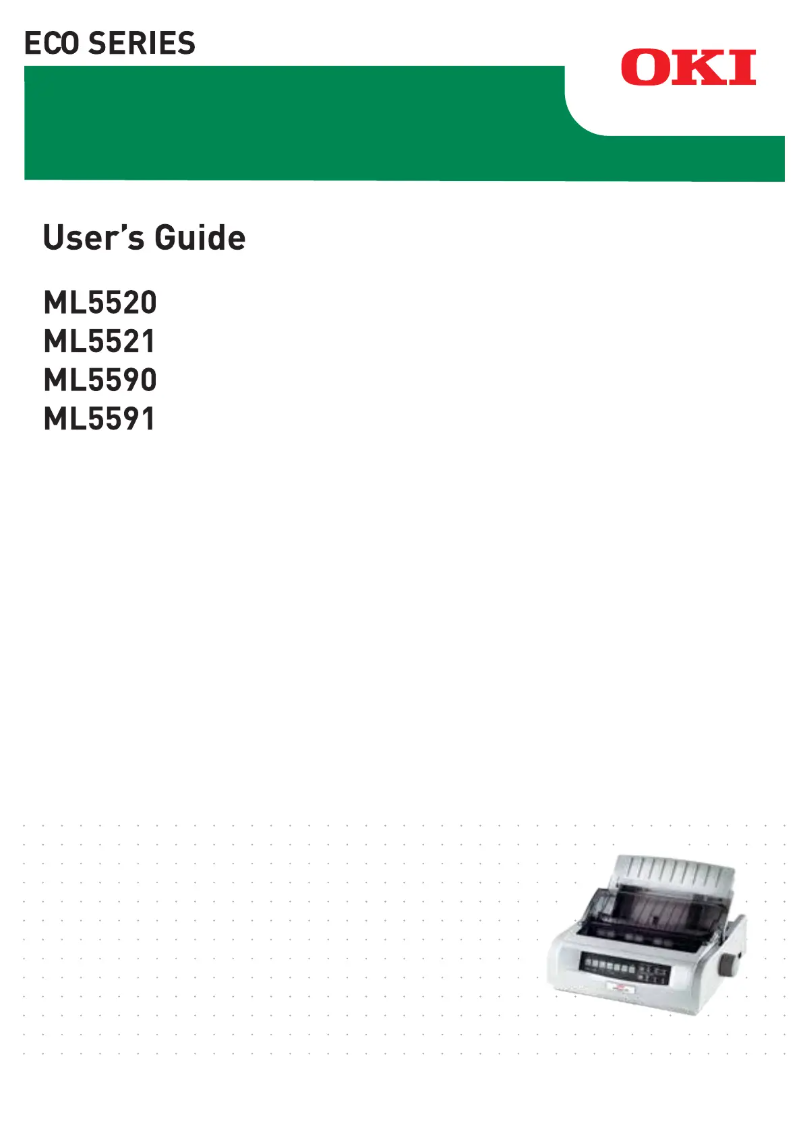
Editorial note
The OKI ML5590eco printer stands out for its impressive printing speed, reaching up to 473 characters per second, which promotes increased productivity when printing documents. Its robustness is also remarkable, thanks to a print head with a lifespan of 200 million characters, ensuring reliable performance over the long term. The efficient paper management, with a Pull and Push tractor feeding system, and its relatively low noise level (56 dB) make it a wise choice for noise-sensitive work environments. However, the OKI ML5590eco has some limitations. Its inability to print in color may restrict its use for documents requiring an attractive visual presentation. Additionally, the maximum print resolution of 360 x 360 DPI may not satisfy users looking for high print quality, especially for detailed graphics or images. Although the optional connectivity is varied, it may not meet the needs of all users, particularly those seeking modern wireless options. In terms of user experience, the extensive compatibility with Windows operating systems and the comprehensive documentation, including a 69-page manual, facilitate the printer's setup. However, its weight of 5900 g can make moving or reinstalling it difficult, limiting its usability flexibility. Overall, the OKI ML5590eco is a solid choice for those who prioritize speed and durability, but it may not suit all printing needs.Score details
User experience
The user experience is generally positive due to extensive compatibility with Windows operating systems and an efficient power system.
Performance
The printing speed is impressive, reaching up to 473 characters per second, which optimizes productivity. However, the resolution of 360 x 360 DPI may be insufficient for high-quality prints.
Design
The weight of 5900 g can make the printer difficult to move, especially in tight workspaces, limiting its usability flexibility.
Value for money
The value for money is good, but the lack of color printing and connectivity limitations may disappoint some users.
Robustness
Durability is remarkable with a print head having a lifespan of 200 million characters, providing reliable long-term performance.
Usability
Efficient paper management and a relatively low noise level (56 dB) make it easier to use in noise-sensitive environments.
Features
Although there are many features, the optional connectivity may not meet the needs of all users, particularly those looking for modern wireless options.
Documentation
The user manual is comprehensive with 69 pages of instructions, making it easier to get acquainted with the printer.
Advantages
Fast printing: up to 473 characters/second
Durability: print head of 200 million
Flexible paper feeding: Pull and Push tractor
Low noise level: 56 dB during printing
Compatible with Windows and servers
Disadvantages
No color printing available
Maximum resolution insufficient for details
Noise of 56 dB during printing
Limited connectivity, no wireless options
Heavy weight, difficult to move
Technical Specifications ML5590eco
General Information
-
ModelML5590ECO
-
Brand
-
Category
-
Type
-
SKU1514684
-
MPN1514684
Print speed
-
ColorNo
-
Maximum resolution360 x 360 DPI
-
Maximum print width160
-
Maximum printing speed473 characters per second
-
Maximum print speed (draft quality)420 characters per second
-
Maximum print speed (low quality)126 characters per second
-
Normal printing speed378 characters per second
-
Measurement of the number of characters per inch10, 12, 15, 17.1, 20 characters per inch
-
Embedded barcodesCode 128 (A/B/C), Code 39, EAN13, EAN8, Interleaved 2/5, POSTNET, UPC-A, UPC-E
-
Supported character typesBold, Double height, Double width, Emphasised, Enhanced, Italics, Subscript, Superscript, Underline
-
Bitmap fontsCourier, Gothic, OCR-B, Orator, Prestige
-
Scalable fontsCourier, Roman, Swiss
Autonomy
-
Print head24-pin
-
Lifespan of the print head200 million characters
-
Mean time between failures20000 h
Paper management
-
Paper feedingPushing tractor
Features
-
Buffer size128 KB
-
Sound pressure level (impression)56 dB
-
Sound pressure level (silent mode)52 dB
-
Product colorSilver
Connectivity
-
Standard interfacesParallel, USB 2.0
-
Optional connectivityEthernet, Serial (RS-232)
Minimum system requirements
-
Support for the Windows operating systemYes
-
Support for the server operating systemWindows Server 2003, Windows Server 2008
Power
-
AC input frequency50 - 60 Hz
-
AC input voltage220 - 240 V
-
Voltage tolerance10 %
Weight and dimensions
-
Width398 mm
-
Depth345 mm
-
Height120 mm
-
Weight5900 g
Technical details
-
Sustainability certificatesENERGY STAR
Frequently Asked Questions
What is the weight of the OKI ML5590eco printer?
What is the recommended method for removing jammed paper from the printer?
Why is my printer not recognizing the original cartridges?
What are the possible reasons why my prints are of poor quality?
What are the differences between a laser printer and an inkjet printer?
Why is my inkjet printer producing black lines on prints?
What does the acronym DPI mean?
What is the height of the OKI ML5590eco printer?
What is the width of the OKI ML5590eco printer?
What is the depth of the OKI ML5590eco printer?
Is the manual for the OKI ML5590eco printer available in French?
Similar products


More product categories from brand OKI
More product types from brand OKI


Presentation of product ML5590eco specifications from brand OKI
General Information
The OKI ML5590eco model from the OKI brand is recognized for its quality and innovation in the printer sector. This model, referenced under the code ML5590eco | 01308803, is designed to deliver high performance and an optimized user experience. The associated EAN code for this product is 5031713050544, 5053866606669, 5054484106814, 5054533106819, 5054629195734, allowing for precise identification in the distribution system.
Print Speed
The OKI ML5590eco is a monochrome printer, which may suit those who do not require color printing. It offers a maximum resolution of 360 x 360 DPI, ensuring clear prints suitable for a variety of professional and personal applications. Its maximum print width reaches 160 mm, allowing for large prints for different creative projects.
With an impressive print speed of 473 characters per second, this device optimizes productivity, especially when printing documents. For draft quality prints, the speed reaches 420 characters per second, while for lower quality, it drops to 126 characters per second. The normal print speed is 378 characters per second, thus ensuring consistent efficiency. The print density, measured in characters per inch, varies from 10 to 20, influencing the clarity of printed documents.
The product also supports various types of barcodes such as Code 128, Code 39, EAN13, and others, facilitating quick reading of information. Typography options include Bold, Italics, and several other styles, allowing for customization of prints. Additionally, bitmap and scalable fonts ensure flexibility of use according to needs.
Longevity
The print head of the OKI ML5590eco features 24 pins, ensuring optimal print quality. Its longevity is impressive, with an estimated lifespan of 200 million characters, which ensures reliable performance over the long term. Moreover, the mean time between failures is 20,000 hours, demonstrating its robustness and durability, ideal for prolonged use.
Paper Management
The paper feeding system of the OKI ML5590eco includes Pull tractor and Push tractor mechanisms, ensuring efficient and smooth paper management during printing, which is essential for increased productivity.
Features
The 128 KB buffer of this device optimizes data processing, thereby improving overall performance. In terms of noise, the sound level in print mode is 56 dB, allowing for relatively quiet operation, suitable for noise-sensitive environments. In silent mode, this level drops to 52 dB, offering discreet use. The printer features a silver finish that gives it a modern and elegant aesthetic.
Connectivity
The OKI ML5590eco has standard interfaces that ensure optimal connectivity, facilitating integration with various devices. For broader use, additional connectivity options include Ethernet and Serial (RS-232), allowing it to meet various integration needs.
Minimum System Requirements
This printer is compatible with Windows operating systems, ensuring smooth integration into various computing environments. It also supports server systems such as Windows Server 2003 and 2008, making it a suitable choice for professional configurations.
Power
The AC input frequency of the OKI ML5590eco is 50 - 60 Hz, while the input voltage is 220 - 240 V, ensuring compatibility with standard electrical systems. Its voltage tolerance of 10% ensures reliable performance, even under varying conditions.
Weight and Dimensions
With a width of 398 mm, a depth of 345 mm, and a height of 120 mm, the OKI ML5590eco easily fits into workspaces. Its weight of 5900 g, while potentially complicating movement, ensures stability during use.
Technical Details
This model is ENERGY STAR certified, ensuring that it meets strict standards for energy efficiency and environmental respect, making it a responsible choice for users concerned about their ecological impact.


