

Manual of product B6200N
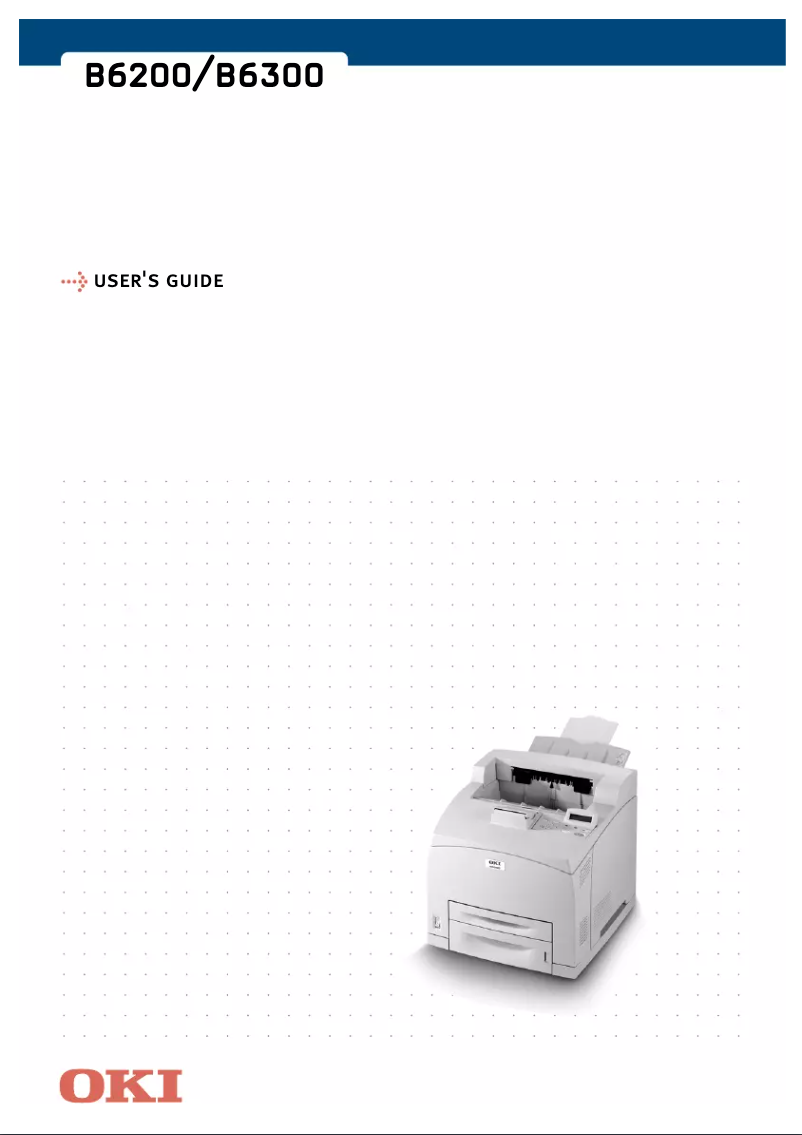
Editorial note
The OKI B6200N printer stands out for its impressive performance, offering a printing speed of 24 pages per minute and a high resolution of 1200 x 1200 DPI, ensuring documents of exceptional clarity. Its built-in duplex printing feature optimizes paper usage, which is an asset for demanding work environments. With a paper capacity of 400 sheets and ready-to-use network connectivity, it proves to be a wise choice for professional use. However, some drawbacks may limit its appeal. The printer is not compatible with Mac operating systems, which may exclude some users. Additionally, its weight of 18.8 kg makes it difficult to move, a point to consider for those who wish to relocate it frequently. The internal memory of 128 MB, while sufficient for basic tasks, may prove inadequate in very busy work environments. Finally, the standby noise level of 50.3 dB may be perceived as too high in quiet workspaces. Overall, the OKI B6200N offers good value for money, supported by its robustness and ability to handle high print volumes with a maximum duty cycle of 75,000 pages per month. The provided documentation is comprehensive, although it would be beneficial to improve the accessibility of information for Mac users. In summary, this printer is ideal for professionals seeking a fast and efficient printing solution, while considering its limitations.Score details
User experience
The user experience is generally positive, thanks to the built-in duplex printing feature that optimizes paper usage.
Performance
Performance is good with a printing speed of 24 pages per minute and a high resolution of 1200 x 1200 DPI, but the 128 MB internal memory may be insufficient in very busy environments.
Design
The design is compact and suitable for easy integration into various workspaces, but its weight of 18.8 kg can complicate moving it.
Value for money
The printer offers good value for money with a paper capacity of 400 sheets and ready-to-use network connectivity.
Usability
Although the printer is easy to use, its incompatibility with Mac systems and lack of color limit its use in certain cases.
Robustness
The product is robust and designed for heavy use, with a maximum service cycle of 75,000 pages per month.
Support
The 64-page user manual provides useful information, but additional support options could be beneficial.
Documentation
The documentation is comprehensive, although the accessibility of information for Mac users could be improved.
Advantages
Fast printing at 24 pages per minute
Print resolution of 1200 x 1200 DPI
Built-in duplex printing for savings
400-sheet paper capacity
Network connectivity for easy sharing
Compact design for all spaces
Disadvantages
Not compatible with Mac
Weight of 18.8 kg, difficult to move
Memory of 128 MB, insufficient for heavy loads
Noise level of 50.3 dB in standby
No color options for printing
Technical Specifications B6200N
General Information
-
ModelB6200N
-
Brand
-
Category
-
Type
-
SKU1370440
-
MPN1370440
Print speed
-
ColorNo
-
Maximum resolution1200 x 1200 DPI
-
Print speed (black, normal quality, A4/US Letter)24 ppm
-
Copy time for the first page (Black, normal)10.2 s
-
Printing technologyLaser
-
Double-sided printingYes
Representation / realization
-
Processor modelPowerPC
-
Processor frequency266 MHz
-
Internal memory128 MB
-
Maximum internal memory640 MB
-
Sound power level (standby)50.3 dB
-
Integrated into the processorYes
Input and output capacity
-
Total power capacity400 sheets
-
Total output capacity500 sheets
Paper management
-
ISO, Format Series A (A0...A9)A4
-
ISO, Formats Series-B (B0...B9)A5
-
Maximum print formatA6
-
Weight/Grammage of the support, bin 1B5
-
Type of paper tray support210 x 297 mm
-
Non-ISO print support sizes60 - 216 gsm
-
Maximum ISO A series paper sizeLabels, Transparencies
-
Executive (184 x 267mm), Legal (media size), Letter (media size)
-
A4
Network
-
Ready-to-use networkYes
Other features
-
Network features10/100 BaseTX Ethernet
-
Mac CompatibilityNo
-
Compatible operating systemsWindows 98, 98SE, ME, NT4.0, 2000, XP
-
EmulationsPCL5e, PCL6, Genuine Adobe Postscript 3, Epson FX
-
Power requirements230VAC +/-10%, 50/60Hz +/-2%
Weight and dimensions
-
Dimensions (LxWxH)422 x 455 x 324 mm
-
Weight18800 g
Features
-
Service cycle (Maximum)75000 pages per month
Environmental conditions
-
Operating relative humidity (H-H)15 - 80 %
-
Operating temperature5 - 35 °C
Frequently Asked Questions
What is the weight of the OKI B6200N printer?
What is the recommended method for removing jammed paper from the printer?
Why is my printer not recognizing the original cartridges?
Why is the quality of my prints poor?
What is the difference between a laser printer and an inkjet printer?
Why is my inkjet printer leaving black streaks?
What does the acronym DPI mean?
Is the manual for the OKI B6200N available in French?
Similar products


More product categories from brand OKI
More product types from brand OKI


Presentation of product B6200N specifications from brand OKI
General Information
The OKI B6200N is a printer from the OKI brand, known for its commitment to quality and innovation in the printing device sector. This model, referenced under the number B6200N | 9004083, is designed to deliver optimal performance, thereby enhancing the user experience. The EAN code 0051851155883 allows for precise product identification in distribution systems.
Print Speed
This printer does not support color printing, making it ideal for monochrome tasks. With a maximum resolution of 1200 x 1200 DPI, it ensures prints of exceptional clarity, meeting both professional and personal requirements. The print speed is 24 pages per minute for A4/US Letter format, making it an efficient choice for demanding work environments. The first page print time is 10.2 seconds, allowing for quick startup. Additionally, the laser printing technology ensures precise and high-quality results. The built-in duplex printing function optimizes paper usage, thus reducing printing costs.
Technical Performance
Equipped with a PowerPC processor running at 266 MHz, the OKI B6200N offers fast task execution. Its internal memory of 128 MB can be expanded up to 640 MB, allowing for efficient data and application management. Although the idle noise level is 50.3 dB, which may be perceived as high in quiet environments, this printer remains suitable for office use. The integrated processor optimizes the overall performance of the device.
Input and Output Capacity
The paper feed capacity of the OKI B6200N is 400 sheets, reducing the need for frequent reloading. Its output capacity is 500 sheets, ensuring efficiency during high-volume printing.
Paper Management
This printer is compatible with various paper formats, including series A (A4, A5, A6) and B (B5), thus ensuring flexibility of use. The maximum print size is 210 x 297 mm, ideal for large documents. It supports weights from 60 to 216 gsm, allowing it to print on different types of media such as labels and transparencies. Non-ISO formats such as Executive (184 x 267 mm), Legal, and Letter are also supported.
Network Connectivity
The OKI B6200N is designed to be network-ready, facilitating quick and efficient connectivity right from installation.
Additional Features
It features 10/100 BaseTX Ethernet network connectivity, ensuring a reliable connection for your digital needs. However, it is worth noting that it is not compatible with Mac operating systems, limiting its use for some users. It works perfectly with Windows XP, Vista, and 7 operating systems. The emulation mode includes PCL5e, PCL6, Genuine Adobe Postscript 3, and Epson FX, offering extensive compatibility. The required power supply is 230VAC +/-10%, 50/60Hz +/-2%.
Dimensions and Weight
The dimensions of the OKI B6200N are 422 x 455 x 324 mm, ensuring an optimal fit in various workspaces. With a weight of 18.8 kg, it may be less easy to move, which can be a disadvantage for some users.
Operational Features
The maximum service cycle is 75,000 pages per month, allowing for intensive use suited to the needs of demanding users.
Environmental Conditions
This printer operates efficiently in a relative humidity of 15 to 80 % and at temperatures ranging from 5 to 35 °C, allowing it to adapt to various work environments.


