

Manual of product B4300
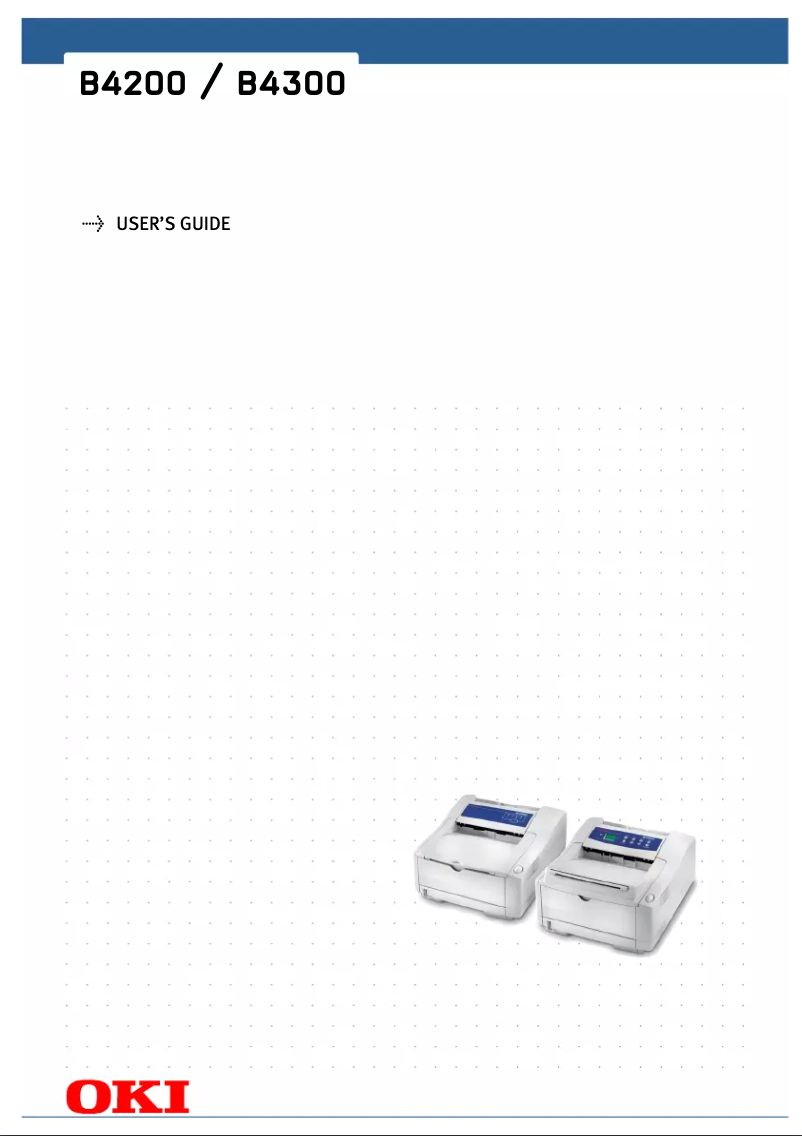
Editorial note
The OKI B4300 printer stands out for its printing speed, reaching 19 pages per minute, making it an ideal choice for demanding work environments. Its LED printing technology ensures a maximum resolution of 600 x 1200 DPI, thus providing high-quality prints. Additionally, its maximum paper capacity of 750 sheets allows for handling a large volume of documents without frequent interruptions. ENERGY STAR certified, it also ensures appreciable energy efficiency, which is an asset for users concerned about their environmental impact. However, the OKI B4300 has some limitations. The lack of color printing may restrict its use for documents requiring an attractive visual presentation. Furthermore, the printer does not have Ethernet or Wi-Fi connectivity, which can complicate its integration into modern networks. The absence of duplex printing functionality could also lead to increased paper consumption. Finally, its internal memory of 16 MB may pose issues when printing complex documents, and its weight of 10 kg can make it difficult to move. In summary, the OKI B4300 offers good value for money, with solid performance for professional use. However, users should be aware of its limitations, particularly regarding connectivity and printing features.Score details
User experience
The user experience is generally satisfactory; however, the lack of wireless connectivity and duplex printing can complicate its integration into modern environments.
Performance
The printer offers a printing speed of 19 pages per minute, making it an ideal choice for demanding work environments, although its limited internal memory of 16 MB may restrict its performance on complex documents.
Battery life
Although it is not a portable product, its energy efficiency is ENERGY STAR certified, which demonstrates its low energy consumption.
Design
The design is functional and suitable for offices, but its weight of 10 kg can make it less convenient to move.
Value for money
With its print quality features and a paper capacity of 750 sheets, the OKI B4300 represents good value for money, despite some limitations such as the lack of color printing.
Advantages
Fast printing: 19 pages per minute.
Print quality: 600 x 1200 DPI.
Capacity: 750 sheets for high volumes.
Compatible with multiple Windows systems.
ENERGY STAR certified for energy efficiency.
Disadvantages
Printing only in black and white
No Ethernet or Wi-Fi connectivity
Double-sided printing not available
Internal memory limited to 16 MB
Weight of 10 kg, not very portable
Technical Specifications B4300
General Information
-
ModelB4300
-
Brand
-
Category
-
Type
-
SKU860315
-
MPN860315
Network
-
Ready-to-use networkYes
-
WifiNo
-
WifiNo
Print speed
-
Double-sided printingNo
-
Double-sided printingNo
-
Printing technologyLED
-
Maximum resolution600 x 1200 DPI
-
Print speed (black, normal quality, A4/US Letter)19 ppm
-
Copy time for the first page (Black, normal)7 s
Features
-
Service cycle (Maximum)15000 pages per month
-
Number of print cartridges1
-
Languages of the page descriptionEpson FX, IBM ProPrinter, PCL 5e, PCL 6
-
Printing colorsBlack
-
Printer fontsTrueType
-
Number of printer fonts216
Representation / realization
-
Internal memory16 MB
-
Maximum internal memory80 MB
-
Processor frequency200 MHz
-
Processor model405PS
-
Processor familyPowerPC
Design
-
Screen-
Input and output capacity
-
Total power capacity250 sheets
-
Maximum input capacity750 sheets
-
Total number of power supply units1
-
Maximum number of feed bins2
-
Total output capacity150 sheets
Paper management
-
Maximum print format216 x 356 mm
-
Type of paper tray supportOrdinary paper
-
ISO, Format Series A (A0...A9)A4, A5, A6
-
ISO, Formats Series-B (B0...B9)B5
-
ISO Paper Size, Series C Formats (C0…C9)C5
-
Non-ISO print support sizesExecutive (184 x 267mm), Legal (media size), Letter (media size)
-
Envelope sizes7 3/4, 9,10, B5, C5, DL
-
Weight/Grammage of the support, bin 116 - 28 lb
-
Maximum ISO A series paper sizeA4
Connectivity
-
Standard interfacesParallel, USB 1.1
-
Optional connectivityEthernet, Serial (RS-232)
-
Quantity of USB 2.0 Ports1
Minimum system requirements
-
Support for the Windows operating systemYes
Power
-
Average power consumption in Print modeW
Weight and dimensions
-
Dimensions (LxWxH)355 x 396 x 200 mm
-
Weight10000 g
Sustainability
-
Sustainability certificatesENERGY STAR
Other features
-
Control panelYes
-
Control panelYes
-
Compatible operating systemsWindows XP
-
Control panelWindows 2000
-
Control panelWindows 98
-
Windows 95
-
Windows NT 4.0
-
Yes
-
Yes
Frequently Asked Questions
What is the weight of the OKI B4300 printer?
What is the recommended method for removing paper jammed in the printer?
Why is my printer not recognizing the original cartridges?
What are the possible reasons for poor print quality?
What is the difference between a laser printer and an inkjet printer?
Why is my inkjet printer printing black streaks?
What does the acronym DPI mean?
How many cartridges can be installed in the OKI B4300?
Is the manual for the OKI B4300 available in French?
Similar products


More product categories from brand OKI
More product types from brand OKI


Presentation of product B4300 specifications from brand OKI
General Information
The OKI B4300 model from the OKI brand stands out for its commitment to quality and innovation in the printer field. Designed to deliver optimal performance, this model ensures a smooth and efficient user experience.
Network
The OKI B4300 is ready to use with immediate network connectivity, facilitating internet access right from its setup. However, it does not have Ethernet/LAN ports or Wi-Fi connectivity, which may limit its integration into modern environments.
Print Speed
This monochrome printer does not offer color printing or duplex printing options, which may not suit all users. However, it uses LED printing technology, ensuring a maximum resolution of 600 x 1200 DPI for high-quality prints. With a print speed of 19 pages per minute and a first page out time of just 7 seconds, the OKI B4300 is ideal for demanding work environments.
Features
The monthly duty cycle of the OKI B4300 reaches 15,000 pages, making it suitable for heavy use. It operates with a single print cartridge and supports multiple page description languages, including Epson FX and PCL 6. With 216 TrueType printer fonts, it offers great diversity for your printing needs.
Representation / Performance
Equipped with an internal memory of 16 MB (expandable up to 80 MB), the OKI B4300 ensures smooth data management. Its processor, model 405PS and frequency 200 MHz, guarantees optimal performance for efficient use.
Design
The OKI B4300 does not have a built-in screen, which simplifies its design but may make interaction less intuitive.
Input and Output Capacity
This printer can handle up to 750 sheets in input and has an output capacity of 150 sheets, allowing for the processing of a large volume of documents without interruption.
Paper Management
The maximum print size is 216 x 356 mm, and it is compatible with standard paper sizes such as A4, A5, and B5. The OKI B4300 primarily uses plain paper, offering flexibility for various printing needs.
Connectivity
It is equipped with standard interfaces to ensure adequate connectivity, although it does not have built-in wireless connectivity. A USB 2.0 port is also present to facilitate connection to other devices.
Minimum System Requirements
The OKI B4300 is compatible with several Windows operating systems, including Windows XP, Vista, and 7, ensuring easy integration into various computing environments.
Power
The power consumption in print mode remains to be specified, but the model is designed to be energy efficient.
Weight and Dimensions
The dimensions of the OKI B4300 are 355 x 396 x 200 mm, with a weight of 10 kg, making it less portable but suitable for fixed use in an office.
Durability
Certified ENERGY STAR, the OKI B4300 meets high standards for energy efficiency, contributing to a more environmentally friendly setting.
Other Features
It has a power LED indicator and a sleep function to reduce energy consumption. The control panel includes a 5-line LCD screen, facilitating user interaction.


