

Manuals of product TASKalfa 351CI

Editorial note
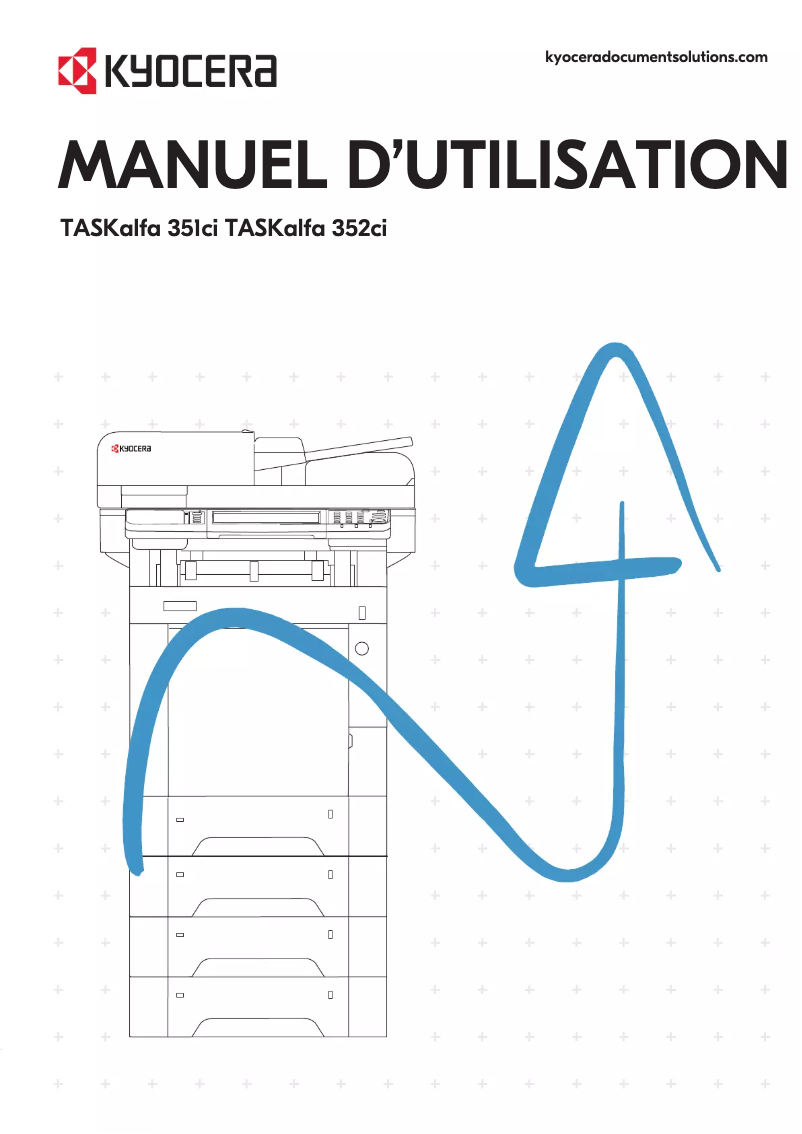
The Kyocera TASKalfa 351CI is a multifunction printer that stands out for its printing speed, reaching 35 pages per minute in both black and color, making it an ideal choice for demanding work environments. Its 7-inch touchscreen and user-friendly interface enhance the user experience, making it easy to access various features. Additionally, secure printing options and the ability to scan quickly up to 60 pages per minute add a layer of flexibility and security appreciated by users. However, some drawbacks must be considered. The duplex printing mode is manual, which may be less convenient for those who often need to print documents on both sides. Furthermore, the lack of automatic duplex copying can slow down the copying process. The weight of 36.5 kg can also complicate the installation and handling of the printer in tight workspaces. In terms of value for money, the eco-friendly and cost-effective design of the device, with high-capacity cartridges, helps reduce printing costs. However, the absence of certain features, such as automatic duplex copying, may limit the overall efficiency of the device. Overall, the Kyocera TASKalfa 351CI offers solid performance and many advanced features, but some limitations in practicality and flexibility may influence its adoption in very dynamic work environments.Score details
User experience
The user experience is enhanced by a 7-inch touchscreen and a user-friendly interface, making it easy to navigate through the printer's various features.
Performance
The printing speed of 35 pages per minute, both in black and color, is ideal for demanding work environments, although the 25-second warm-up time may slow down some users.
Features
Advanced features such as secure printing and fast scanning up to 60 pages per minute provide valuable flexibility and security for users.
Value for money
The eco-friendly and cost-effective design, with high-capacity cartridges, helps reduce printing costs, but the lack of features like automatic duplex copying could limit efficiency.
Usability
The manual duplex printing mode and the weight of 36.5 kg complicating installation may hinder ease of use, especially in tight workspaces.
Advantages
Print speed of 35 pages per minute
Advanced security for sensitive prints
Fast scanning up to 60 pages per minute
Double-sided printing for savings
Intuitive 7-inch touchscreen
Disadvantages
Manual double-sided printing is impractical
No automatic duplex copying
Only two paper trays
Slow 25-second preheating
Weight of 36.5 kg is difficult to handle
Technical Specifications TASKalfa 351CI
General Information
-
ModelTASKALFA 351CI
-
Brand
-
Category
-
Type
-
SKU1059850
-
MPN1059850
Print speed
-
Printing technologyLaser
-
PrintingColor printing
-
Print speed (color, normal quality, A4/US Letter)35 ppm
-
Black print resolution1200 x 1200 DPI
-
Print speed (color, normal quality, A4/US Letter)35 ppm
-
Color resolution600 x 600 DPI
-
Double-sided printingYes
-
Double-sided printingYes
-
Duplex printing modeAuto
-
Black print resolution1200 x 1200 DPI
-
Layout option2, 4
-
Double-sided printingYes
-
Double-sided printingYes
-
Double-sided printingYes
-
Double-sided printingYes
-
Double-sided printingYes
-
Double-sided printingYes
-
Double-sided printingYes
-
Copy time for the first page (Black, normal)6 s
-
Copy time for the first page (color, normal)7.5 s
-
Preheating time25 s
-
Double-sided printingYes
Copier
-
CopyColor copy
-
Max. resolution of copies600 x 600 DPI
-
Copy speed (normal quality, color, A4)35 cpm
-
Copy speed (normal quality, color, A4)35 cpm
-
All-in-one function (N=)2.4
-
Duplex copyYes
-
Resizing copy25 - 400 %
-
Maximum number of copies999 copies
-
Release time of the first print (black, normal)7.5 s
-
Release time of the first print (color, concept)8.5 s
-
Duplex copyYes
-
Duplex copyYes
Digitization
-
DigitizationColor scanning
-
Optical scanning resolution600 x 600 DPI
-
Type of scannerFlatbed and ADF scanner
-
Scan toE-mail, FTP, Image, SMB, TWAIN, WIA
-
Scanning speed (color)40 ppm
-
Scanner speed (black)60 ppm
-
Duplex scanning speed (color)46 ppm
-
Duplex scanning speed (black)62 ppm
-
Supported image formatsJPEG, TIFF
-
Support for text formatsPDF, XPS
-
Gray levels256
-
Scanning technologyCIS/CCD
-
Double-sided scanningYes
Fax
-
FaxSimple fax
-
Fax transmission speed3 sec/page
-
Modem speed33.6 Kbit/s
Features
-
Service cycle (Maximum)100,000 pages per month
-
Digital senderYes
-
Number of print cartridges4
-
Service cycle (recommended)2,500 - 4,000 pages per month
-
Languages of the page descriptionPCL 5c, PCL 6, PCL XL, PDF 1.7+
-
Printing colorsBlack, Cyan, Magenta, Yellow
-
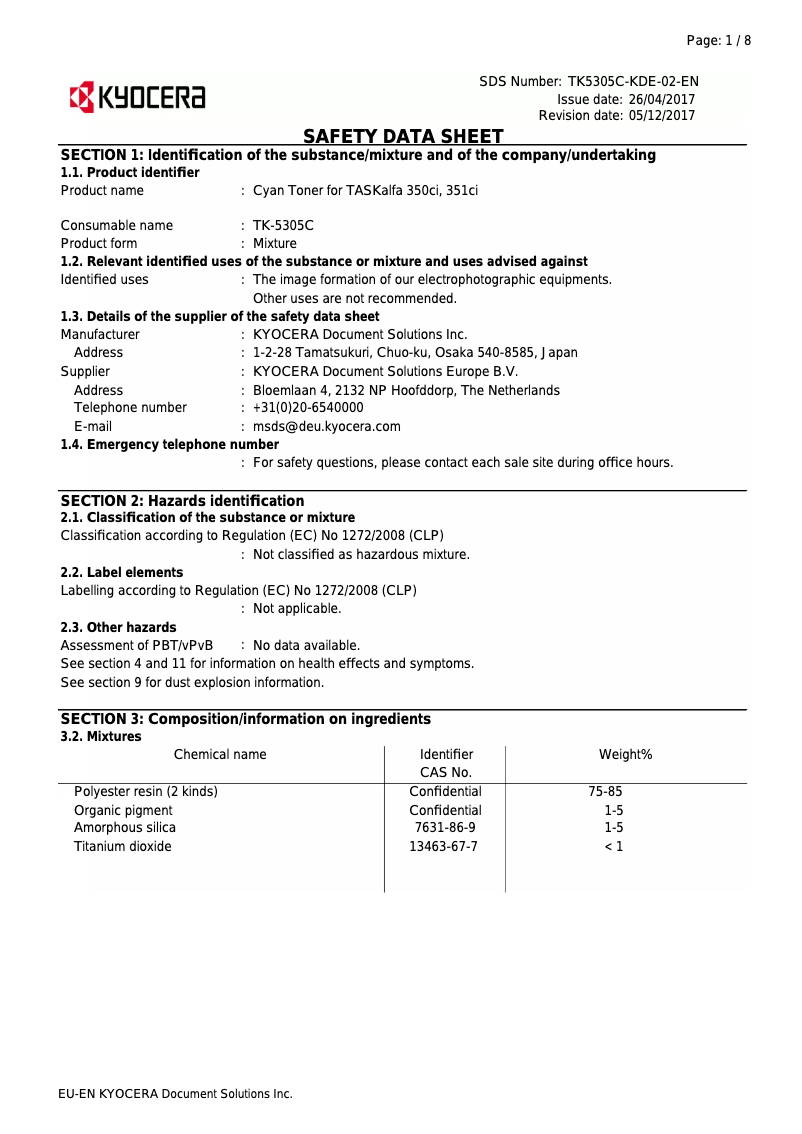
Replacement cartridgesTK-5305K, TK-5305C, TK-5305M, TK-5305Y
Design
-
Market positionProfessional
-
Product colorBlack, Blue
-
Color displayYes
-
ScreenTFT
-
Screen size7 "
-
Color displayYes
-
Color displayYes
-
Order typeTouchscreen
Input and output capacity
-
Total power capacity350 sheets
-
Paper feed typeCassette
-
Maximum input capacity1850 sheets
-
Automatic Document Feeder (ADF) production capacity100 sheets
-
Automatic Document Feeder (ADF) production capacity100 sheets
-
Total number of power supply units2
-
Maximum number of feed bins5
-
Maximum output capacity250 sheets
-
Maximum output capacity250 sheets
-
Automatic Document Feeder (ADF) production capacity100 sheets
-
Automatic Document Feeder (ADF)Yes
-
Automatic Document Feeder (ADF)Yes
-
Automatic Document Feeder (ADF)Yes
Paper management
-
Maximum ISO A series paper sizeA4
-
Type of paper tray supportBond paper, Cut sheet, Labels, Plain paper, Pre-Printed
-
Types of multi-purpose binsBond paper, Envelopes, Plain paper
-
ISO, Format Series A (A0...A9)A4, A5, A6
-
ISO, Formats Series-B (B0...B9)B5, B6
-
Weight of the media, automatic document feeder50 - 120 g/m²
-
Weight of the multifunctional tray support60 - 220 g/m²
-
Support weight supported in duplex mode60 - 163 g/m²
-
Weight of the media, automatic document feeder50 - 120 g/m²
-
Support weight supported in duplex mode60 - 163 g/m²
-
Thickness of supports (min)0.11 mm
Network
-
Email on SSLYes
-
Email on SSLYes
-
LAN Ethernet: data transfer rate10,100,1000 Mbit/s
-
Mobile printing technologiesApple AirPrint, Google Cloud Print, Kyocera Mobile Print, Mopria Print Service
-
Email on SSLYes
-
Email on SSLYes
-
Email on SSLYes
-
Number of hard drive crashes2
-
Email on SSLYes
-
Wiring technology10/100/1000Base-T(X)
Connectivity
-
Direct printingYes
-
Standard interfacesEthernet, USB
-
Optional connectivityEthernet, Near Field Communication (NFC), Wireless LAN
Representation / realization
-
Internal memory1000 MB
-
Built-in memory card readerNo
-
Maximum internal memory3000 MB
-
Memory locations1
-
Sound pressure level (copy)50.3 dB
-
Sound pressure level (copy)50.3 dB
-
Sound pressure level (silent mode)47 dB
-
Sound power level (standby)29.6 dB
-
Internal storage capacity128 GB
-
Processor familyARM Cortex-A9
-
Number of processor cores2
-
Processor frequency1200 MHz
-
Integrated into the processorYes
-
Coprocessor frequency1 GHz
-
Integrated into the processorYes
Power
-
Electricity consumption (average operation)- W
-
Energy Star, typical electrical consumption (TEC)1.63 kWh/week
-
Consumption (max)1346 W
-
Average power consumption in Print mode532 W
-
Average power consumption in Copy mode547 W
-
Energy consumption (in standby mode)0.6 W
-
Energy consumption (loan)84 W
-
AC input voltage220 - 240 V
-
AC input frequency50 - 60 Hz
Minimum system requirements
-
Support for the Linux operating systemYes
-
Support for the Mac operating systemMac OS X 10.10 Yosemite, Mac OS X 10.8 Mountain Lion, Mac OS X 10.9 Mavericks
-
Support for the Linux operating systemYes
Sustainability
-
Sustainability certificatesBlue Angel
-
RoHS
-
EPEAT Silver
-
ENERGY STAR
Certificate
-
CertificationTÜV/GS
-
CE
Weight and dimensions
-
Width480 mm
-
Depth577 mm
-
Height619.5 mm
-
Weight36.5 g
Packaging contents
-
Quick Installation GuideYes
-
Quick Installation GuideYes
-
Quick Installation GuideYes
-
Quick Installation GuideYes
-
Included cartridge capacity (black)6000 pages
-
Included cartridge capacity (CMY)3000 pages
Other features
-
Documentation CDYes
-
Documentation CDYes
-
Documentation CDYes
Frequently Asked Questions
What is the weight of the Kyocera TASKalfa 351CI model?
What is the recommended method for removing paper jammed in the printer?
Why is my printer rejecting original cartridges?
What could be the causes of poor print quality?
What is the difference between a laser printer and an inkjet printer?
Why is my inkjet printer producing black streaks?
What does the acronym DPI mean?
What certifications does the Kyocera TASKalfa 351CI have?
How many cartridges can be inserted into the Kyocera TASKalfa 351CI?
What is the size of the screen on the Kyocera TASKalfa 351CI?
What is the height of the Kyocera TASKalfa 351CI?
What is the width of the Kyocera TASKalfa 351CI?
What is the depth of the Kyocera TASKalfa 351CI?
What is the storage capacity of the Kyocera TASKalfa 351CI?
Is the manual for the Kyocera TASKalfa 351CI available in French?
Similar products


More product categories from brand Kyocera
Phones Kyocera
Other Kyocera
More product types from brand Kyocera


Presentation of product TASKalfa 351CI specifications from brand Kyocera
General Information
The Kyocera TASKalfa 351CI is a printer from the Kyocera brand, known for its innovation and reliability in the office equipment sector. This model, identified by the reference TASKalfa 351CI | 1102VW3NL0, is designed to deliver high performance and an intuitive user experience. The EAN code, 0632983050545 and 0632983053973, allows for unique identification within the distribution network.
Print Speed
Equipped with laser printing technology, the TASKalfa 351CI ensures exceptional print quality and precise results. It can print in color, providing documents and images with vibrant and accurate colors. Its print speed reaches 35 pages per minute (ppm) in both black and color, with a maximum resolution of 1200 x 1200 DPI, ensuring remarkable clarity for all your documents. The printer also offers advanced security features, such as secure printing and management of sensitive PDF prints.
Copier
The copier integrated into the TASKalfa 351CI allows for color copies with a maximum resolution of 600 x 600 DPI. Its copy speed is 35 copies per minute (cpm) in both black and color, facilitating the management of administrative tasks. Although it offers a copy N in 1 function and resizing from 25 to 400 %, it does not support automatic duplex copying, which may require additional handling.
Scanning
The scanning function of the TASKalfa 351CI allows for color scans with a resolution of 600 x 600 DPI. It can scan at a speed of 40 ppm in color and 60 ppm in black, making this process quick and efficient. However, it does not offer duplex scanning, slightly limiting its versatility.
Fax
This printer also includes a simple fax function, with a transmission speed of 3 seconds per page, ensuring fast and efficient communication.
Features
The TASKalfa 351CI is designed for a service cycle of 100,000 pages per month, making it suitable for heavy use. It uses four cartridges for high-quality printing. The replacement cartridges are TK-5305K, TK-5305C, TK-5305M, and TK-5305Y.
Design
With a professional design, the TASKalfa 351CI features understated colors like black and blue, offering a modern look. It is equipped with a 7-inch touchscreen that facilitates navigation between the various functions of the printer.
Input and Output Capacity
The total feed capacity is 350 sheets, with an automatic document feeder (ADF) that can hold 100 sheets. The maximum input capacity is 1850 sheets, providing flexibility in managing different types of documents.
Paper Management
Compatible with the maximum ISO A series paper size of A4, the TASKalfa 351CI handles various types of media such as cut sheets, labels, and recycled paper. It also supports paper weights ranging from 50 to 220 g/m², ensuring optimal quality for all your prints.
Network and Connectivity
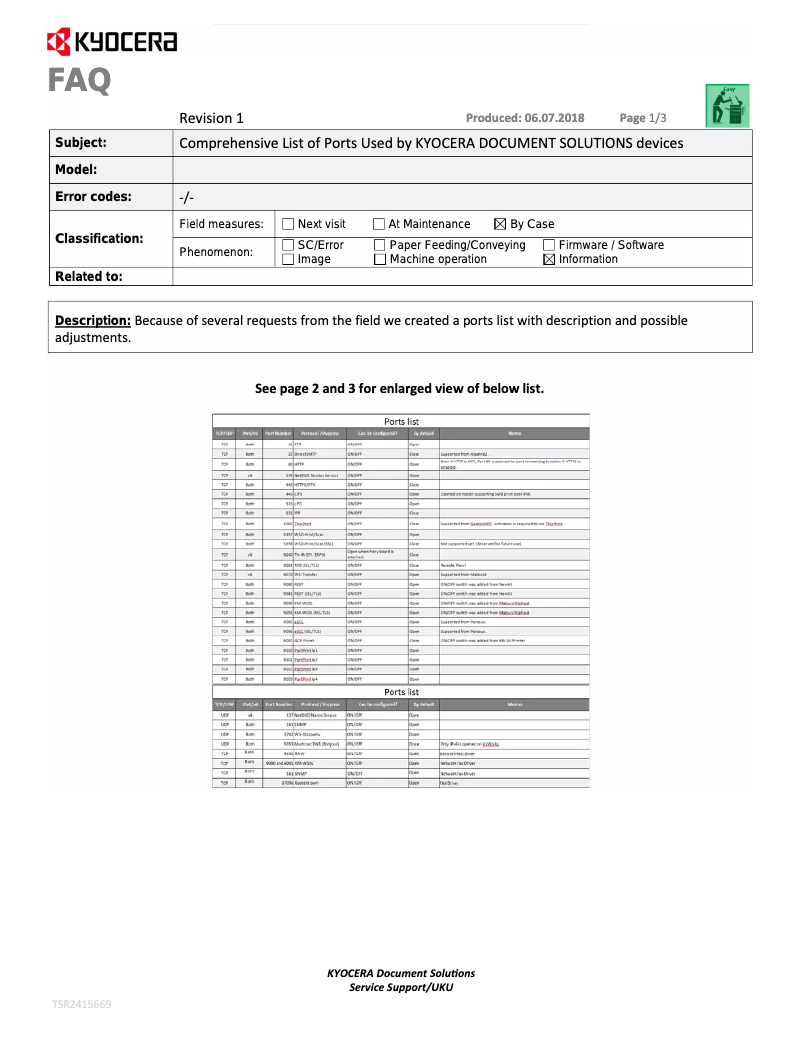
The TASKalfa 351CI is equipped with Wi-Fi and Ethernet connectivity, with a data transfer rate of 10/100/1000 Mbit/s. It supports various mobile printing technologies and offers features such as direct printing and contactless payment.
Minimum System Requirements
This printer is compatible with Windows, Mac (including Mac OS X 10.10 and later), and Linux operating systems, ensuring easy integration into various work environments.
Durability and Certifications
The TASKalfa 351CI is certified by several organizations for its durability, including Blue Angel, RoHS, EPEAT Silver, and ENERGY STAR, ensuring a high level of compliance with environmental standards.
Weight and Dimensions
With dimensions of 480 mm in width, 577 mm in depth, and 619.5 mm in height, its weight of 36.5 kg may require special attention during installation.
Package Contents
In the package, you will find included cartridges, an imaging unit, a power cord, and a quick installation guide, allowing you to start using your printer without delay.
Other Features
The TASKalfa 351CI also includes a safety sheet and installation software on CD, facilitating its use right out of the box.


