Manual of product W550
Editorial note
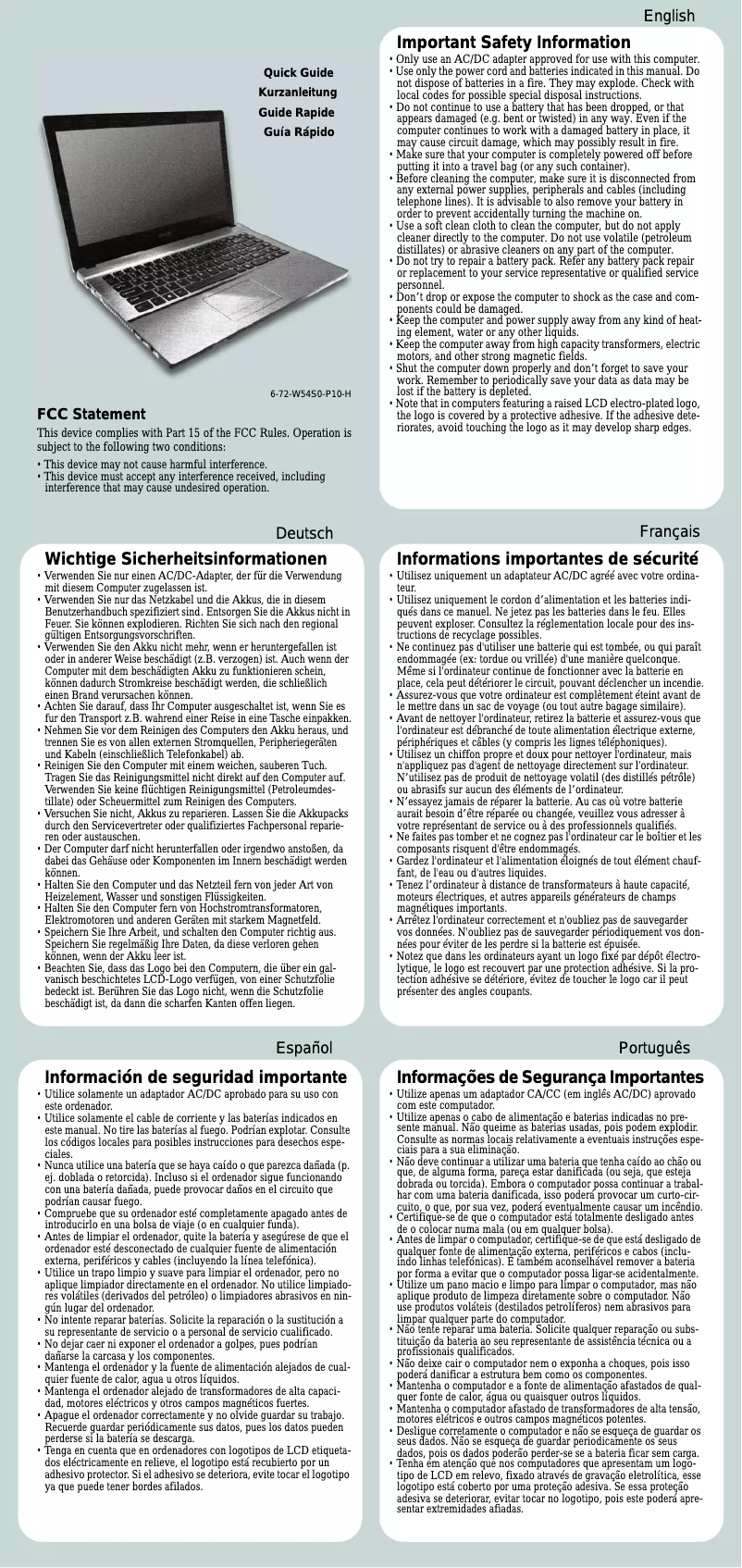
The Inovia W550 is a laptop that stands out for its optimal performance, ideal for daily use for both work and entertainment. With its user-friendly interface and advanced features, the user experience is enhanced, offering smooth and intuitive navigation. Moreover, the build quality of the Inovia brand ensures durability and reliability that reassure users. However, this model has some drawbacks. The battery life is limited, which may require frequent recharges, especially during intensive use. The relatively high weight of the laptop also makes it less convenient for users on the go. Additionally, the standard resolution screen may not satisfy creative professionals or those seeking superior display quality. Upgrade options are also limited, which could restrict long-term performance improvement possibilities. User support is a strong point, with a detailed user manual that facilitates the handling and optimal use of the Inovia W550. In summary, it is a reliable and high-performing laptop, well-suited for general use, but it may not be suitable for all users due to its limitations in battery life and portability.Score details
User experience
The user experience is enhanced by a user-friendly interface and advanced features, providing smooth and intuitive navigation.
Performance
Performance is optimal for daily use, whether for work or entertainment, although battery life can be a drawback during intensive use.
Battery life
Battery life is limited, requiring frequent recharges, which can be a disadvantage for users on the go.
Design
The design is sturdy, but the relatively high weight can make transport less convenient for mobile users.
Features
Although the product incorporates technological innovations, upgrade options are limited, restricting long-term performance improvement possibilities.
Support
User support is of high quality, with a detailed user manual facilitating the setup and optimal use of the laptop.
Robustness
Build quality is recognized, ensuring durability and reliability, which is an asset for users.
Advantages
High performance for work and leisure
Smooth and intuitive navigation
Exceptional durability and reliability
Detailed user manual included
Modern and innovative features
Disadvantages
Limited battery life.
Heavy weight, difficult to transport.
Standard resolution screen.
Restricted upgrade options.
Noisy ventilation in silence.
Technical Specifications W550
General Information
-
ModelW550
-
Brand
-
Category
-
Type
-
SKU1020208
-
MPN1020208
Frequently Asked Questions
What influences the download speed on the Internet?
What are the measurements of my laptop screen?
What does HDMI mean?
What is the best method to clean my laptop?
How should I proceed to clean my keyboard?
What is Bluetooth?
Is the Inovia W550 manual available in French?
Similar products


More product categories from brand Inovia
More product types from brand Inovia


Presentation of product W550 specifications from brand Inovia
General Information
The Inovia W550 is a laptop designed by the Inovia brand, known for its commitment to quality and innovation in the electronics sector. This model stands out for its high performance, providing a smooth and enjoyable user experience, whether for professional tasks or leisure activities.
Advantages
Among the strengths of the Inovia W550, we note:
- Optimal performance: This model is specifically designed to ensure high efficiency during daily use.
- Enhanced user experience: With its intuitive interface and advanced features, navigating the Inovia W550 is both simple and fast.
- Build quality: Inovia is committed to offering durable and reliable products, thus ensuring the longevity of the laptop.
- User support: A detailed user manual is provided, making it easier to get started and optimize the use of the computer.
- Technological innovation: This model incorporates modern technologies, allowing users to benefit from cutting-edge features.
Disadvantages
Despite its strengths, the Inovia W550 has some limitations:
- Limited battery life: The computer requires frequent recharges, especially during intensive use.
- Relatively high weight: This can make transport less convenient for users on the go.
- Standard resolution screen: May not meet the expectations of creative professionals or those seeking superior display quality.
- Limited upgrade options: This restricts the possibilities for long-term performance improvements.
- Occasionally noisy ventilation: This can be distracting in quiet environments.


