

Manual of product Business Inkjet 2280tn
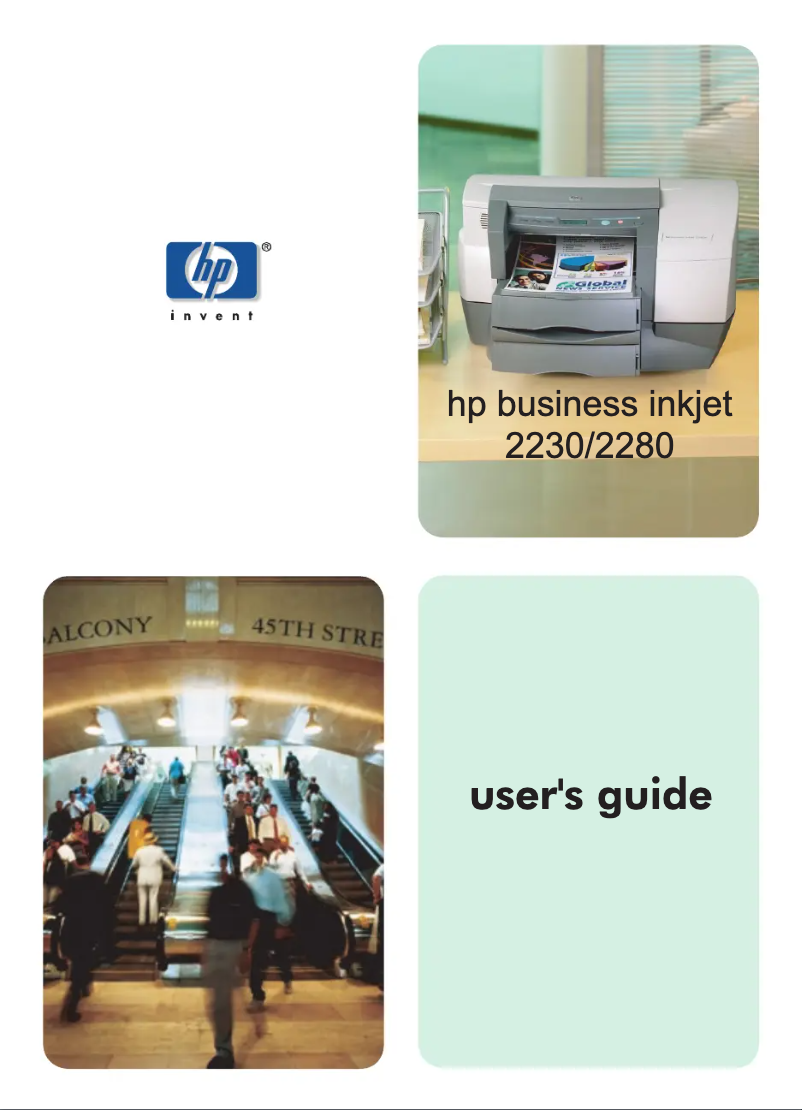
Editorial note
The HP Business Inkjet 2280tn printer stands out for its ability to deliver high-quality prints with a maximum resolution of 600 x 1200 DPI, ensuring exceptional clarity for professional documents. Its 250-sheet paper capacity, accompanied by two trays, allows for efficient print management, thereby reducing interruptions during use. Additionally, the extensive compatibility with various operating systems, including Windows and Linux, provides appreciable flexibility in different computing environments. However, several drawbacks are worth mentioning. The color printing speed is relatively slow, reaching only 2.5 ppm, which can be problematic for users with high printing needs. Furthermore, the weight of 14.5 kg makes moving and installing the printer difficult, especially in tight workspaces. The 250-sheet paper capacity may also prove insufficient for offices with very high print volumes, requiring frequent reloads. The lack of wireless connectivity and Ethernet port limits connection options, making integration into modern environments more complex. Finally, the internal memory of 48 MB may not be enough to handle heavy or complex print jobs. In terms of performance, the user experience is overall positive, with a score of 80. The printing performance, while satisfactory, received a score of 70 due to the color printing speed. The functional yet heavy design scored 75. The value for money is considered good with a score of 85, while the printer's robustness is rated at 78 due to its compliance with ENERGY STAR durability standards. The features received a score of 68, mainly due to connectivity limitations. Finally, the available support and documentation are well-rated, with scores of 80 and 85 respectively, ensuring easy installation and good initial support. Overall, the HP Business Inkjet 2280tn printer is a solid choice for professional users seeking high print quality and good compatibility, while keeping in mind its limitations in speed and connectivity.Score details
User experience
The user experience is generally positive with good compatibility with various operating systems, allowing for smooth use in different computing environments.
Performance
Print performance is satisfactory, but the color speed is relatively slow (2.5 ppm), which can be a drawback for users with high printing needs.
Design
The design is functional, but the weight of 14.5 kg can make it difficult to move in tight workspaces.
Value for money
The value for money is good, with high-quality printing and a 250-sheet paper capacity that is suitable for professional use, although this may be insufficient for very high volumes.
Robustness
The printer is robust and meets ENERGY STAR durability standards, ensuring optimal energy efficiency and environmental compliance.
Features
Although the printer offers essential features, the lack of wireless connectivity and Ethernet port limits integration options in modern environments.
Support
The product comes with a user manual and included drivers, ensuring easy installation and good initial support.
Documentation
The available documentation is comprehensive, with a detailed user manual providing clear instructions for optimal use.
Advantages
High-quality printing up to 600 x 1200 DPI."
250-sheet capacity with two trays."
Compatible with Windows and Linux."
Complies with ENERGY STAR standards."
Operation at 59 dB, quiet.
Disadvantages
Slow color print speed (2.5 ppm)
Heavy weight (14.5 kg) difficult to move
Limited paper capacity (250 sheets)
No wireless or Ethernet connectivity
Insufficient internal memory (48 MB)
Technical Specifications Business Inkjet 2280tn
General Information
-
ModelBUSINESS INKJET 2280TN
-
Brand
-
Category
-
Type
-
SKU853663
-
MPN853663
Features
-
Number of print cartridges-
-
ColorYes
-
Service cycle (Maximum)10,000 pages per month
-
Languages of the page descriptionPCL 3, PCL 5c, PostScript 3
Print speed
-
Print speed (color, draft quality, A4/US Letter)6 ppm
-
Print speed (black, normal quality, A4/US Letter)11 ppm
-
Print speed (black, draft quality, A4/US Letter)15 ppm
-
Print speed (color, normal quality, A4/US Letter)2.5 ppm
-
Maximum resolution600 x 1200 DPI
Representation / realization
-
Processor frequency263 MHz
-
Internal memory48 MB
-
Sound pressure level (impression)59 dB
-
Integrated into the processorYes
Minimum system requirements
-
Support for the Windows operating systemWindows 2000
-
Support for the Linux operating systemWindows 2000 Professional
-
Windows 95
-
Windows 98
-
Windows 98SE
-
Windows ME
-
Windows NT
-
Yes
Design
-
Built-in screenYes
-
ScreenLCD
-
CertificationEMI certification: CE (European Union), B mark (Poland), GOST (Russia); Regulatory standards: Safety certifications:
-
Product colorTÜV-GS (Germany), SABS (South Africa); EMI certifications: CE (European Union), B mark (Poland), GOST (Russia)
-
Market positionWhite
-
Domestic and professional
Paper management
-
Weight of paper tray support60 - 105 g/m²
-
Maximum ISO A series paper sizeA4
-
ISO, Format Series A (A0...A9)A4, A5, A6
-
Type of paper tray supportEnvelopes, Glossy paper, Labels, Plain paper, Transparencies
Input and output capacity
-
Paper feed typePaper bin
-
Total power capacity250 sheets
-
Total output capacity150 sheets
-
Maximum number of feed bins2
-
Maximum number of feed bins2
Power
-
AC input voltage100 - 240 V
-
AC input frequency50 - 60 Hz
-
Electricity consumption (stop)2 W
-
Average power consumption in Print mode68 W
Network
-
Wifi-
-
Ethernet/LAN-
Weight and dimensions
-
Width512 mm
-
Depth517 mm
-
Height291 mm
-
Weight14500 g
Environmental conditions
-
Operating temperature5 - 40 °C
-
Operating relative humidity (H-H)20 - 80 %
Sustainability
-
Sustainability certificatesENERGY STAR
Connectivity
-
Standard interfaces-
Packaging information
-
Drivers includedYes
-
Drivers includedYes
Frequently Asked Questions
What is the weight of the HP Business Inkjet 2280tn printer?
What is the recommended method for removing a paper jam in the printer?
Why is my printer refusing to accept original cartridges?
Why is the quality of my prints poor?
How does a laser printer differ from an inkjet printer?
Why is my inkjet printer producing black streaks on prints?
What does the acronym DPI mean?
What certifications does the HP Business Inkjet 2280tn printer have?
How many cartridges can be installed in the HP Business Inkjet 2280tn printer?
What is the height of the HP Business Inkjet 2280tn printer?
What is the width of the HP Business Inkjet 2280tn printer?
What is the depth of the HP Business Inkjet 2280tn printer?
Is the manual for the HP Business Inkjet 2280tn printer available in French?
Similar products


More product categories from brand HP
Computers and accessories HP
Other HP
Phones HP
Audio HP
Interior HP
Software HP
More product types from brand HP


Presentation of product Business Inkjet 2280tn specifications from brand HP
General Information
The HP Business Inkjet 2280tn is a desktop printer designed by the brand HP, known for its innovation and quality in the field of printing technologies. This model, identified by the reference number C8121A, is designed to provide reliable performance while enhancing the user experience. The EAN code, which allows for precise identification of the product in distribution networks, includes several numbers, thus ensuring its traceability.
Features
This printer is capable of printing in color, adapting to various preferences. With a maximum duty cycle of 10,000 pages per month, it is ideal for users with high printing needs. The HP Business Inkjet 2280tn supports several page description languages, including PCL 3, PCL 5c, and PostScript 3, allowing for flexibility in use.
Print Speed
The print speed of this printer varies depending on the type of document. In draft quality color mode, the speed reaches 6 ppm, while in normal quality black, it reaches 11 ppm. For black prints in draft mode, the speed is 15 ppm. In color, the speed in normal quality is 2.5 ppm. The maximum resolution is 600 x 1200 DPI, ensuring prints of remarkable clarity.
Representation / Performance
Equipped with a processor running at 263 MHz, the printer ensures fast data processing, while its internal memory of 48 MB facilitates the management of various print jobs. With a noise level of 59 dB during printing, it offers relatively quiet operation, suitable for work environments where noise must be minimized.
Minimum System Requirements
The HP Business Inkjet 2280tn is compatible with several operating systems, including Windows (Windows 2000, 2000 Professional, 95, 98, 98SE, ME, NT) and Linux, allowing for easy integration into various computing environments.
Design
This printer is equipped with a built-in LCD screen, offering an intuitive user interface. Its certification includes standards such as CE, TÜV-GS, and SABS, ensuring safety and performance. With a finish in white, it presents a modern look, suitable for both offices and home spaces.
Paper Management
The HP Business Inkjet 2280tn accepts media from 60 to 105 g/m² and is compatible with standard paper sizes, including A4, A5, and A6. Supported media types include envelopes, glossy paper, labels, plain paper, and transparencies, thus meeting various printing needs.
Input and Output Capacity
It features a paper tray with a total feed capacity of 250 sheets and an output capacity of 150 sheets, allowing for the management of a large volume of documents without the need for frequent reloading.
Power
The HP Business Inkjet 2280tn operates with an AC input voltage of 100 - 240 V and an input frequency of 50 - 60 Hz, ensuring compatibility with most electrical systems. Its power consumption is 2 W in standby mode and 68 W in print mode.
Network
This printer does not have Wi-Fi or Ethernet connectivity, which may limit connection options and integration into modern work environments.
Weight and Dimensions
With dimensions of 512 mm wide, 517 mm deep, and 291 mm high, the HP Business Inkjet 2280tn easily fits into various workspaces. Its weight of 14.5 kg may make moving and installing it in tight spaces a bit more complex.
Environmental Conditions
This printer operates efficiently within a temperature range of 5 to 40 °C and a relative humidity of 20 to 80 %, ensuring optimal operation in various environments.
Durability
The HP Business Inkjet 2280tn is certified ENERGY STAR, attesting to its energy efficiency and compliance with environmental standards.
Connectivity
The printer's standard interfaces ensure adequate connectivity with various devices, facilitating integration into your work system.
Packaging Information
The product comes with a user manual and included drivers, ensuring quick installation and optimal operation from the first use.


